Divi 4 → Divi 5 Migration Service
Move your Divi 4 website to Divi 5 without risking your live business website.
We migrate, test and repair your website on private staging. Your live site stays untouched until you have reviewed and approved the Divi 5 version.
Staging guarantee — if we can't deliver your migrated website on staging, you don't pay.
Why migrations go wrong
The migration button is only the beginning.
Your website may be responsible for generating leads, taking bookings, selling products or supporting your customers. That means moving from Divi 4 to Divi 5 should never be treated like an ordinary plugin update.
Divi 5 can convert your pages automatically. What it cannot do is confirm everything still works. A migration can appear successful while a contact form quietly stops sending, a mobile layout overlaps, or a third-party module keeps leaning on legacy compatibility instead of running natively.
Third-party modules.
Not every Divi 4 module has a Divi 5-ready version yet.
Custom CSS & scripts.
Selectors and markup change — styling written for Divi 4 may no longer apply.
WooCommerce pages.
Product, cart and checkout templates carry real revenue risk.
Theme Builder templates.
Headers, footers and dynamic templates need their own testing pass.
Legacy Divi elements.
Some elements survive only through backward compatibility layers.
Mobile layouts.
Responsive settings translate differently in Divi 5's new engine.
CAse study
Real Divi websites. Real migration results.
Every project follows the same structure: what we were given, what we found on staging, and what launched.
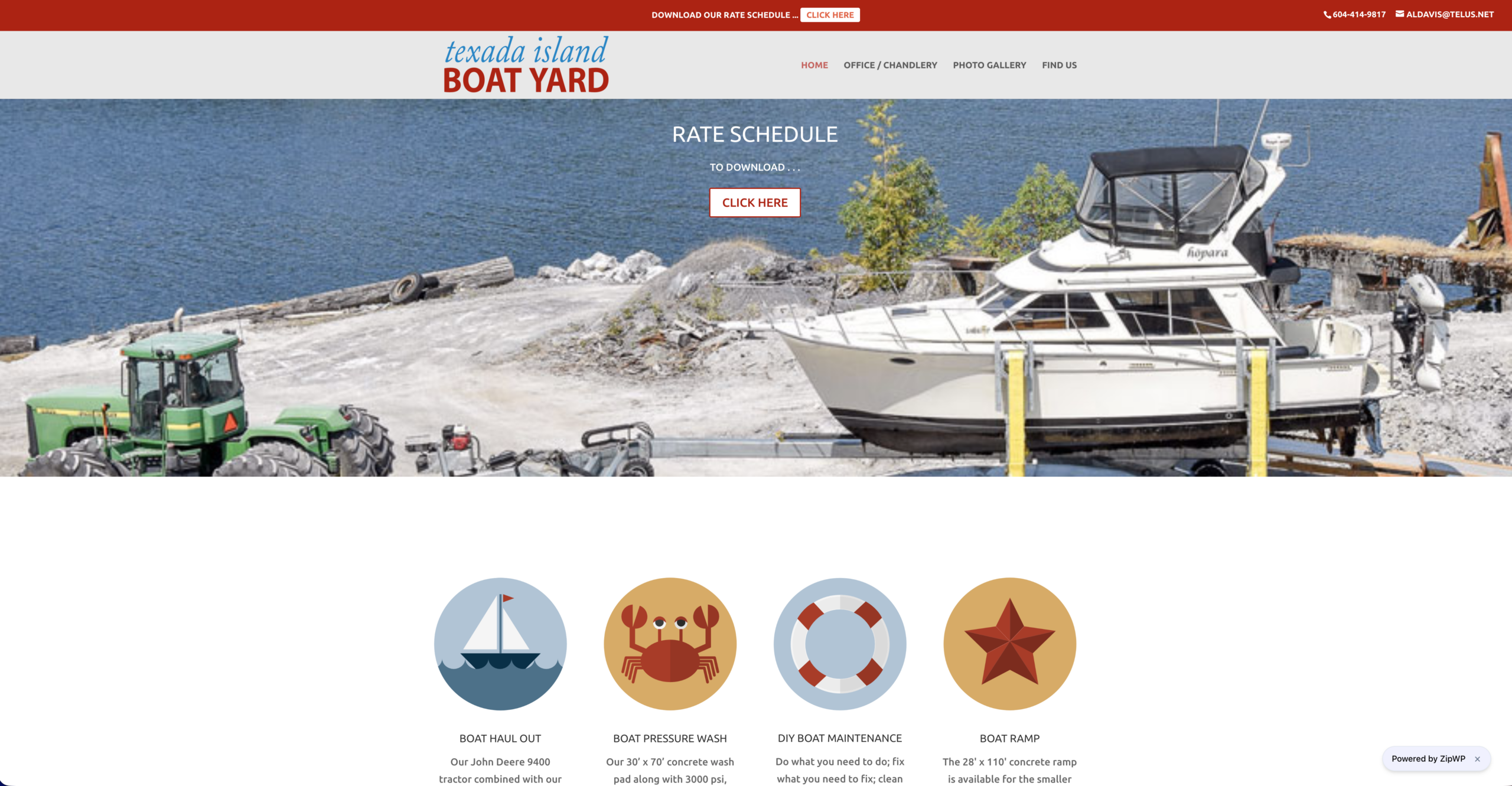
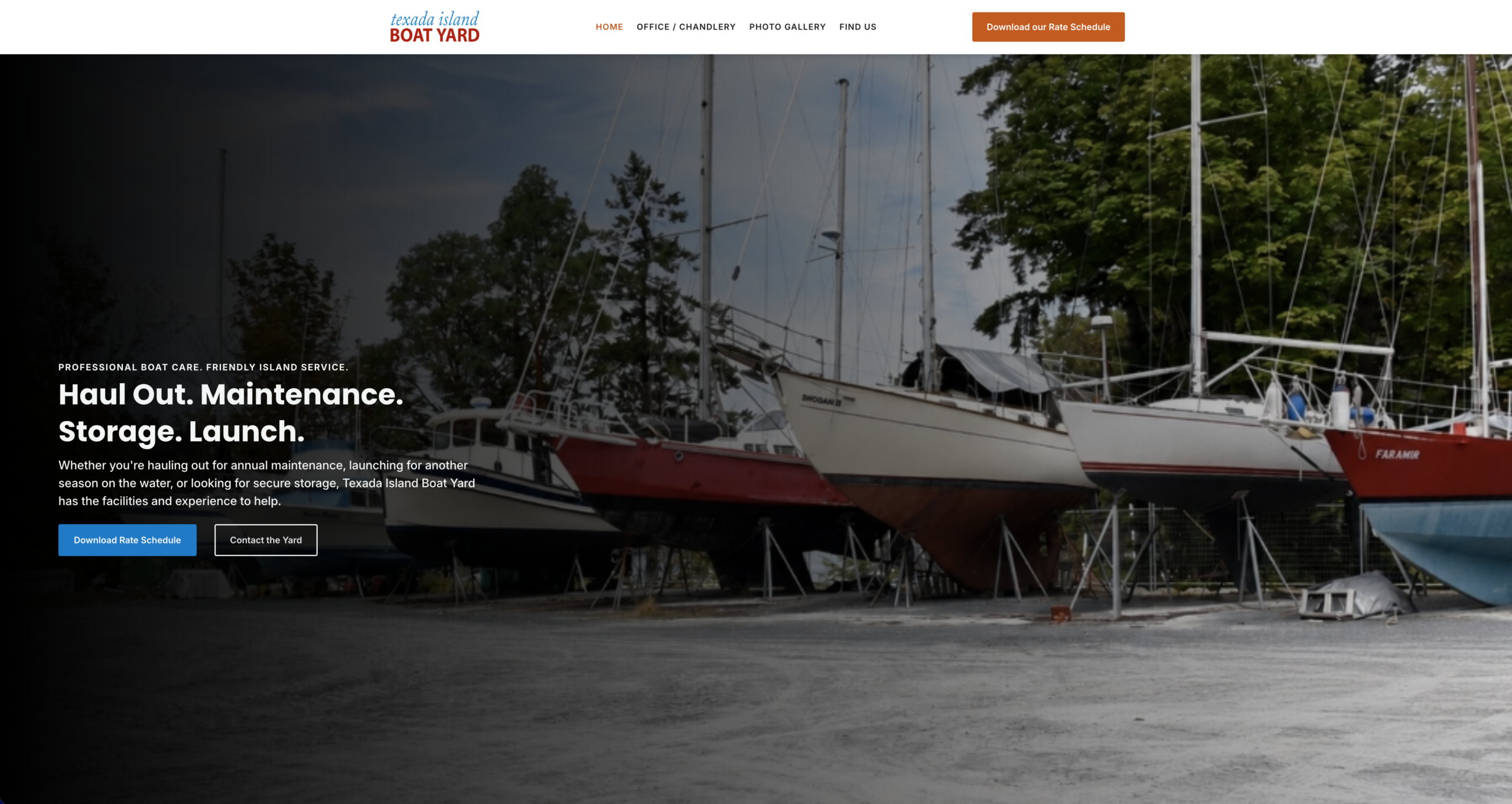
TESTIMONIAL
I wanted to migrate from Divi 4 to Divi 5, but I was worried I might break my website or cause it to go offline. Because this is our business, keeping the website accessible to customers is extremely important. After Mak finished working on it, I reviewed the site, and my first reaction was, “WOW.”
I absolutely love the home page. It looks more professional with the text placed over the main image, and I really like the use of real photos instead of service icons.
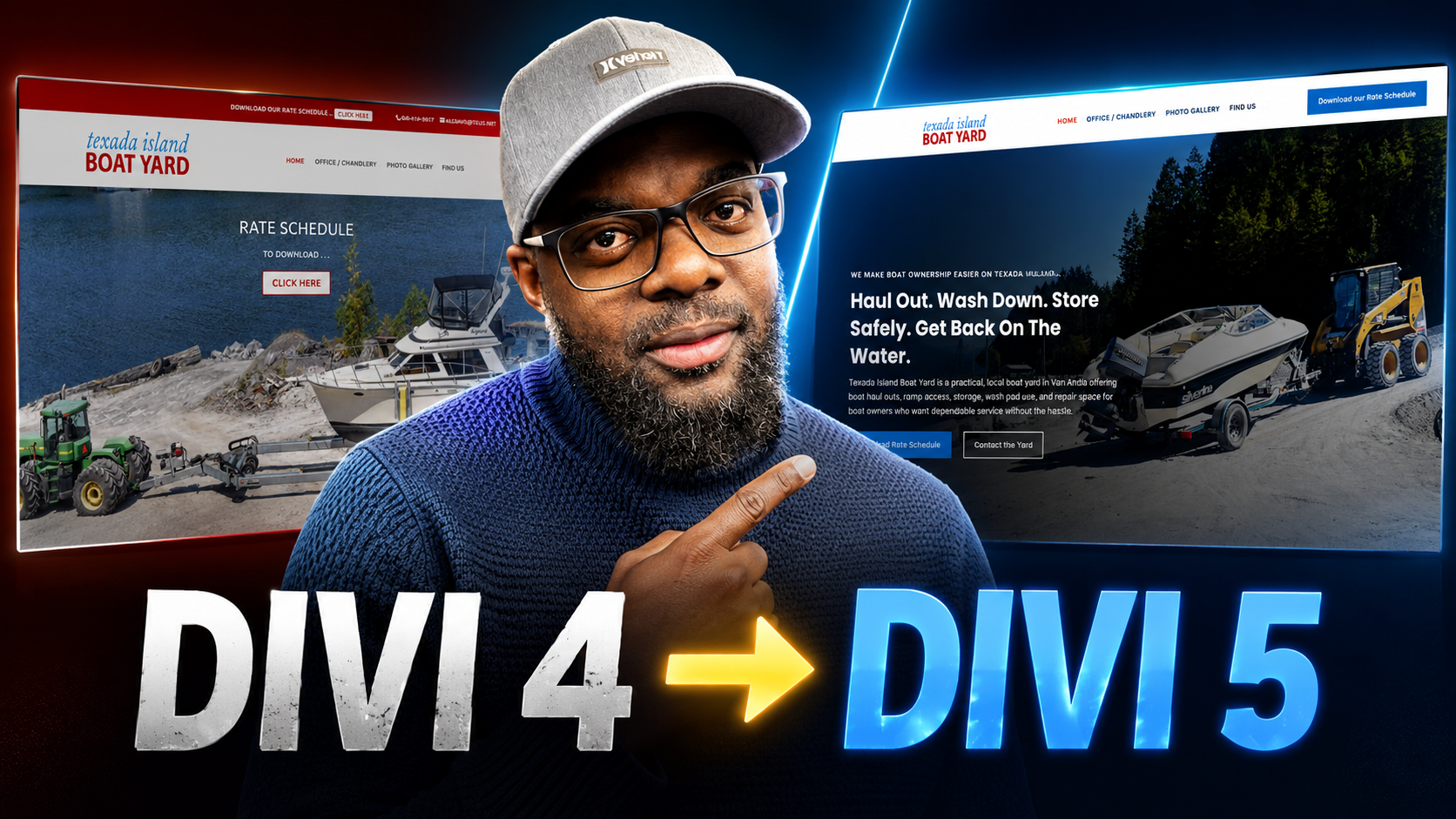
After reviewing the site, I watched the video and could see exactly how Mak made everything happen step by step: backing up the website, migrating to Divi 5, adding Krafter Pro, importing the design system, and using it to update the site.
Mak did an amazing job describing our services and capturing the overall feel of our boat yard. I had never considered using AI to help describe our business and services, but that is how Mak was able to create such relevant content without speaking with me first. It felt like magic.
Thank you, Mak, for doing this.
Wendy Davis
How It Works
A safe, controlled migration process.
Nothing touches your live website until the migrated version has been tested and approved by us, and by you.
01
Website Review
We review your website, hosting environment, Divi setup, plugins, customisations and the functionality your business depends on.
02
Migration Plan
We identify likely migration risks and confirm the recommended scope before any work begins.
03
Full Backup
A complete backup of your website is created and verified. Whatever happens, nothing is lost.
04
Staging Migration
Your website is cloned to a secure staging environment and migrated to Divi 5 — never on your live website.
05
Testing & Repairs
We test pages, Theme Builder templates, forms, responsive layouts and important integrations — and repair what the migration affected.
06
Customer Review
You walk through the migrated website yourself and approve it before it replaces the live version.
07
Controlled Launch
The approved website is deployed during your lowest-traffic hours, then checked again after launch. Support continues through your package's support window.
The Modernisation engine
Divi 5 gives you a faster engine. KrafterPRO gives it structure.
Instead of managing colours, spacing, typography and layouts differently on every page, KrafterPRO puts your entire website on one structured design system.
Truly fluid responsive design
Layouts, spacing and typography adapt continuously across every screen — no snapping between breakpoints.
Typography that scales itself
Fluid type flows between a set minimum and maximum, so headings look right on a phone and on a 4K monitor.
Cleaner layout structure
Legacy layouts rebuilt on modern Flexbox and CSS Grid — structure that holds when content changes.
Global design consistency
Colours, typography, spacing and presets managed centrally, eliminating page-by-page inconsistencies.
Easier future updates
Change a token once and the whole website updates — no editing every page individually.
// Modernisation is optional. We recommend it only when your website would genuinely benefit from a structured design system.
Why migrations go wrong
Your live website should never be the testing ground.
A serious migration quote is never based on page count alone. Two 15-page websites can be a world apart once you look at what's underneath.
Third-party Divi modules
Custom CSS and scripts
Theme Builder templates
WooCommerce
Membership functionality
Theme Builder templates
Forms and integrations
Existing migration problems
Number of layouts requiring repair
Number of layouts requiring repair
Migration packages
Choose the right migration path
Some websites need a safe technical migration. Others need repairs, or a fully organised Divi 5 design system. Starting prices below — your final quote is confirmed after we review your website.
Safe Migration
Best for smaller, relatively straightforward Divi websites that need to preserve their existing design.
Starting from
$497
Testing of up to 10 standard pages
Full verified backup
Private staging environment
Divi 4 → Divi 5 migration
Fluid Headings implementation
Desktop, tablet and mobile checks
Contact-form testing
Block to Flexbox conversion
7 days of migration-related support
Migration & Repair
most popular
Best for websites using custom CSS, third-party modules, advanced templates or more complex functionality.
Starting from
$997
Everything in Safe Migration, PLUS:
Testing of up to 25 standard pages
Third-party module assessment
Repair of affected layouts
Theme Builder template repairs
Mobile-layout corrections
WooCommerce or integration testing where quoted
Performance and code cleanup
14 days of migration-related support
Divi 5 Modernisation
Best for businesses that want more than a conversion — a structured Divi 5 design-system upgrade with KrafterPRO.
Starting from
$1997
Everything in Migration & Repair, PLUS:
KrafterPRO Design System implementation
Global colour & typography systems
Consistent spacing variables
Fluid typography that scales cleanly from phone to 4K
Layouts rebuilt on modern Flexbox & CSS Grid
Improved Divi presets
Header and footer modernisation
Website style guide
Client handoff documentation
30 days of migration-related support
Is this right for you?
We'd rather tell you now than mid-project
This service is a good fit if:
Your website is currently using Divi 4
Your website generates leads, sales or bookings
You're concerned about compatibility
You've already experienced migration problems
You manage several Divi websites for clients
You want to modernise the website during the migration
It may not be a good fit if:
You're looking for the cheapest possible migration
You want changes made directly on the live website
You need a complete redesign but only want to pay for a migration
You expect unlimited repairs within a basic fixed-price package
You can't provide the required access after accepting the quote
Your website already requires extensive unrelated repairs first
Migration Process
Watch the migration process.
Questions, answered plainly
Frequently asked questions
Can I migrate my Divi website myself?
Yes. Some relatively simple Divi websites may be suitable for a self-managed migration. Our service is for website owners who want the process completed on staging, professionally tested and repaired before launch.
Will you make changes directly to my live website?
No. The main migration work is completed on a staging environment. Your live website is updated only after the migrated version has been tested and approved.
Will my website experience downtime?
The migration work happens on staging while your live website keeps serving visitors normally. The final switch-over is scheduled during your lowest-traffic hours and checked immediately after launch — disruption is typically measured in minutes, not hours.
Will my website look the same after migration?
The objective of a standard migration is to preserve your current design as closely as reasonably possible. Some third-party modules, custom code or legacy layouts may require repairs or replacement — any work outside the agreed scope is discussed with you before it's completed.
Can you migrate WooCommerce websites?
Yes. WooCommerce websites normally require additional testing of product pages, templates, checkout functionality, payment gateways and customer-facing features. Final pricing depends on the complexity of the store.
Will Divi 5 automatically improve my website speed?
Divi 5 provides a more modern foundation, but final performance also depends on hosting, plugins, images and scripts. Where included in your package, we compare performance before and after migration and address agreed optimisation opportunities — the Modernisation package includes a before-and-after Core Web Vitals report.
Can you redesign my website during the migration?
Yes. The Divi 5 Modernisation package is designed for websites that need layout, responsive, typography or design-system improvements. A complete redesign may require a separate quotation.
What access will you need?
After the quote is accepted, we may require temporary access to WordPress, hosting, staging controls, backups and relevant premium plugins. Secure access instructions are provided separately — you never submit passwords when requesting a quote.
How long does the migration take?
A straightforward website typically takes five to seven business days. Larger websites, ecommerce stores, membership sites and projects requiring significant repairs take longer. Your estimated timeline is included in the quotation.