Table of Contents
Step 1 #
Before installing SiteKrafter Pro, make sure you have:
- - WordPress 6.0 or later installed and running.
- - Divi 5 (latest version) installed and activated.
- - The SiteKrafter Pro child theme ZIP file downloaded to your computer.
Step 2 — Upload the Child Theme #
- - In your WordPress dashboard, go to:
Appearance → Themes → Add New → Upload Theme.
- - Click Choose File and select your
sitekrafter-pro.zip.
- - Press Install Now.
You should see a success message once WordPress finishes uploading.
Step 3 — Activate SiteKrafter Pro #
After installation:
- - Click Activate.
- - SiteKrafter Pro will now appear as the active theme in your dashboard.
✅ You don’t lose your Divi features. SiteKrafter Pro runs as a child theme, so Divi stays intact — you just get the added framework.
Step 4 — Clear Divi Cache #
Divi sometimes caches CSS. To avoid old styles clashing:
- - Go to Divi → Theme Options → Builder → Advanced.
- - Click Clear under Static CSS File Generation.
- - Refresh the page.
5 First Steps - Testing #
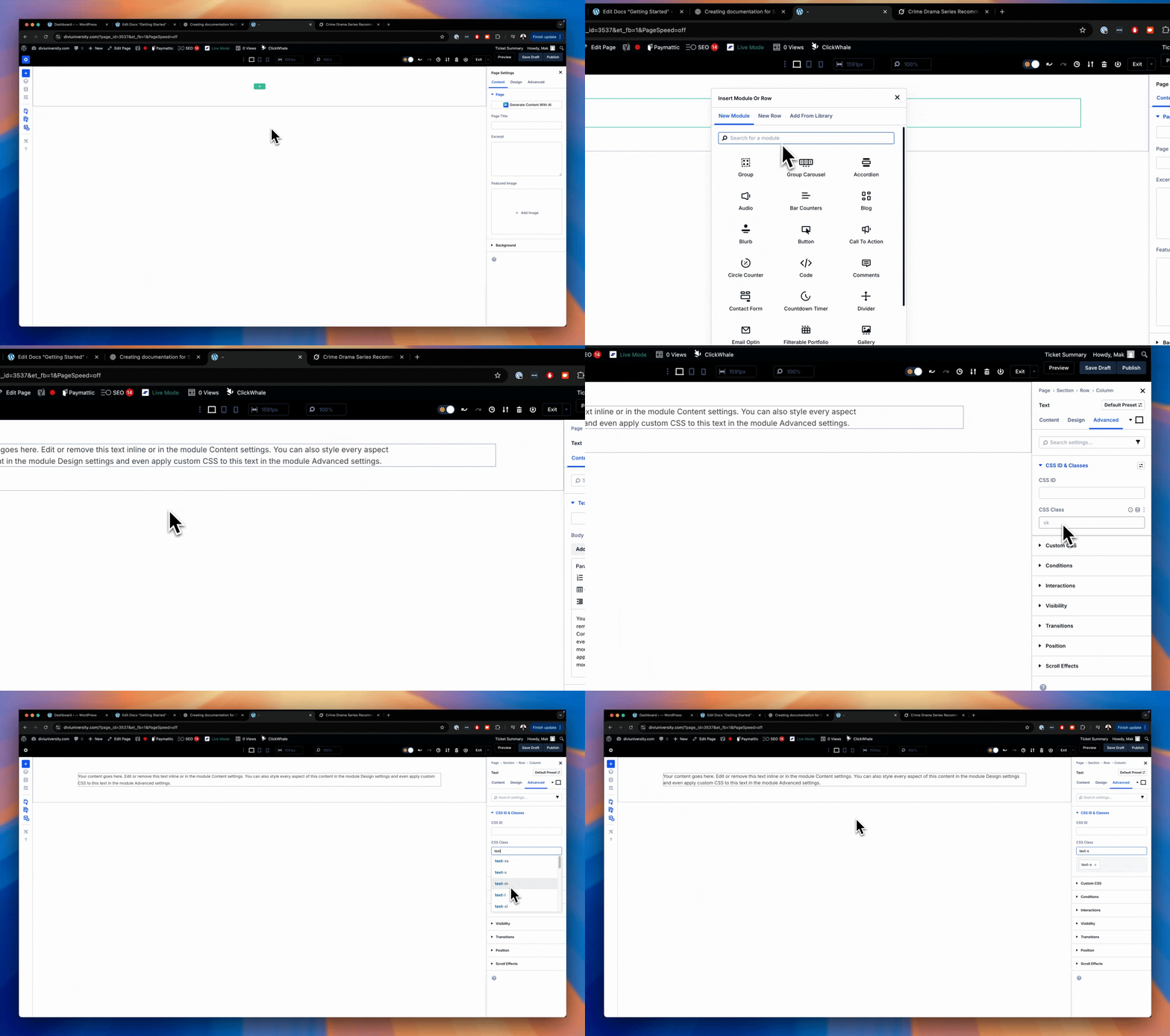
Now that SiteKrafter Pro is active, let’s use it.
- - Open a page in the Divi Builder.
- - Add a Text Module.
- - Go to Advanced → CSS Classes and enter: text-l
If you see this below, that means it's working.