

I am still working on SiteKrafter 6.2.2.
The update to Divi 5 introduces a flexbox-based layout system, which fundamentally changes how rows, columns, and modules handle positioning, wrapping, and spacing. Rows now act as flex containers, columns as flex items, and spacing between columns is primarily controlled by the "Gutter Width" setting (which applies a CSS gap property). This introduced unexpected spacing for previous layouts that relied on older Divi behaviors.
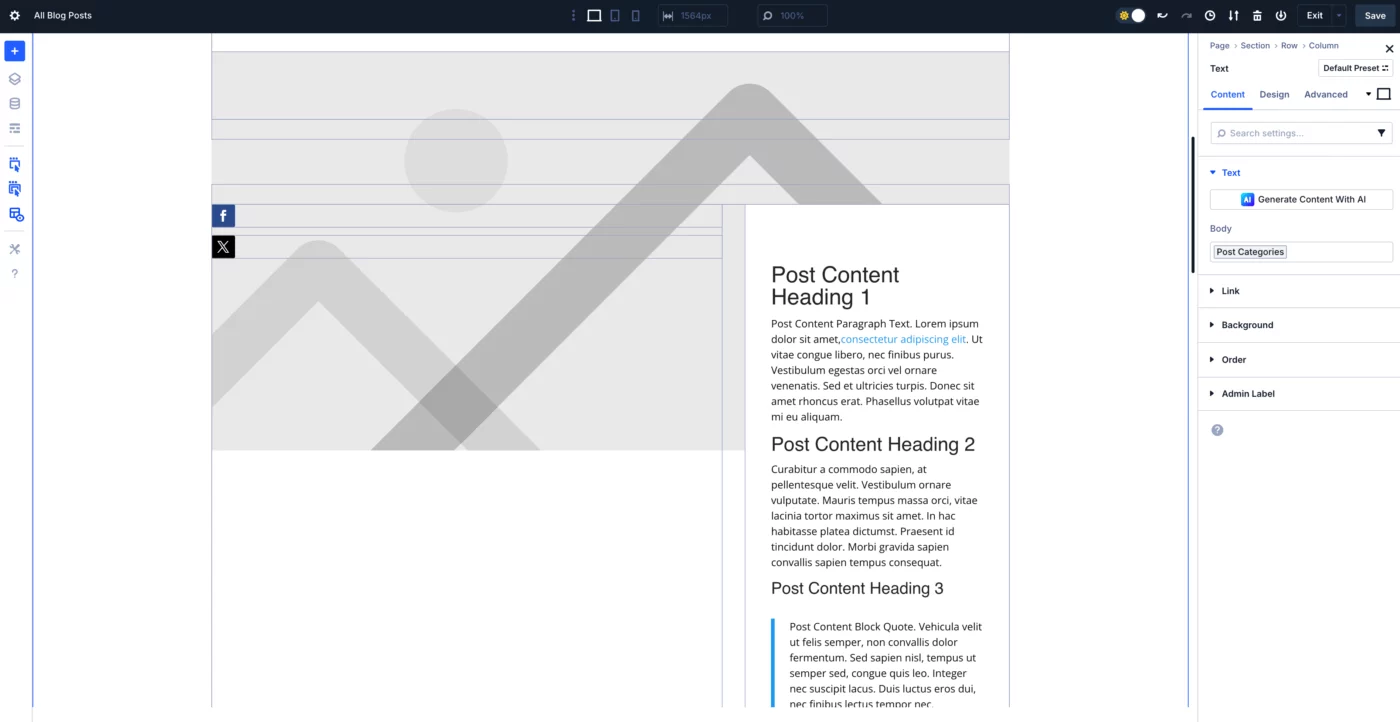
I'm currently finalizing SiteKrafter PRO version 6.2.2, which addresses several issues caused by the recent Divi 5 Flexbox update. This release will ensure full compatibility and restore seamless functionality across the framework.
Alongside the update, I'll also be releasing an updated style guide and class reference to help you stay aligned with the latest improvements. Just give me a day or two to wrap everything up.
This was a major update from Divi, and the best part is — I can finally begin building the new Divi 5 layouts and recording the Divi 5 course I’ve been promising! 😄
Thanks for your continued support — exciting things ahead!

I have discovered that some fonts don't work as expected when changing the heading font through a Fluent Snippet. For example, I can get Bree Serif and Bebas Neue to work, but Aldrich and Ledger don't work. The odd thing is that they all work through Appearance > Customize > General Settings > Typography, and in Text > Design > Heading Text settings.
Elegant Themes has created a web app that list all of the Google fonts along with sample text:
https://dainty-sundae-d5a7ec.netlify.app/
The ET article can be found at: https://help.elegantthemes.com/en/articles/8548029-how-to-visually-see-all-the-google-fonts-available-in-divi
ET says " Note: Some fonts in the above link might not be available in Divi. Please check out the How to Update the Google Fonts List in Divi article for more information on how to update the list of available Google Fonts in Divi.
https://help.elegantthemes.com/en/articles/8548056-how-to-update-the-google-fonts-list-in-divi
This involves having a Google Maps API key for the website and then adding a Google Fonts API. It seems to me that if the fonts are working when using the Divi settings, they should also work in the Fluent Snippet.
Has anyone experienced a font issue like this and if so, did you have an easier way to deal with it?

I am using Divi 5, and all the Google results for how to duplicate a page, don't seem to apply any more. If I add a page and click "Use Divi Builder", it takes me straight into the editor with no option to choose a template or an existing page.
Thanks,
Julian

Hey Augustine Mak what is the proper way to upgrade Sitekrafter to the latest version and update the pages, like frameworks to the latest version?

For personal reasons, I have used Brave browser for awhile and it has worked well (enough). I find Safari to be the worst due to issues related to cacheing. I personally loathe Google (as a company) but I am aware that Chrome is the most universally popular browser.
When I look at any browsers Inspect Elements feature, my eyes instantly gloss over and I feel like I know nothing all over again. Someone on another post here stated it perfectly when they said (paraphrasing) that drag and drop web builders have made for weak/lazy designers. I agree, but as an artist first, it was the best pathway to this career.
Like Mak, I am now realizing that to keep going, I am going to have to learn CSS at a minimum. SiteKrafter has taken me a long way all ready and I'm thankful for that!
So back to my original question, which browser would you recommend for Divi web design?
⭐ Bonus question: where is the forum for coders lamenting they have no artistic ability? I could use a partner! LOL
I am sorry for the long post... You guys here are the best!
At exactly midnight, I spotted a fresh Divi update—and I couldn’t help but wonder: could this finally be the one? The update we’ve all been waiting for? The long-anticipated Flexbox feature in Divi 5? And sure enough, it was!
In this video, I dive straight into the latest release and explore the powerful new Flexbox layout options that are now integrated directly into Divi 5. From vertical and horizontal alignment to gap control and dynamic stacking on different breakpoints, this update brings a whole new level of layout precision and responsiveness to Divi.
Whether you're building custom headers, aligning content side by side, or simplifying your section layouts, Flexbox is a total game-changer—and it’s finally native to Divi! Join me as I walk you through how it works, what’s changed, and why this update is such a big deal for Divi designers.
In today's quick tip, I show you how to add backgrounds to anything using SiteKrafter Pro.

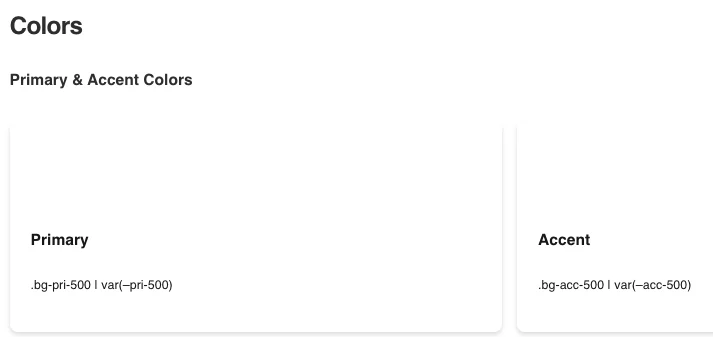
I am using Siteground as my host, had to turn off a setting to see the editor, which is fine. However, the Style-Guide is showing my font choice (after adding the Fluent Snippets), but not one color is showing before or after making any changes.
Is there some setting to change to have it show the default colors. After which I will change them, but I need to see them, first. I installed everything today, so it should be all the latest releases.
Page builders are shifting to a new web design workflow that includes variables and CSS classes. Are you ready for the future?