

What does 100% mean in design assist? Does it mean that it's all good in desktop view only? Can it be checked separately for different devices? I'm asking because in a test we did the site displays fine on desktop and tablet but the phone is a mess.

In the design assist, there is a "+ Why" link above the apply button. I would expect that to give a reason why the auditor item is in the list.
Clicking the "Why" link does nothing but jump to and highlight the item that has the particular preset assigned to it.
What is the intended function of Why?
Thank you.
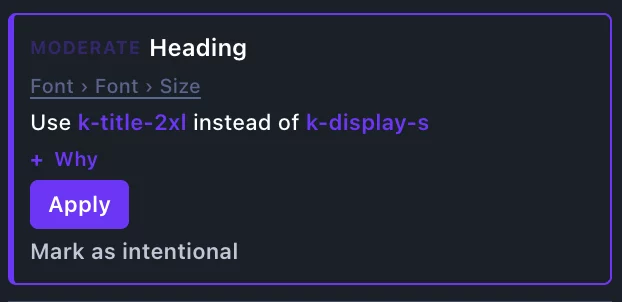
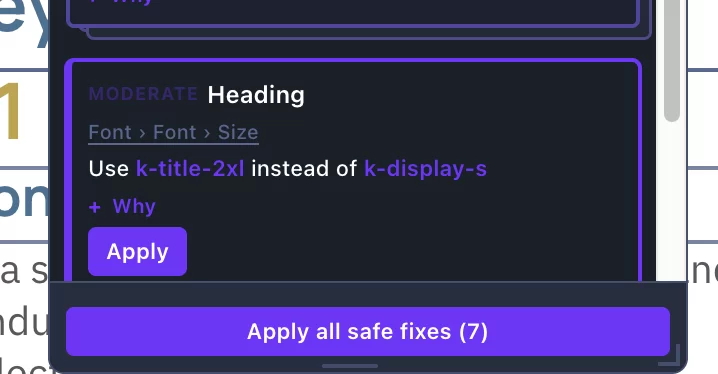
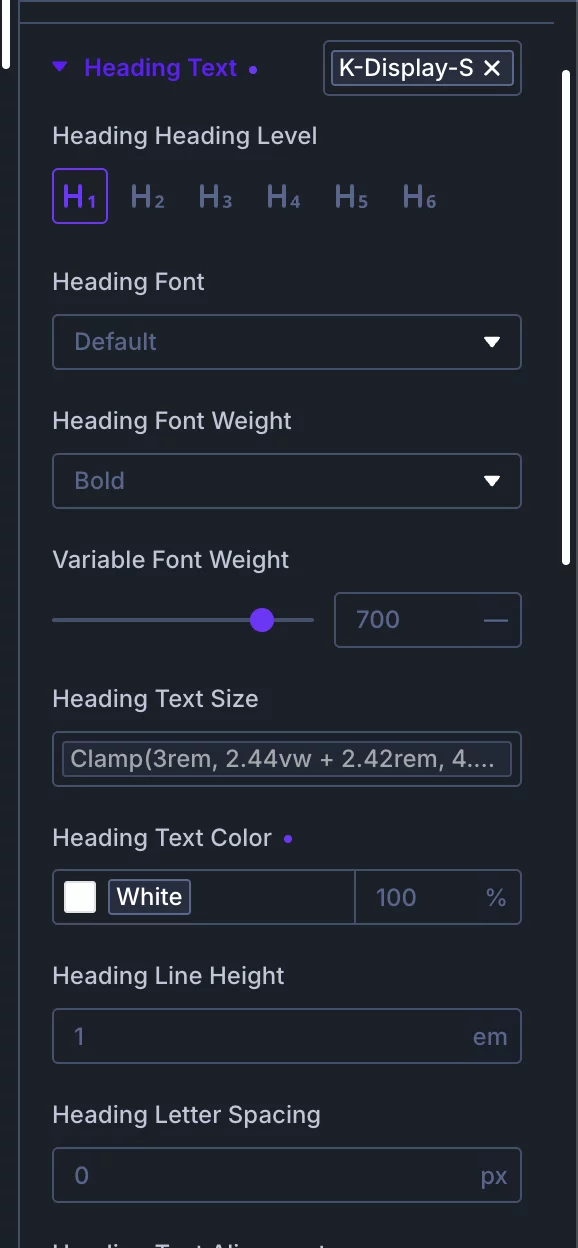
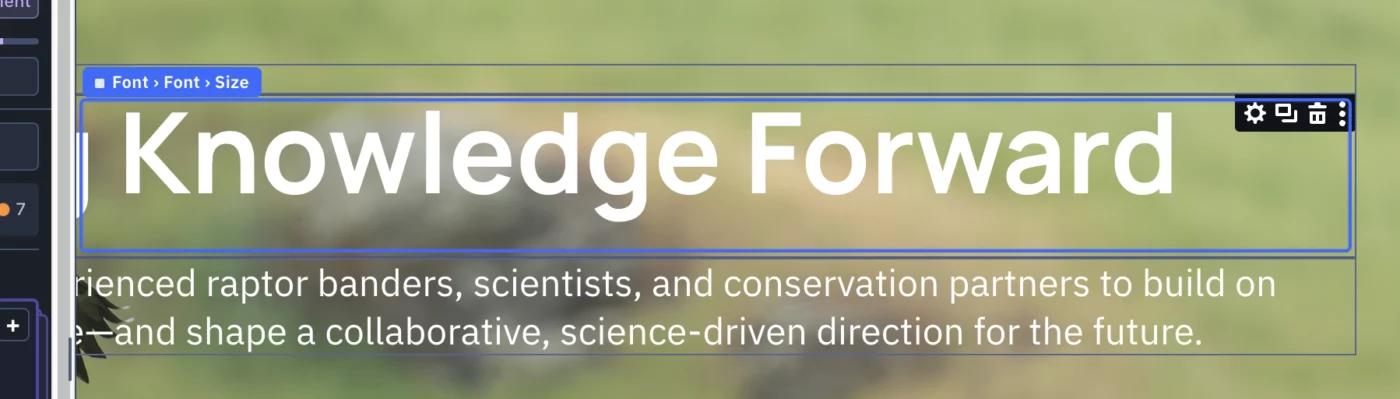
I am running the design assist audit. Have a hero heading assigned as a h1 and assigned the preset k-display-s. The audit flags this and says:
- use k-title-2xl instead of k-display-s
The recommended k-title-2xl is too small for what I want.
What is the connection between the recommended preset and what I chose? I am trying to understand how/why this works.
I have attached screenshots.
Thank you.
Lynn

Hello everyone, anyone else having issues with KrafterPro after recent autoupdate? I'm just doing the normal stuff I do with Krafter and nothing is working. If I hit center icon under "justify"...nothing happens. I hit right align under "align items" and nothing happens. I tap row reverse and nothing happens. This is on both my live sites.
Also, I'll click on row to get to columns, and I have two columns but the elements is empty and doesn't show my columns in the side menu but shows the content in the visual builder.

Hello, if I can get some assistance please.
Please see screen recording below;
https://www.loom.com/share/5d0e34c35f9f4febb1d00025ce90b597
I was following what seems to be the newest update video and got these 9 errors.
https://www.youtube.com/watch?v=x7Cho-Me8R0
Thank you for any assistance!

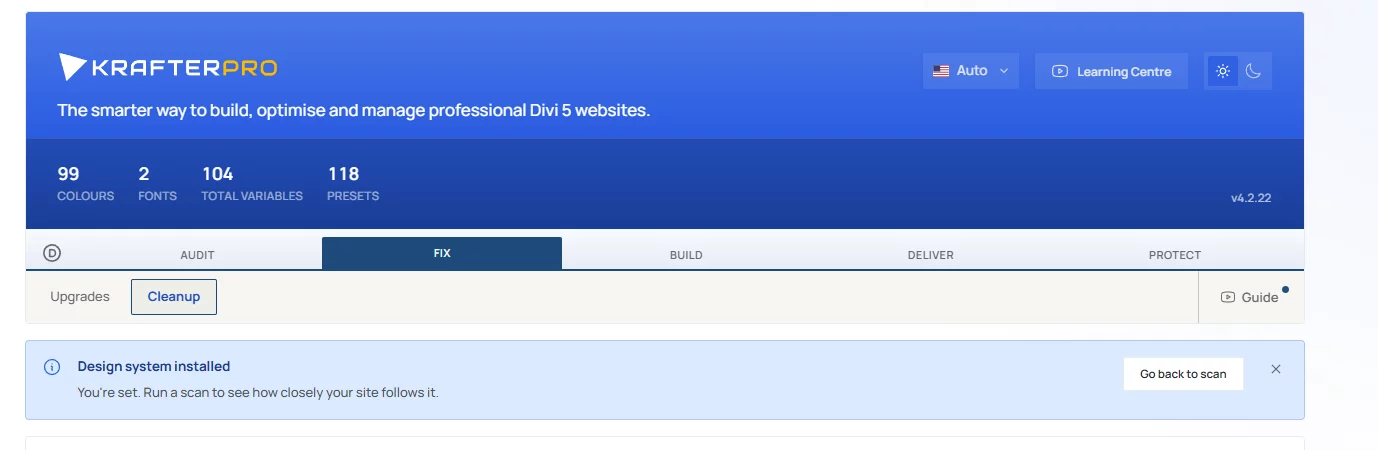
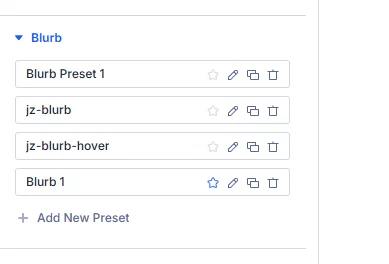
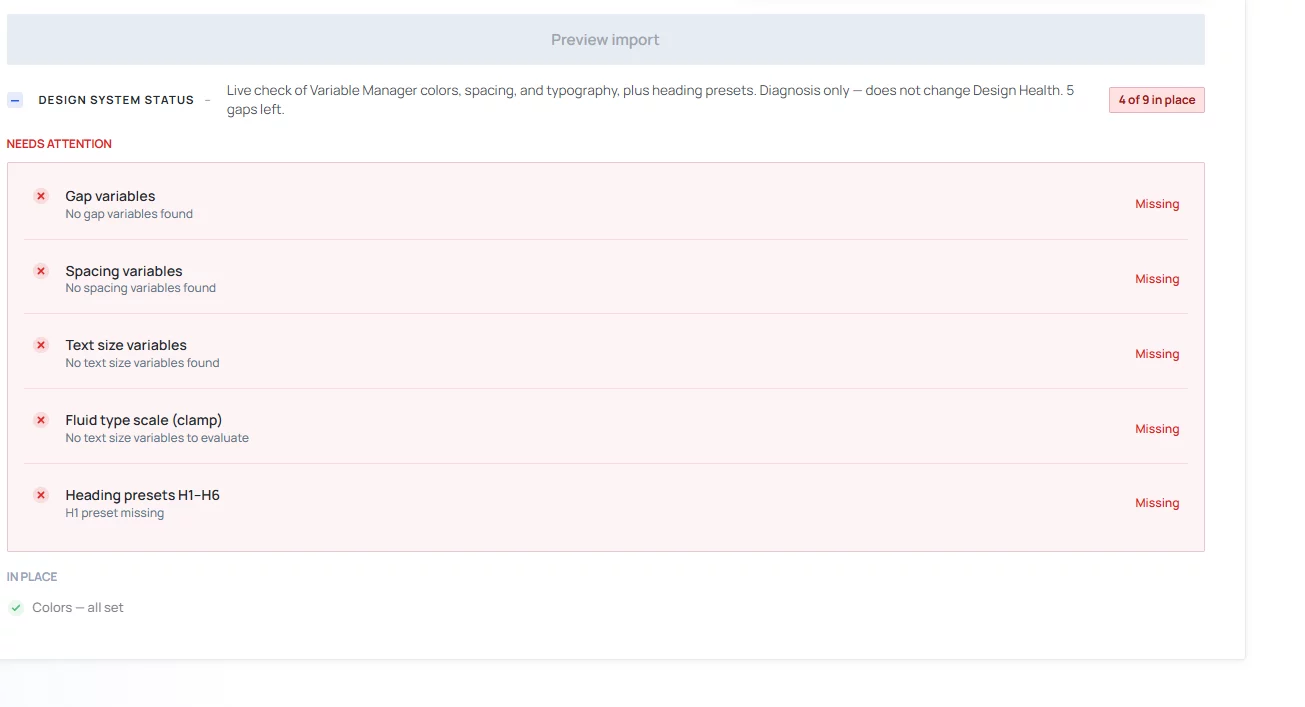
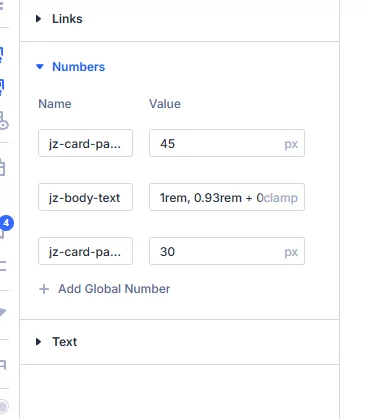
I have just deleted everything except the jz- prefix and reinstalled the KP design system in new version. Upper snapshop: the systems detects variables and presets. Snapshots below: They are NOT THERE . Furthermore the tutorial video stops every 5 seconds, can´t use it. What´s wrong here? I need to work for my clients .....

Why does the divi builder show one size of a primary button and the front-end preview blows up the text. This is brand new build. I have looked at the preset and the text is set to clamp(1rem, 0.90rem + 0.40vw, 1.25 rem) ??
I have been experiencing an issue with every KrafterPro update and that's all my h2's an change to default h1 sizing (but keep my seo h2 selection) again and I lose my row spacing. Is this happening to anyone else?

I’ve customised the look of a Blurb module. When I saved my customisations as a preset, it completely messed up the layout in the Divi Builder. My customisations aren’t displayed correctly in the front end either. What am I doing wrong, or could it be a bug in Divi or KrafterPro?
Divi Version: 5.13
KrafterPro: 4.2.17
Here’s my example
I have exported pages to import onto another page. However, all the spacing (gaps, rows and columns) and image settings like border, shadow, etc. do not import. I always have to manually set all my spacing and image settings every single time. Is this a bug?