

Designing a professional Divi 5 website should not mean guessing colours, manually adjusting every font size, or rebuilding the same styles on every project.
In this video, I show you the new KrafterPRO 3.0 workflow and how it helps you build faster, more consistent and more accessible Divi 5 websites.
You’ll see how the new live style guide automatically syncs with your Divi variables, checks colour contrast and shows you exactly how your brand colours will look before you start designing.
I’ll also show you how to:
✅ Import a complete Divi 5 design system in one step
✅ Preview and selectively import variables and presets
✅ Create responsive layouts using presets and fluid values
✅ Automatically pair text with the correct background colours
✅ Test colour contrast and identify accessibility problems
✅ Preview your brand across buttons, cards, icons and sections
✅ Import Theme Builder templates
✅ Export selected variables and presets
✅ Delete, manage and restore your design system using snapshots
✅ Roll back your website if something goes wrong
KrafterPRO gives you the colours, typography, spacing, responsive presets, Theme Builder templates and management tools you need to create professional Divi 5 websites without starting from scratch.
There are now several licensing options available, including KrafterPRO Solo for up to three websites, unlimited yearly access and lifetime access.
Join here for the Live Q&A https://meet.google.com/iet-kwjs-bup
This is your chance to ask me anything about Divi, Divi 5, KrafterPRO, website design, client projects, or anything you’re currently stuck on.
I’ll also be answering questions live, so if you’ve been struggling with something or you need clarity, join me and bring your questions.
I asked ChatGPT to redesign Divi University like a high-end website created by a professional design agency.
The result exposed a major problem: my existing website had too many products, pages and calls to action competing for attention. Visitors could land on the site and still not know where to begin.
So, in this new series, I’m rebuilding the entire Divi University website using Divi 5 and the KrafterPRO design system.
In this first episode, you’ll see:
✅ The AI-generated website concept
✅ The problems ChatGPT identified on my existing website
✅ The new Divi University homepage and website structure
✅ How I installed KrafterPRO
✅ How I imported my variables and presets
✅ How I created custom website presets
✅ How I started rebuilding the hero section in Divi 5
✅ Why designing without a proper design system creates unnecessary work
AI can give you ideas, layouts and direction—but turning those ideas into a professional, maintainable WordPress website still requires a proper workflow.
This series will show you the complete process.
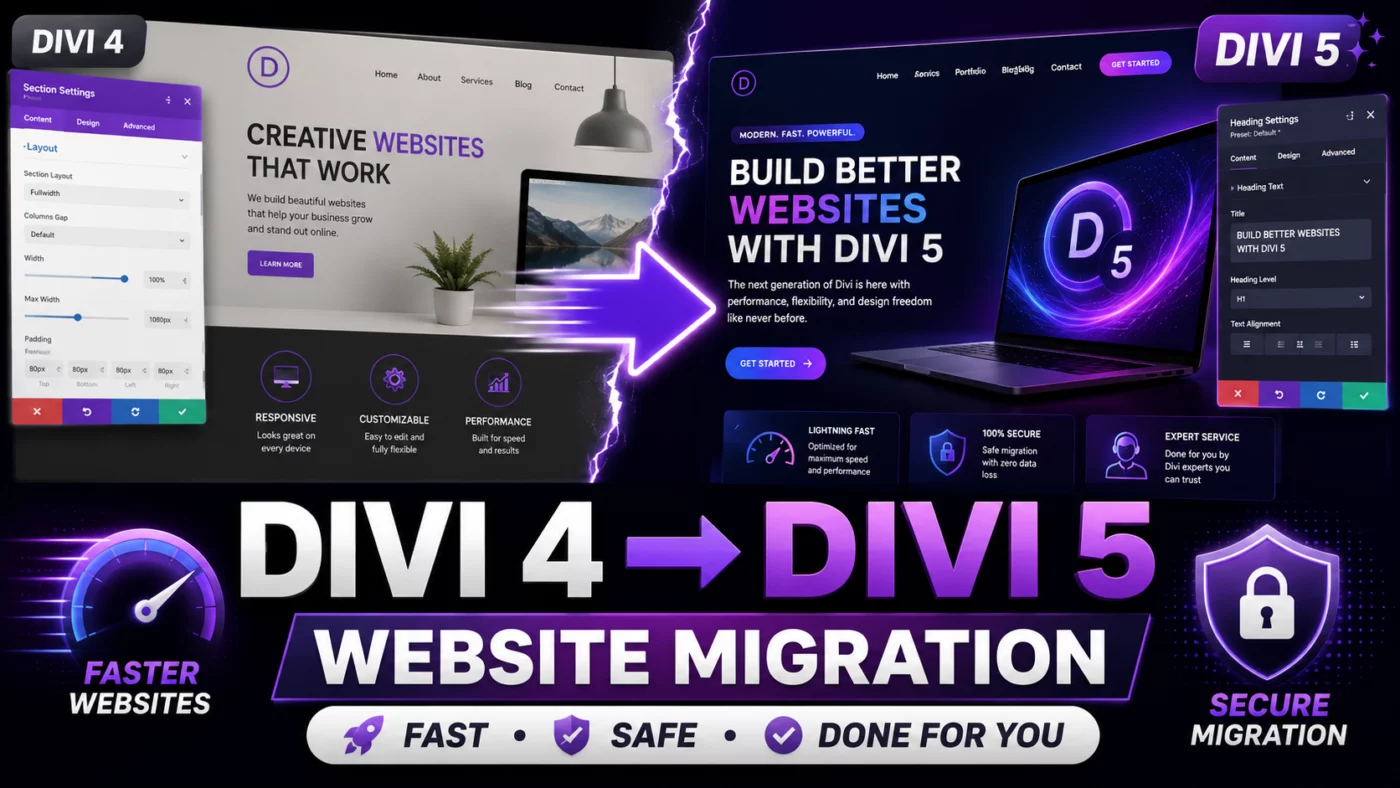
I’ve officially opened my Divi 4 to Divi 5 Migration Service for anyone who wants to upgrade without risking broken layouts, lost styling, plugin conflicts, or unnecessary downtime.
Divi 5 is a major rebuild, so migrating an existing website is not always as simple as clicking an update button—especially if your site uses custom CSS, third-party modules, global presets, or complex Theme Builder templates.
With this service, I will personally review your website, migrate it carefully, fix any layout issues, and make sure it works properly across desktop, tablet, and mobile.
This is ideal for you if:
✅ Your website is important to your business
✅ You are worried about breaking your existing design
✅ You do not have time to rebuild or troubleshoot everything yourself
✅ You want a smoother and safer transition to Divi 5
✅ You want your website cleaned up and improved during the migration
I’m only accepting a limited number of websites at a time so I can give each migration the attention it deserves.
👉 Learn more and request your migration here:
https://diviuniversity.com/divi-4-to-divi-5-migration/
Please feel free to ask any questions below. I’ll be happy to help you decide whether your website is ready for Divi 5.
Join me for a live conversation with the CEO of FluentPlayer as we explore how website owners, freelancers, course creators and digital marketers can get more value from their videos.
Join the livestream here: https://youtube.com/live/eqLGhgu_No8?feature=share
We’ll discuss how FluentPlayer can help turn ordinary videos into interactive marketing assets that generate leads, promote offers and create a better viewing experience.
During the livestream, we’ll cover:
- The story and vision behind FluentPlayer
- How to collect leads directly from videos
- Interactive calls to action, hotspots and overlays
- Video monetisation and marketing opportunities
- Use cases for freelancers, agencies and course creators
- Upcoming FluentPlayer features
- The future of video on WordPress
- Questions from the live audience
This is your opportunity to hear directly from the team behind FluentPlayer and discover practical ways to use video more effectively on your own websites and client projects.
Join the livestream and bring your questions.
Get FluentPlayer here https://diviuniversity.com/fluentplayer