

@Mak I was wondering if you have any suggestions, or a template showing how we should craft our website prompts (I'm using Claude) to create websites built using Divi AI and KrafterPro?

Divi AI Agent video you just released.
https://www.youtube.com/watch?v=sTK0RDl8fAA
Here's my questions:
Mak, can and should we add the "Commands" (under "Reusabe command") in addition to the "Always-On Rules for Divi AI"? Or should we only use the "Reusable commands" when necessary? And is there a way to save all of the "Reusable commands" a rules that we can run, when we want to? Can you explain? ALSO, I see you have additional commands in KrafterPro, and I was curious why we can't just "Send to Divi AI" like you did with the Rule. I'd like to push the commands to Divi AI so I can easily use them if and when desired. Please let me know your thoughts on this. Thanks, Gary
PS: With the new Divi AI Agents, do we no longer need to use Novamira (since we're just working on Divi Websites)? What are your thoughts?

While I was still overwhelmed by the amount of color shades, tints etc that have been created, I cleaned out those colors that I will never use. When I do that I come down to maybe 10-15 in D5.
However, when I re-run the KrafterPro Audit Scan, the old number (96) doesn't change. Bug? Some cache I don't know about? Wrong way to approach this? Using v4.1.26
Thanks
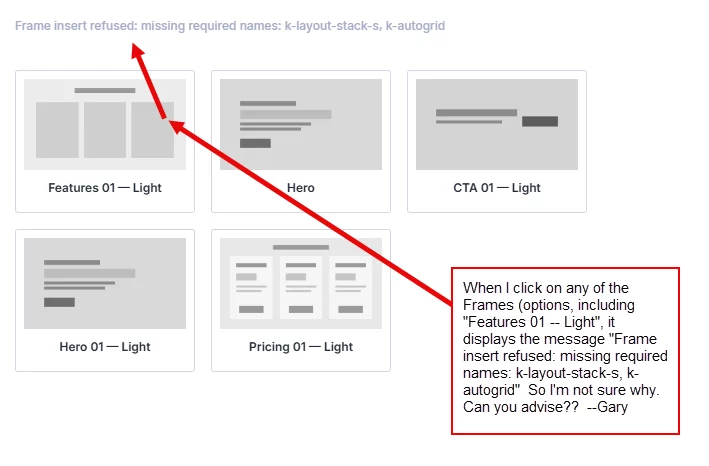
Mak . Please see the screenshot and let me know what might be causing this. Thanks, Gary
😘Hello,
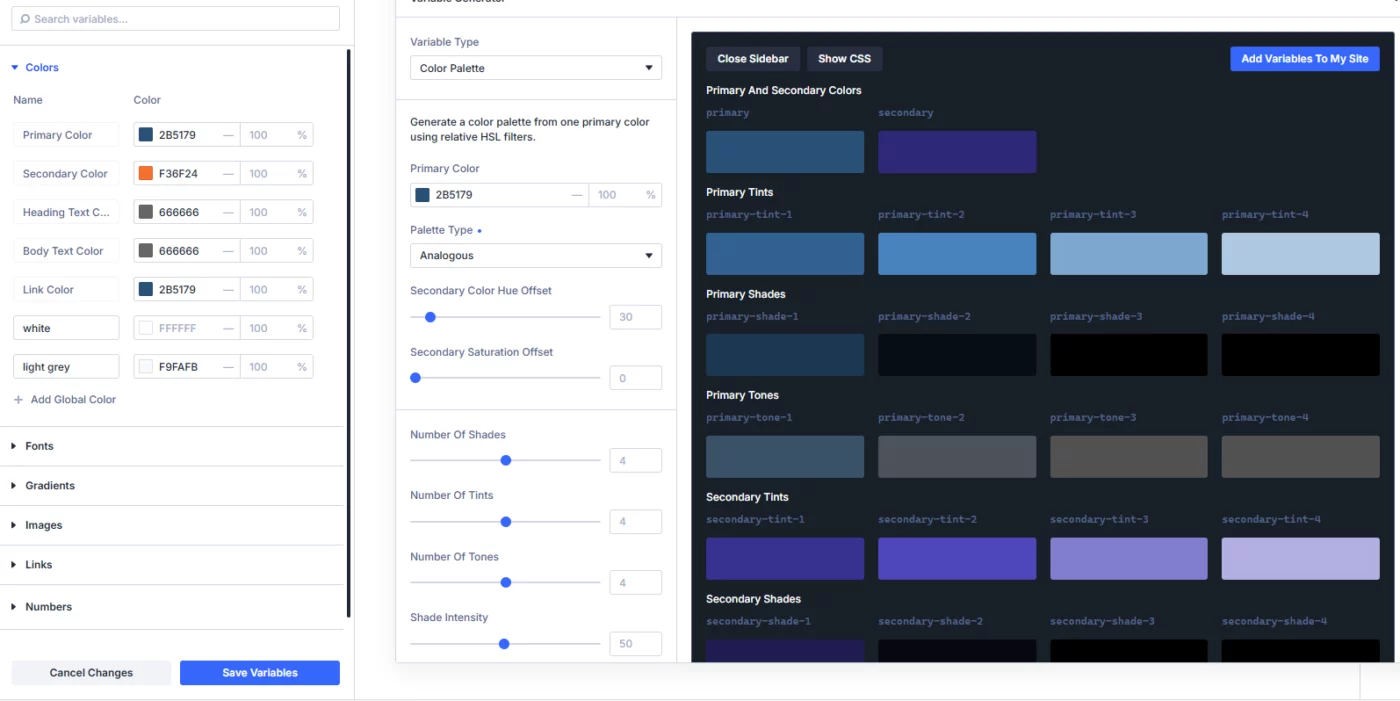
I typically don't use many color shades, also not the given color harmonies.
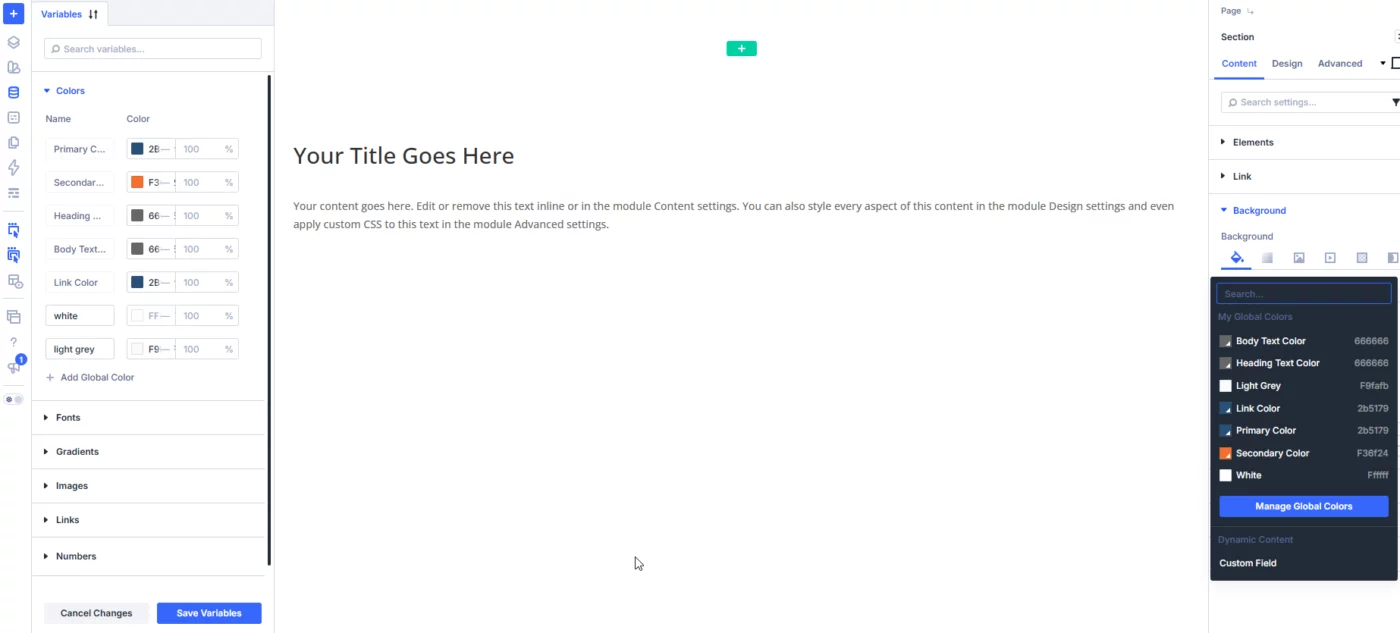
How can I create color variatins in Divi 5 are outside the given color palettes?
Also, how do I sort them? The sequence in the left Variables panel does not match the one in the right, which seems alphabetical.
Thanks

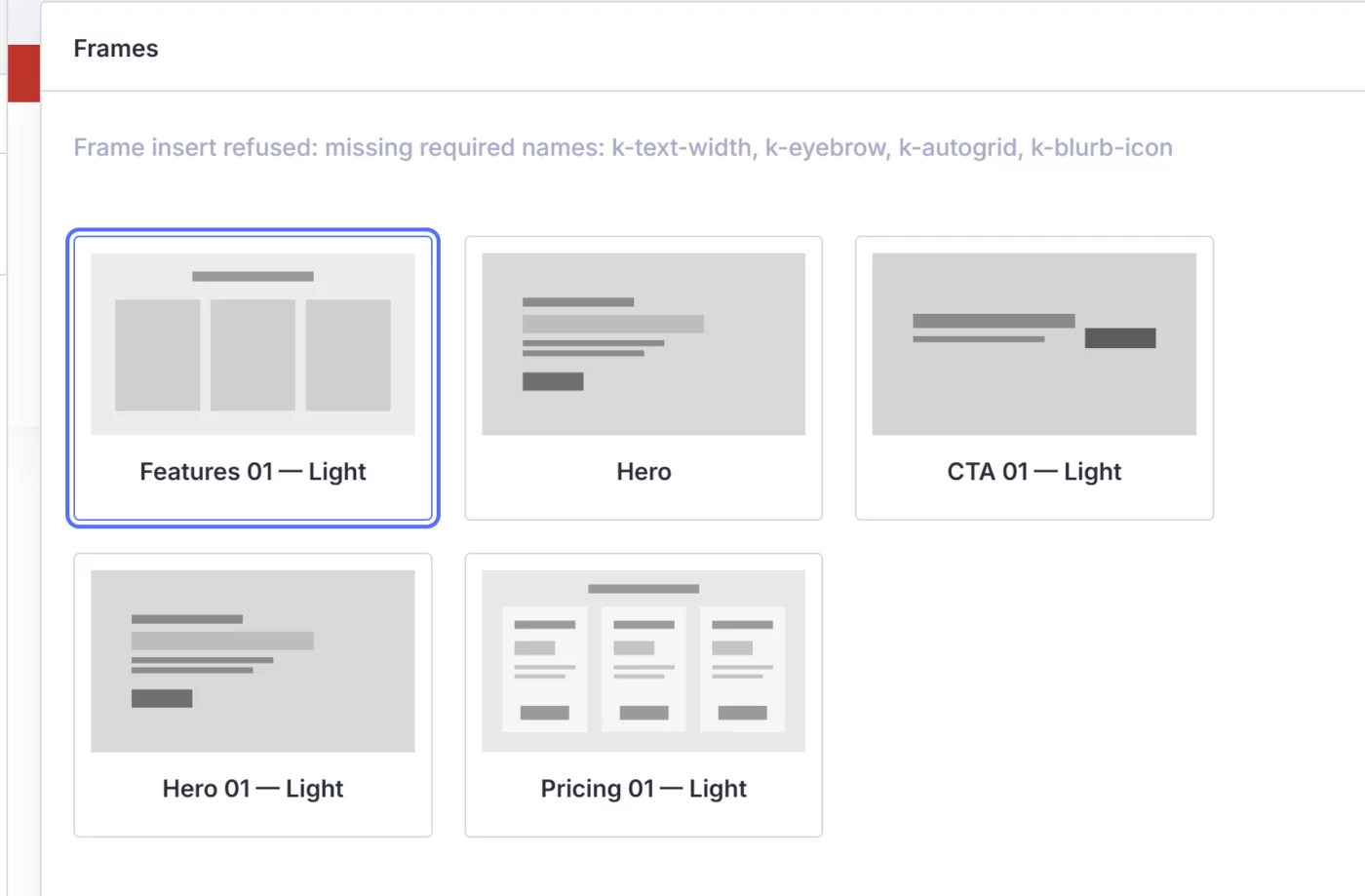
When I try to insert Frames it says missing required names? Any idea what is wrong? I really liked the frames input but i cant get them too work?

What if you could go from a blank Divi website to a professionally branded layout—without styling every module individually?
In this video, I walk you through my complete KrafterPRO website design workflow.
Watch the video on YouTube https://youtu.be/7112-7lIz74

After I install KrafterPRO, will it automatically update with new versions or do you need to reinstall each time. And if you have to reinstall, do you just delete the old and install the new? Or do you somehow need to preserve any pieces of the old and how?
This is a best practices question. I have KrafterPRO lifetime and I have Divi 5, Divi AI, and Divi Cloud. I want to know if there's a way to utilize these tools to take an existing website and basically just say redesign and make this website better? Or in a new WordPress and Divi 5 install, reference the site you want to make better and redesign so it will use all of the pages and all of the content and just give you a fresh new design in the new installation area. Is this possible, and if so, what are the step-by-step best practice procedures? Or point me to the video tutorials to accomplish this.

How do I set the Testimonial module so the the image is on top and the text below. All center aligned.