

A custom Blurb module with a 'Read More' feature - without writing JS or CSS code: (Part II)
A custom Blurb module with a 'Read More' feature:
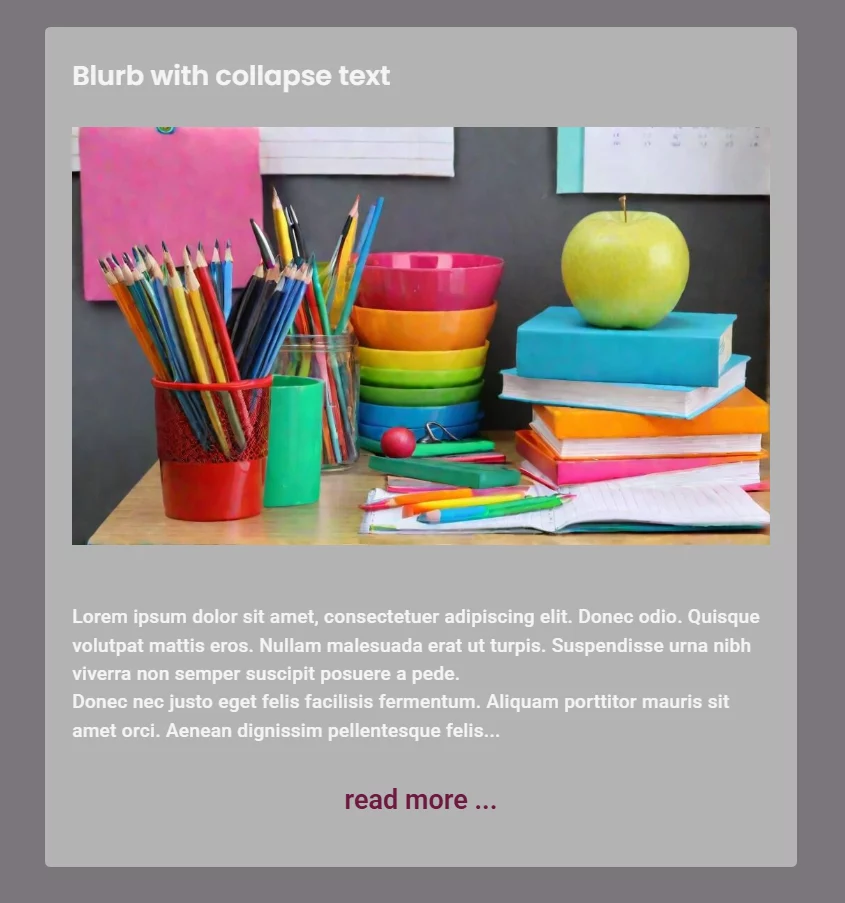
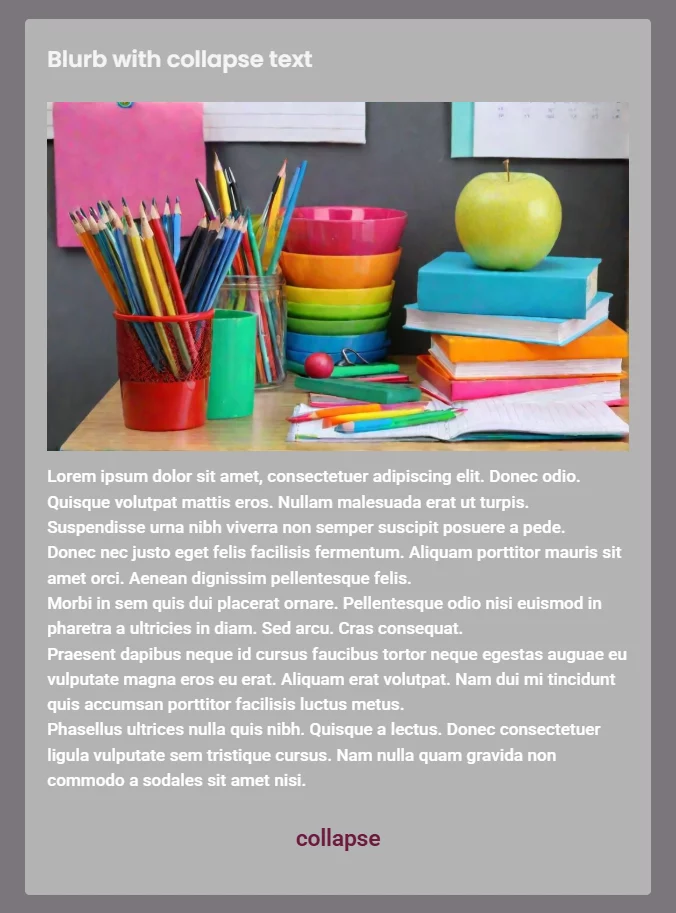
This setup allows you to show a short snippet first, expand it via a 'Read More' button, and reset it using a 'Collapse' button. The best part? This approach is purely visual—no JS or CSS required.
The Setup:
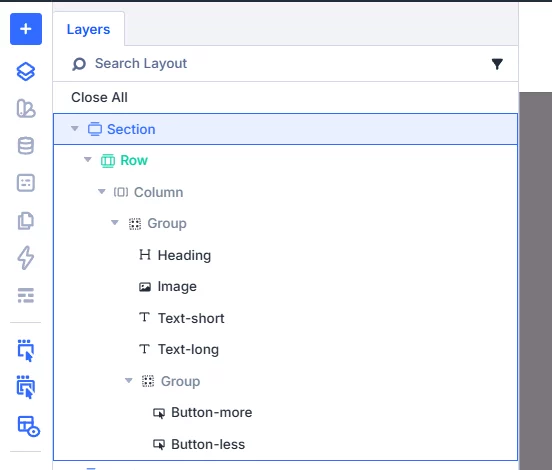
First, build your own Blurb structure: Section > Row > Heading + Image + Text (short) + Text (long) + Group (with 2 buttons). If you like, you can also group the Heading/Image and the two Text modules for better organization.
The Logic: Divi 5 Interactions
The magic happens entirely within the Divi 5 Interactions. To avoid a 'trial and error' nightmare, it’s essential to name your elements in the Layers View.
- I named my text fields
text_shortandtext_long. - The buttons are labeled
button_moreandbutton_less(collapsed).
The Configuration:
To ensure the correct initial state, go to the Section settings and assign two 'Load' interactions:
- On Load > Hide Element: Target
text_long. - On Load > Hide Element: Target
button_less.
Now for the 'click' functionality: You’ll need to create four click interactions for each button (Toggle Show/Hide for the respective text and button elements). Again, naming these interactions will help you keep track of everything.
It’s a bit of 'busy work,' but the result is a clean, no-code solution. Have fun rebuilding it! You can find a link to my demo Blurb here for a limited time—it might not win any beauty contests, but it perfectly demonstrates the functionality.
Check out the link here (available for a limited time)
https://discover.schlatter-waldshut.de/testmyblurb/
One could certainly improve this by using anchor links (jump marks), so that with longer texts, the browser focuses on the start of the content rather than the image. This prevents users from having to manually scroll or adjust with their fingers.
It’s also worth noting that using two text fields and two buttons per module does increase the amount of code. Divi 5 isn't exactly known for producing less bloat than previous versions, partly due to backward compatibility. If you're planning to use many of these 'Blurbs' or text blocks on one page, a custom JS/CSS solution would be more efficient.
However, this experiment shows that Divi 5 is capable of quite a lot. There are many more events to explore for creating great effects without the need for custom scripts or CSS code.
Interactions in button read more...
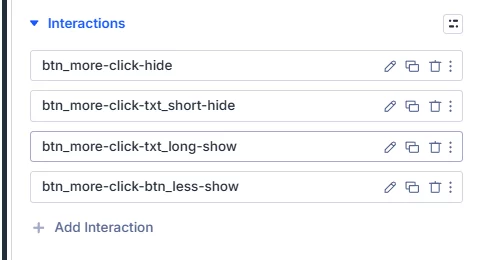
You will find the right action for the colapse button...