
Hi Need a bit of help..
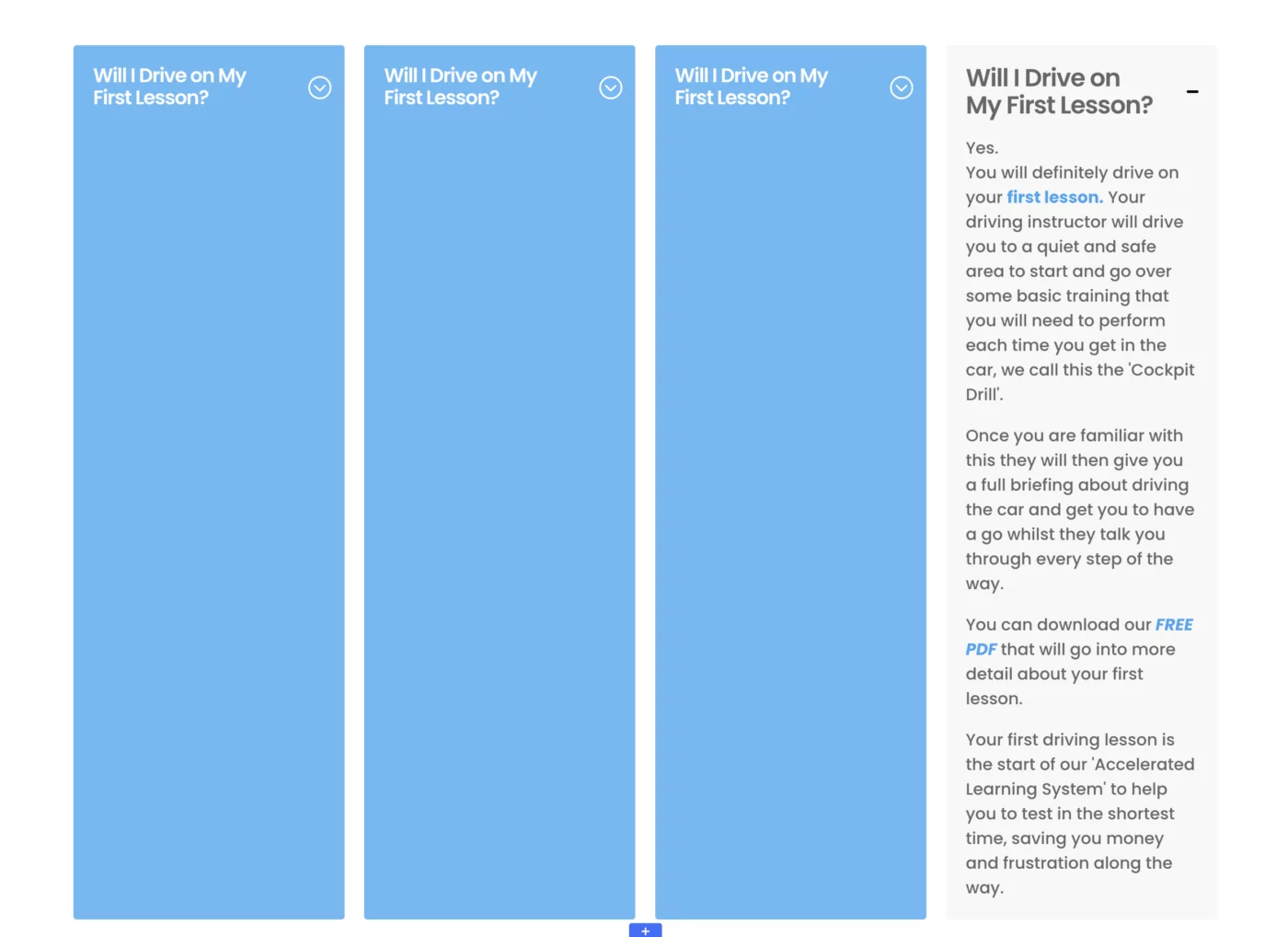
When using a toggle in the autogrid set up, if you open one toggle they all open!! It doesn't happen when they stack for mobile view.
Any ideas how to fix - I am using KrafterPRO

Hi Mark.
I looked under the hood of the AutoGrid Preset. In the 'Main Element' CSS box of the column, Mak uses: display: grid !important; grid-template-columns: repeat(auto-fit, minmax(280px, 1fr));. While this is brilliant for fluid layouts without media queries, it creates a 'sync-bug' with Toggles. Because all modules share the same strict Grid-Context, a status change in one (opening) can trigger a re-render that affects all siblings in the grid.
Interestingly, I blieve, this 'sync-bug' disappears in the mobile stacked view. This confirms that the issue is purely tied to the active context of the AutoGrid Preset.
On desktop, the AutoGrid logic creates a rigid horizontal relationship between all modules in a row. When one Toggle opens, it forces a recalculation of the entire grid row's height. In Divi 5’s current rendering engine, this global recalculation seemingly 'leaks' the active state to all other modules within that same grid container.
Once the layout 'stacks' on mobile, the browser switches from the multi-column AutoGrid to a simple Vertical Block Flow. Since there are no longer horizontal dependencies between the modules, opening one Toggle simply pushes the others down without triggering a global grid re-render. This isolates the module's internal logic again, allowing the Toggles to function individually as intended.
Try to use one Toggle in a Group. In divi5 there ist no div-Module to separate the Toggle from the behavior of the dependencies. A view days ago, I testet Blurbs in a Group with Autogrid and the Blurbs-Group. The blurb group no longer behaved like an autogrid. I was surprised. Mak usese mostly a button-group in Blurbs-Autogrid - this gave me a reason for testing different behavieors. I had already read your question and somehow, upon rereading it today, it reminded me of my experience with the Blurbs Autogrid and the Group.
Please try it and let us all know, if this will help you.

Frank Schlatter Hi yes that worked I created a group for the Toggles then made the column Autogrid and it stopped other toggles opening. Thanks for the help and workaround.