
KrafterPro Design not displaying correctly
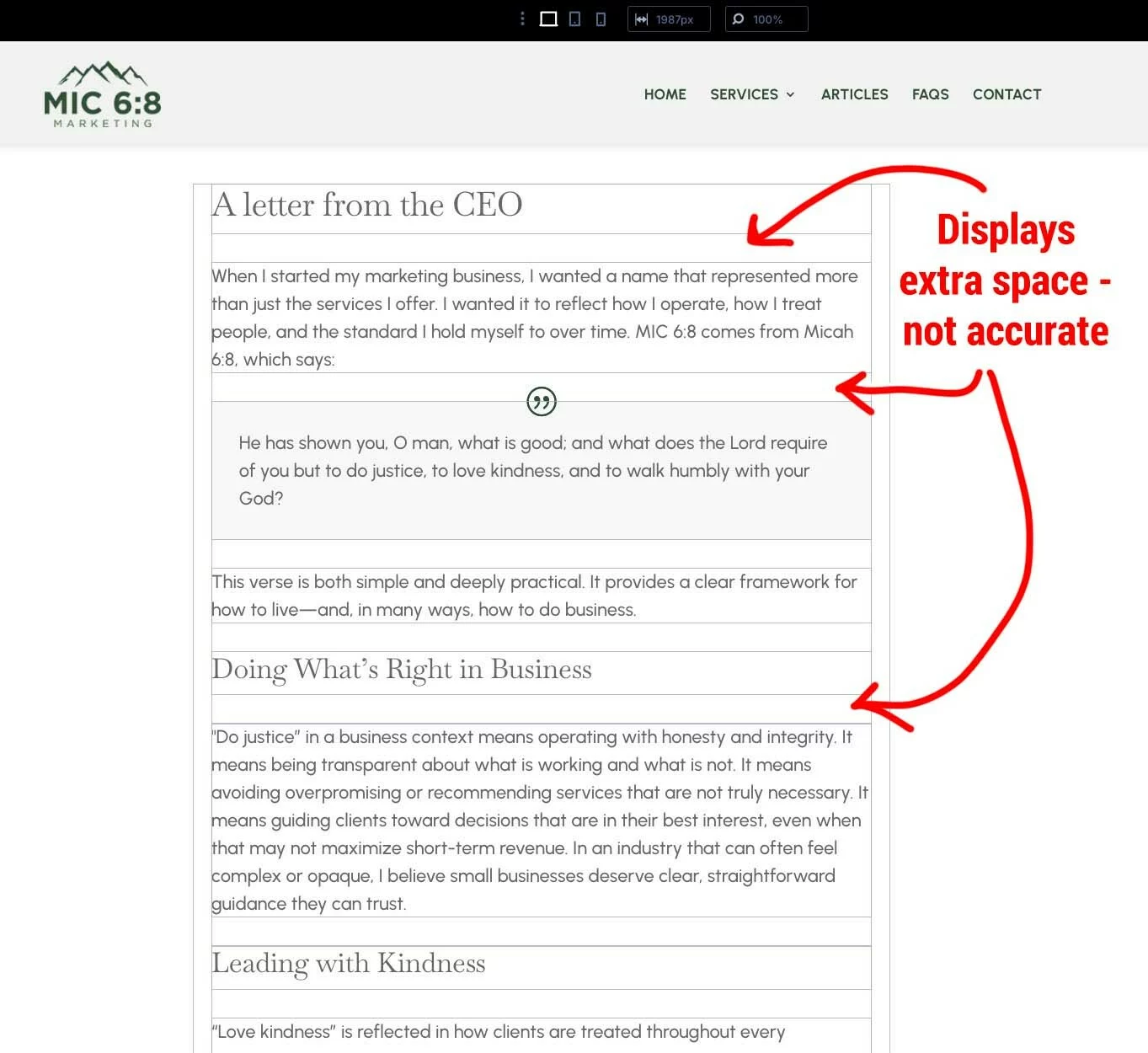
I have a client site where the entire KrafterPro Design system does not display the same as the published site.
• The spacings are different.
• Also, when I select "Enable Admin Bar" in the Builder Settings, it never remembers it.
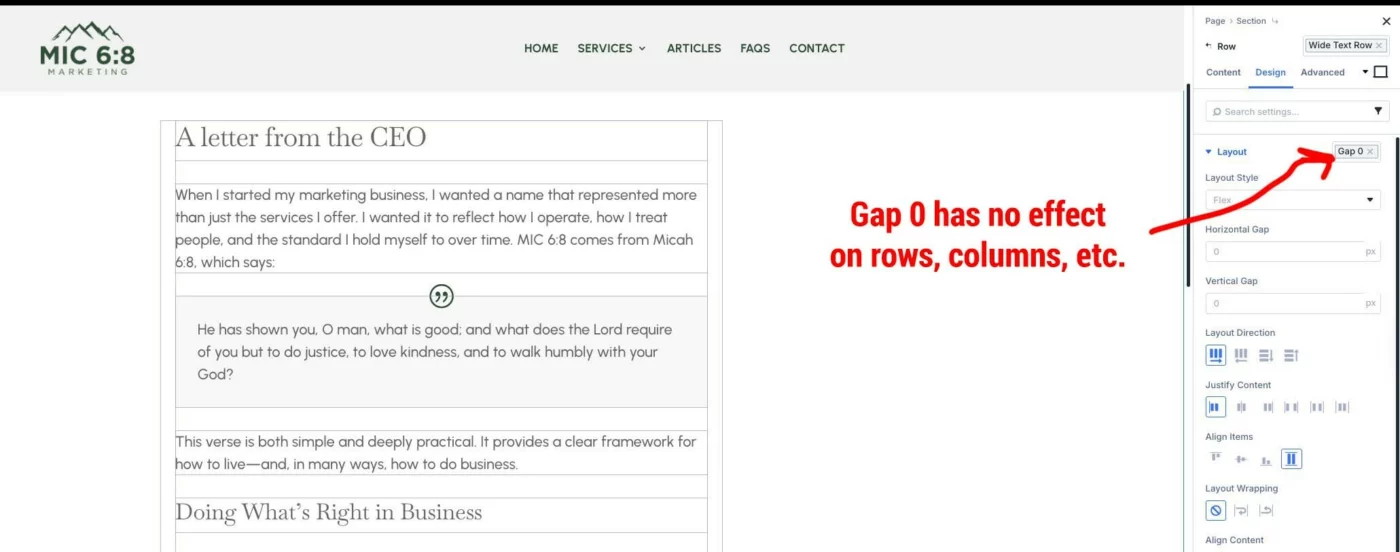
• "Gap 0" seems to have no effect.
I've cleared every cache I can think of. I can't figure out what the problem is. Has anyone else had this problem?


Hi Randal.
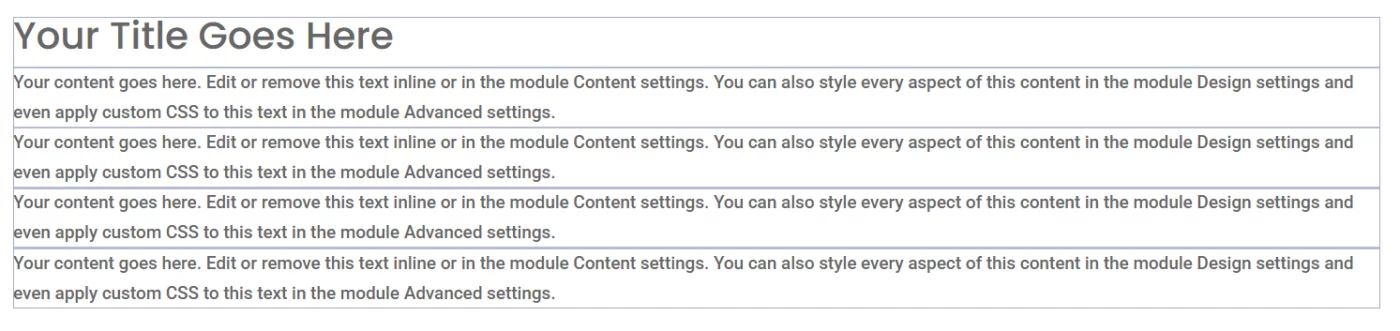
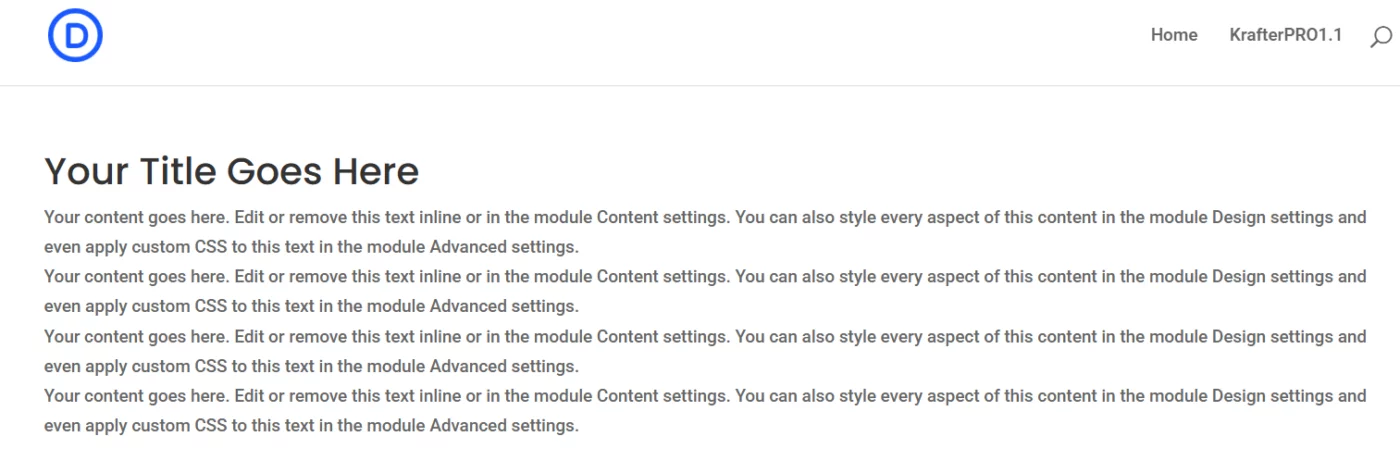
Here is a quick mockup I built. Section -> Row -> Column -> Text Element. I applied gap0 to the column. For this specific example, I didn't assign any presets other than gap0—not to the section, the row, or the text element. The results in the preview mode are as expected.
After gap0:
Preview:
Here is a test setup playing around with various presets:
- Section: k-section-small
- Row: Text Row
- Column: autogrid
- Heading: k-heading1
- Text: k-Eyebrow
- Text: k-text-small
- Text: k-badge dark
- Text: k-text Large
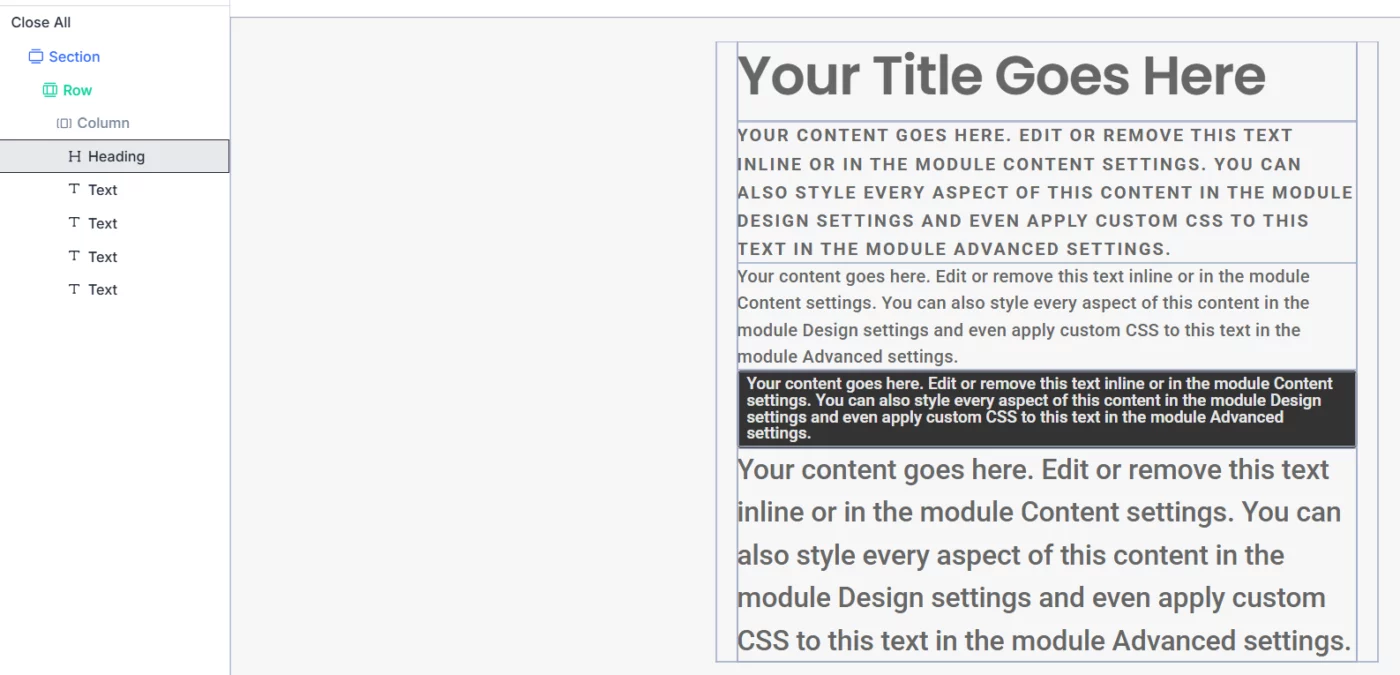
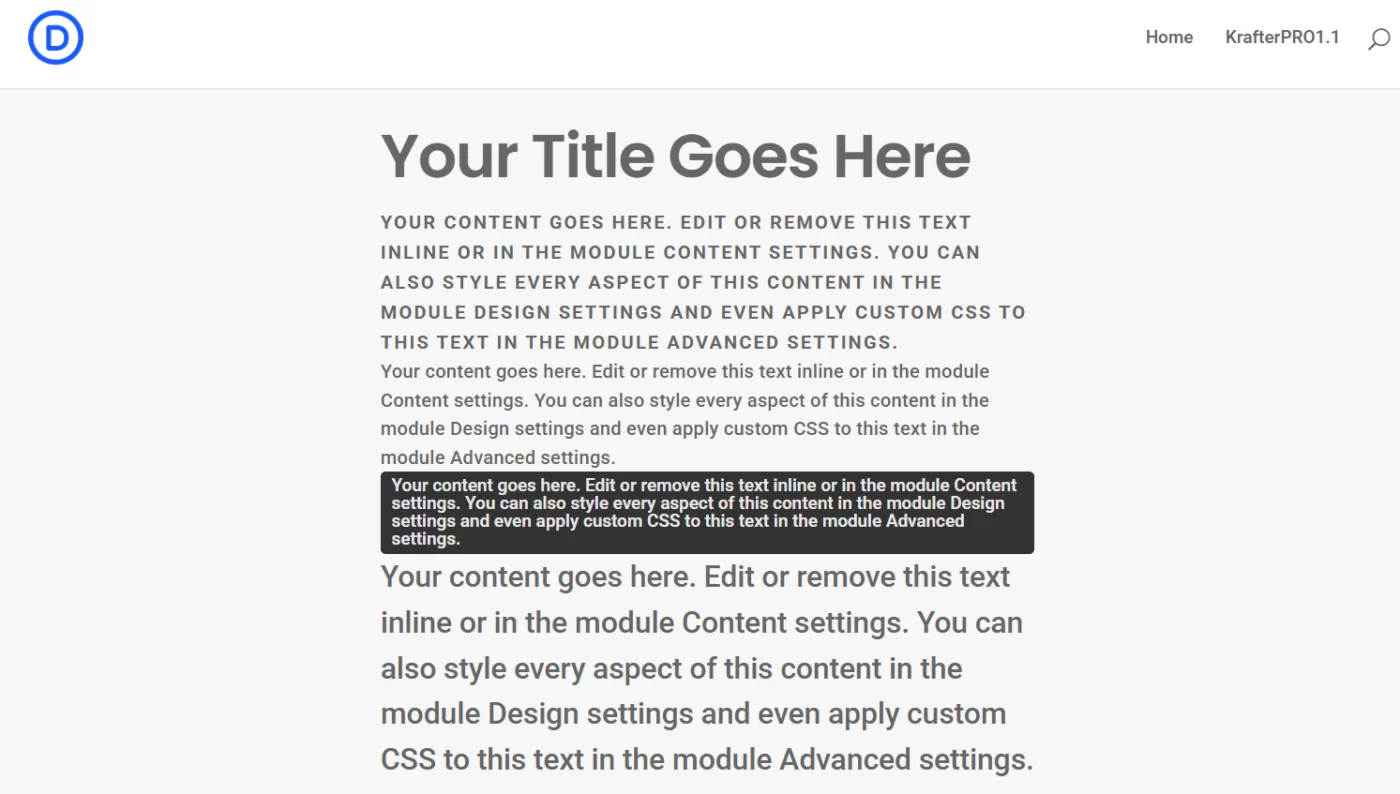
Preview on frontend:
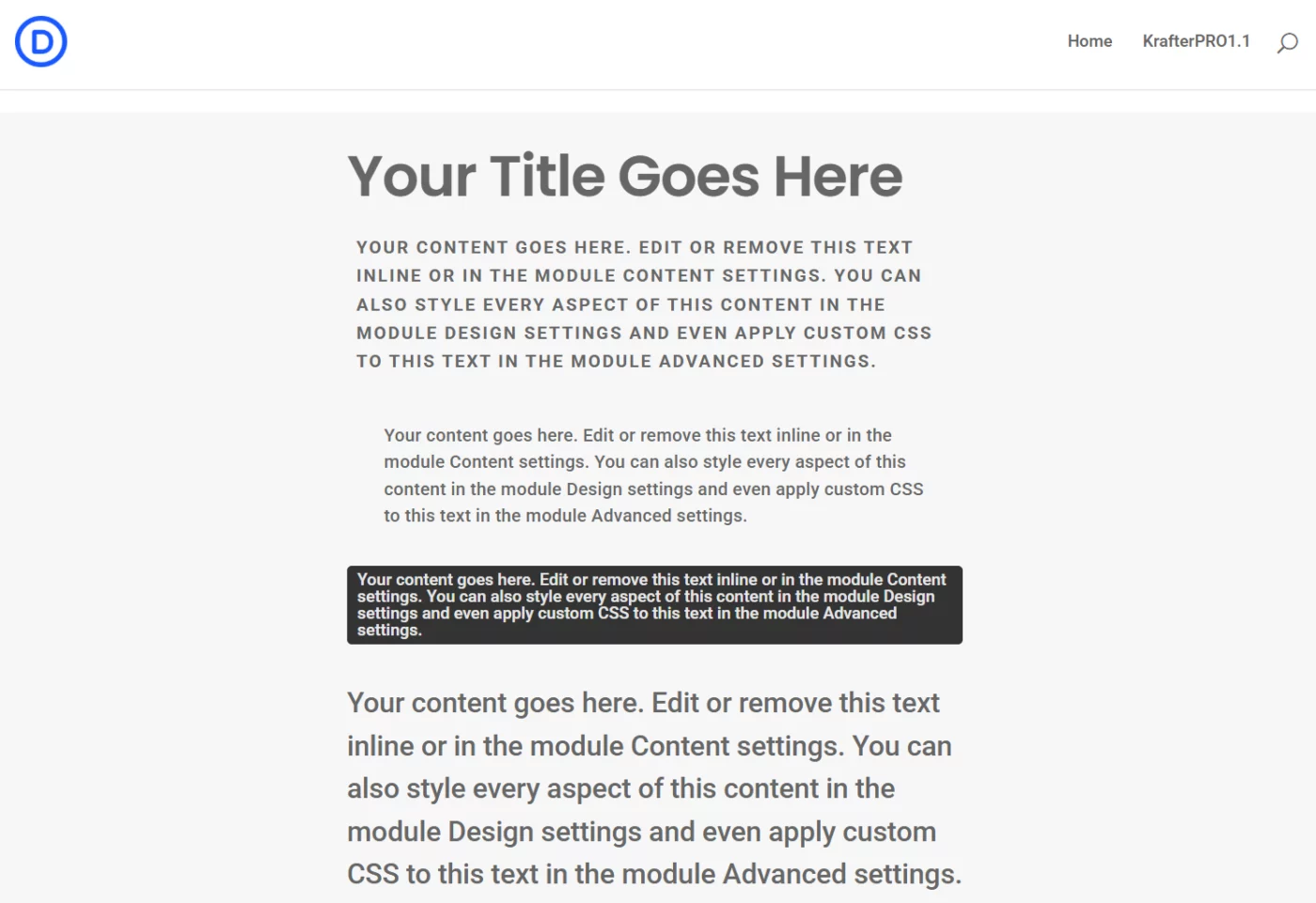
Here with some different text presets for spacing:
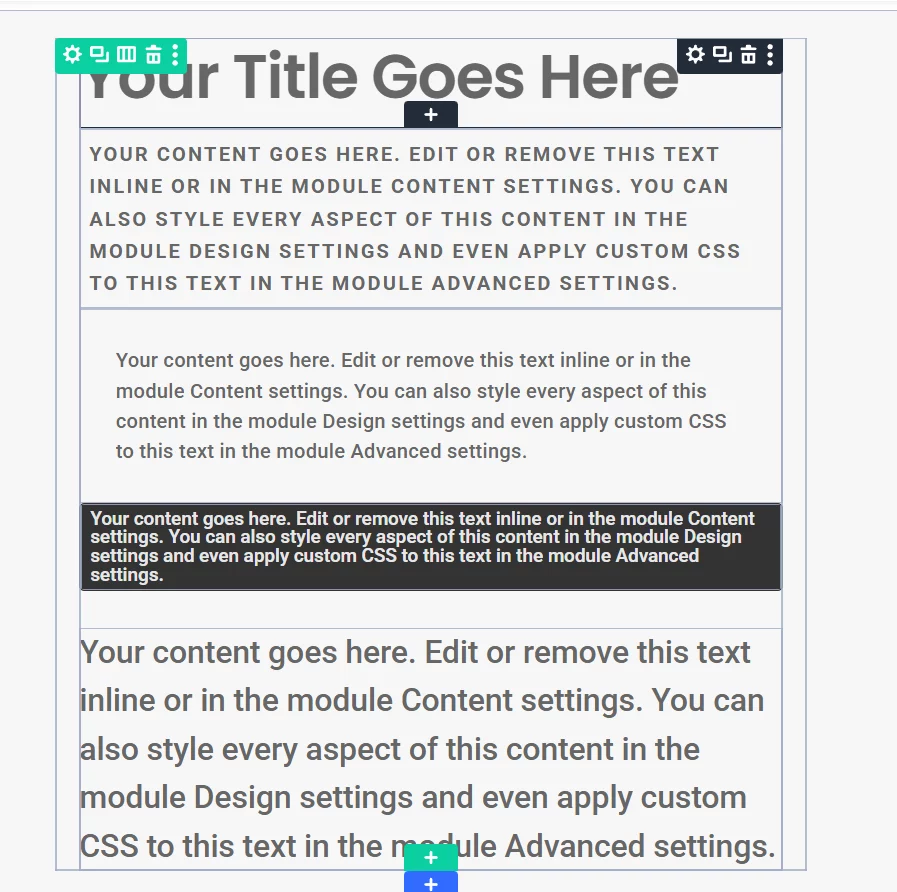
The gap last Text m-margin-Large
And finaly on the frontend:

Thanks. There is def something wrong with this one site and my KrafterPro install. Here is another anomaly... all the Sections have a "Gap xLarge" associated with them, and if I change it to "gap 0", the xlarge remains, and there is no way to get rid of it. The gap 0 preset has no effect.
Also, here is a comparison of the space in the builder, and on the live site.

Randal Birkey Can you try to clear the cache and see if that works.
Mak . Yeah, I've tried clearing every cache I can find and think of...