

Updating Krafter Pro Question
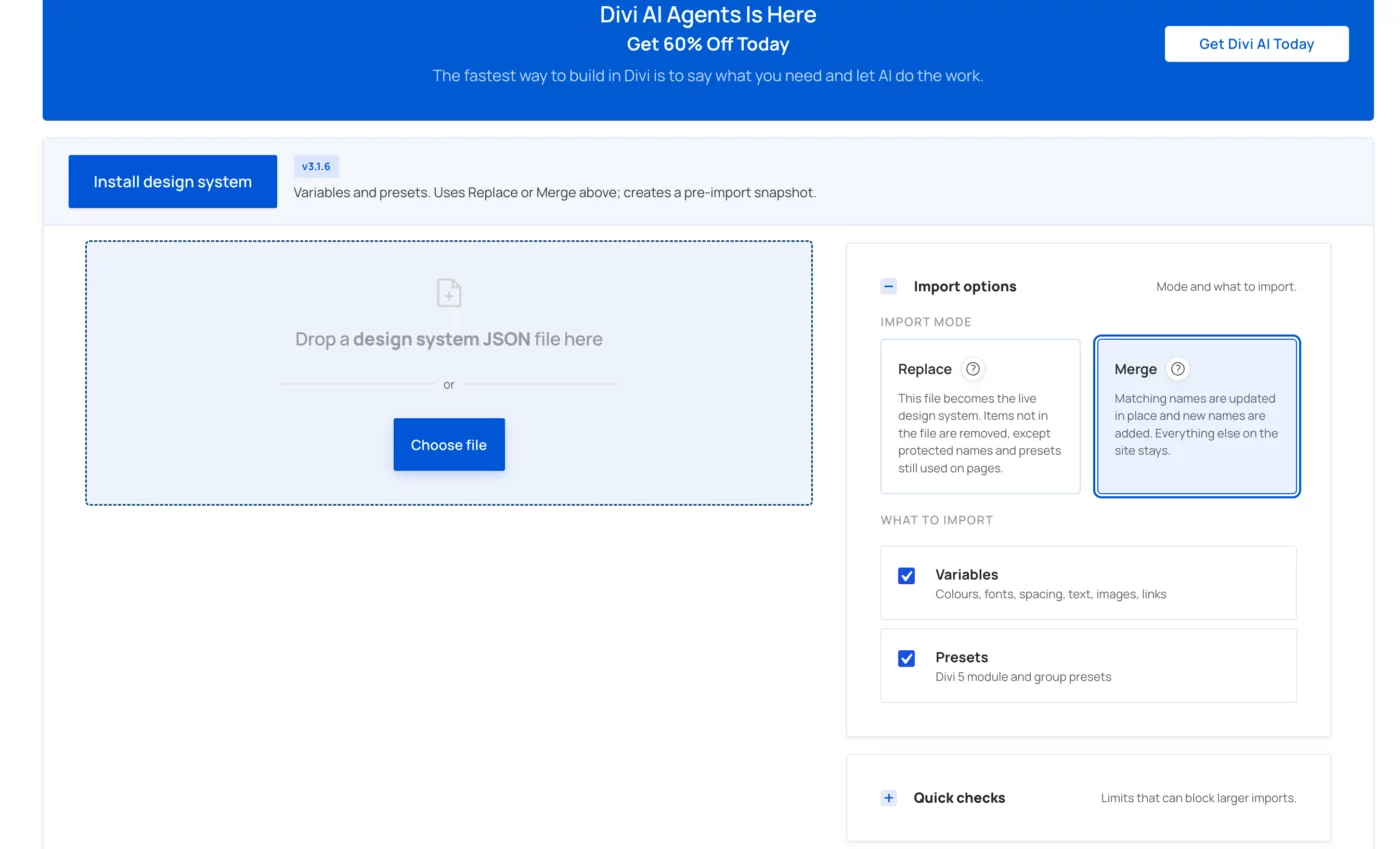
Sorry, I'm confused about updating Krafter Pro plugin. After updating plugin, I saw message "Design system update - Version 3.1.6 is available (this site is on 0)."
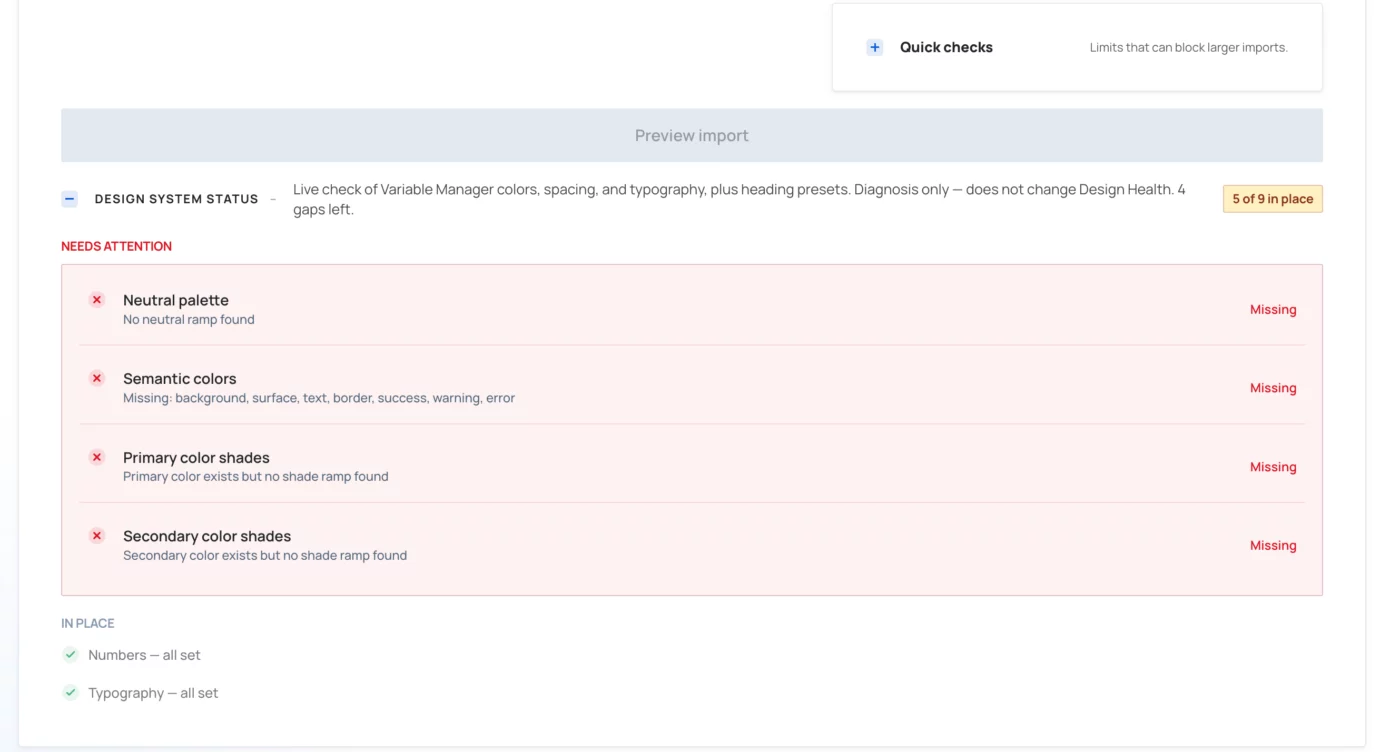
So I clicked update. See my two attachments. Do I need to take any action regarding the 4 red errors?
Coincidentally, on two other websites, where I updated, my primary and secondary colors got hijacked by the update and now I have primary Purple #73caed and teal secondary #00a2b8. Plus fonts, became Inter (headings) and Manrope (body). Is there a video that shows how to safely update? Thankfully, these were dev sites and not live. It would be bad if

Same...colors and fonts changed. I have to change back manually.

Jim Kemble Lynn Bantley When updating the Design System, you need to uncheck all the colors, for example by using “Deselect All”, and also uncheck the fonts so they don’t revert to the default settings.