
Differences between KrafterPro Display and Live Website Display
I have a client site where one Header design displays properly in the KrafterPro Builder display screen, but on the live website it does not, in multiple laptop browsers for me and my client. However, on my smartphone, it displays correctly. See the screenshots.
The crazy thing is that if I view the site in Safe Mode, the live page displays properly. BUT, if I disable the plugins one-by-one, the live site displays incorrectly... so I can't find if it is an offending plugin. My plugin list is below.
I have tried clearing the cache everywhere - DIVI, Cloudways server, Cloudflare, browser... nothing changes.
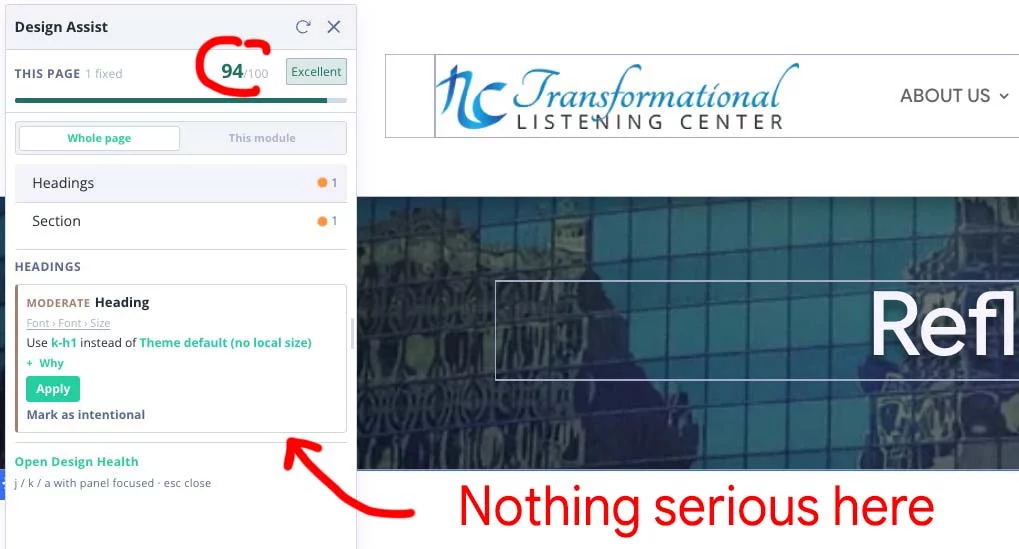
Design Assist also does not give any clues.
This is driving me crazy!
Here is the live page - https://transformationallisteningcenter.org/reflections/
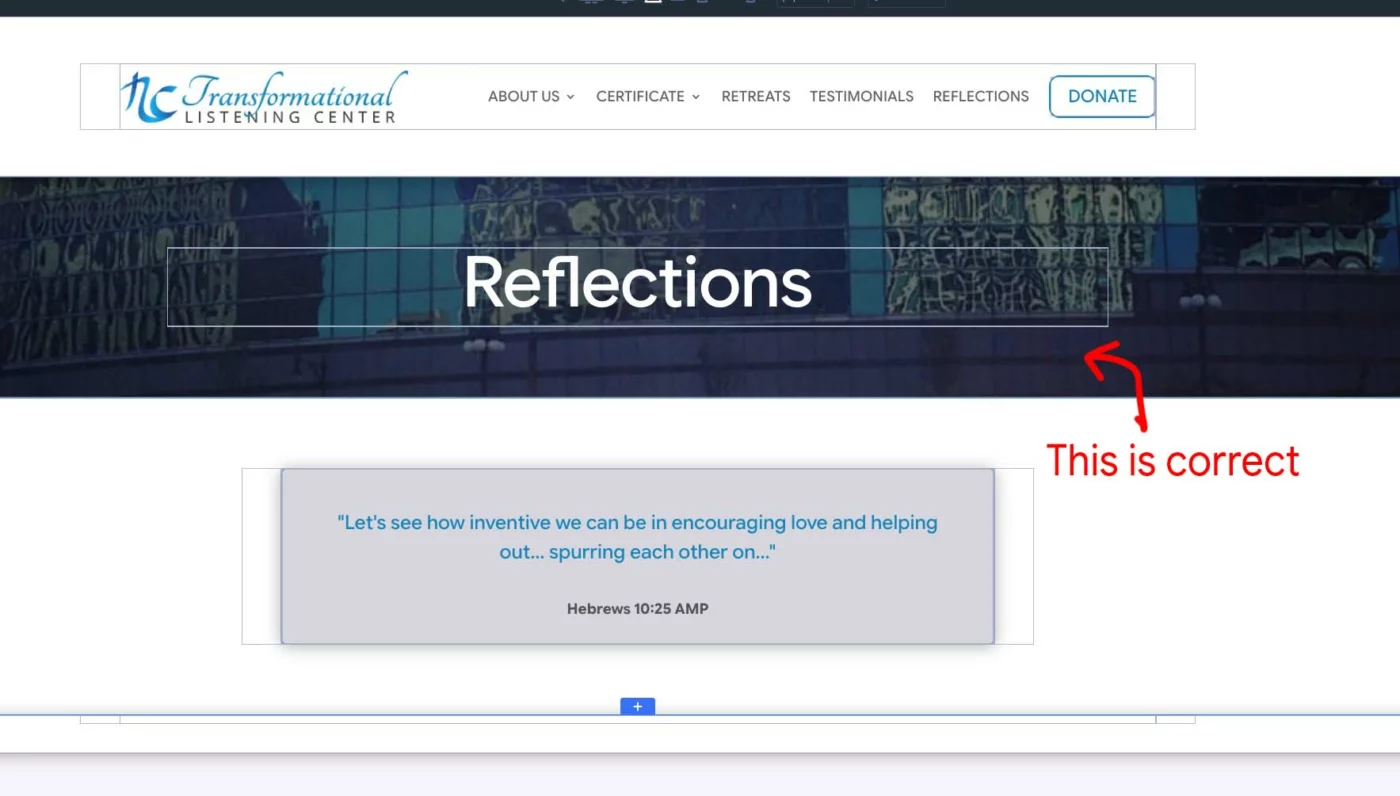
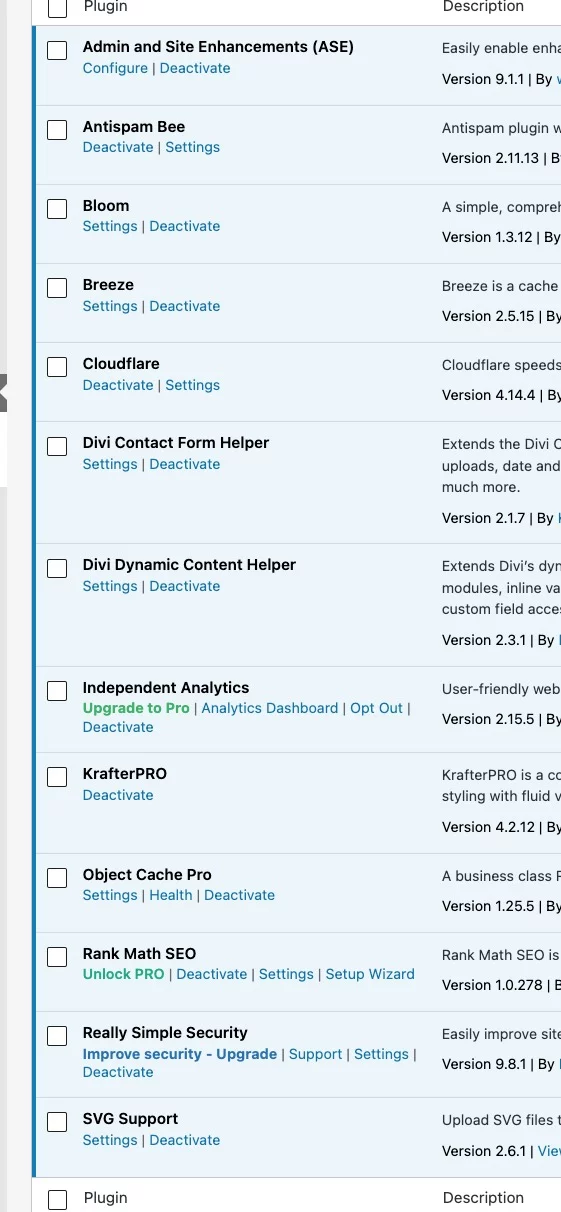
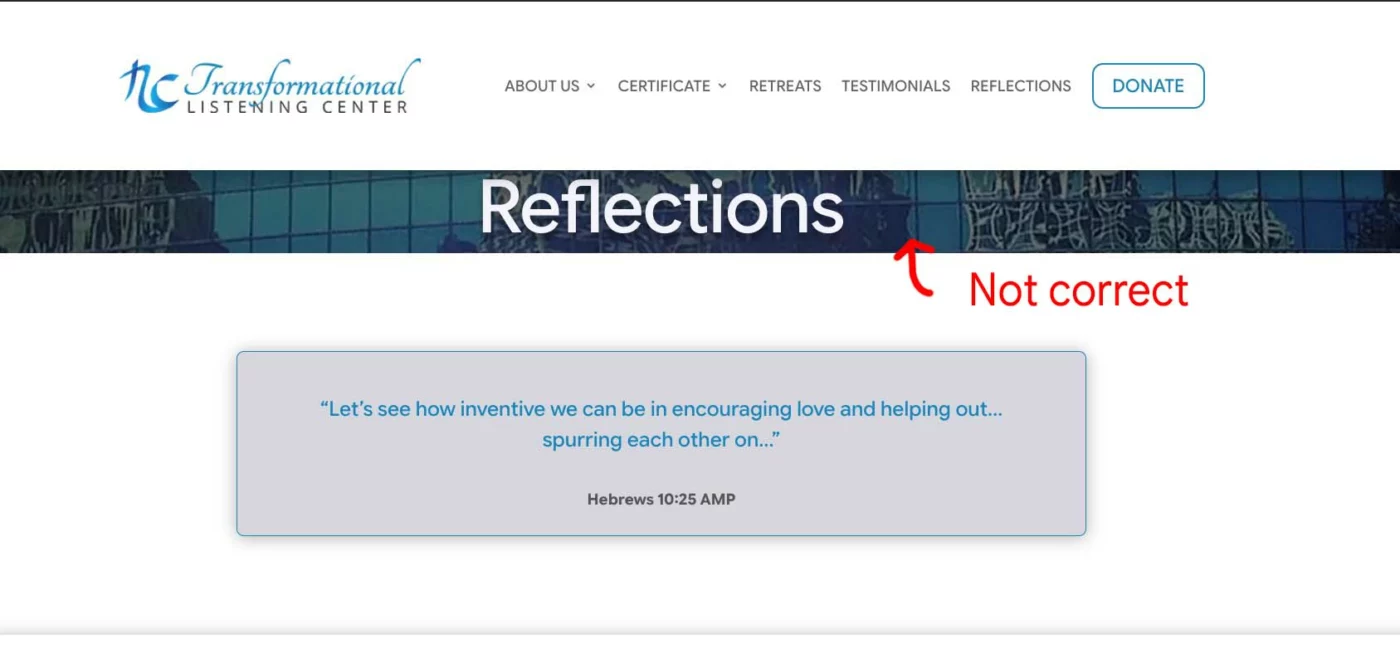
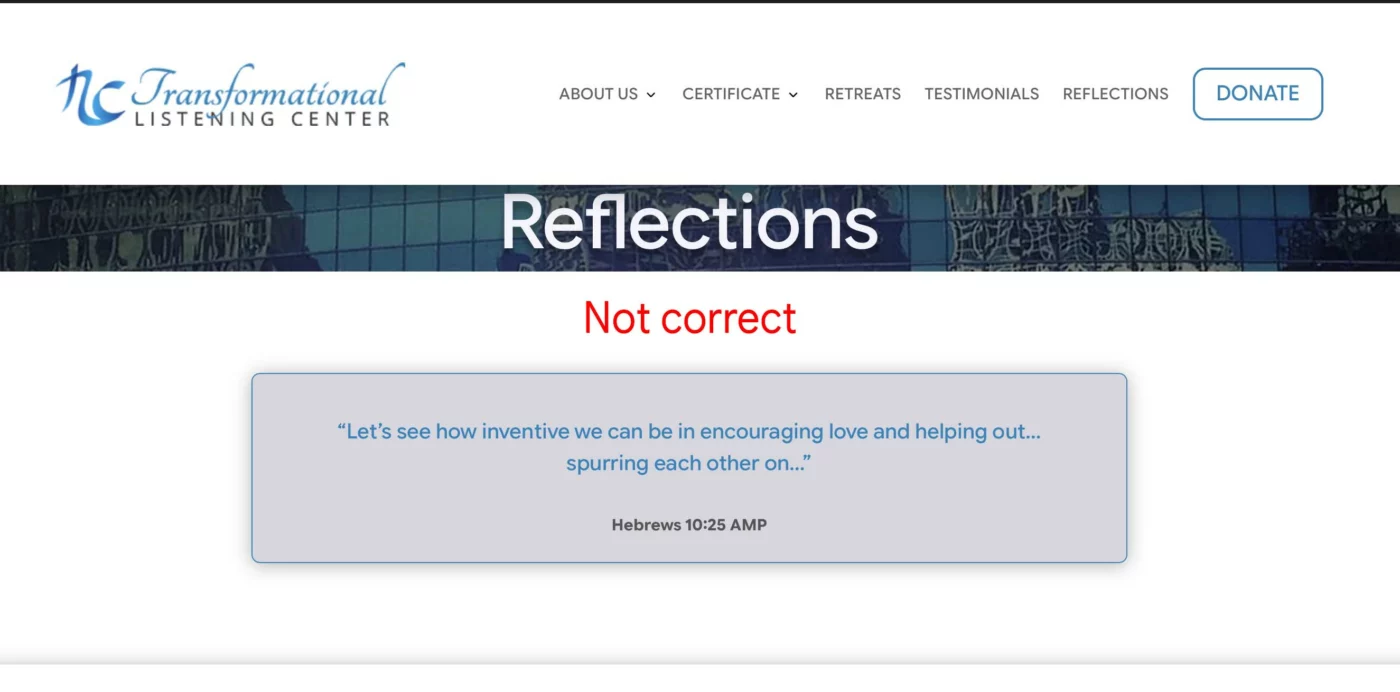


Basically, I found that if I use K-Section-S on the background section, this weird thing happens. But if I change it to K-Section-M, it works fine. There is some weird bug with KrafterPro and this webpage that I don't understand.

I wonder if it's similar to this problem: When I push my staging site to production, various images (and sometimes modules) are missing on the Live site but appear on the Staging site.
Appears to be a common problem, and related to the way DIVI stores certain data vs. the way Wordpress does. The fix for me : after pushing to production, using a find-and-replace plugin (on the live site) to replace any instances of the staging.url with the livesite.url.
anyone else had this kind of problem and found a different/better solution?