
Global header not working
I was attempting to redesign my global header, but old styles were still appearing even after clearing the cache. I deleted the header and to try to rebuild. Now the header and my pages are very faded out in the builder. Trying to work on the header, it lets me add elements but then you can see them. Help!
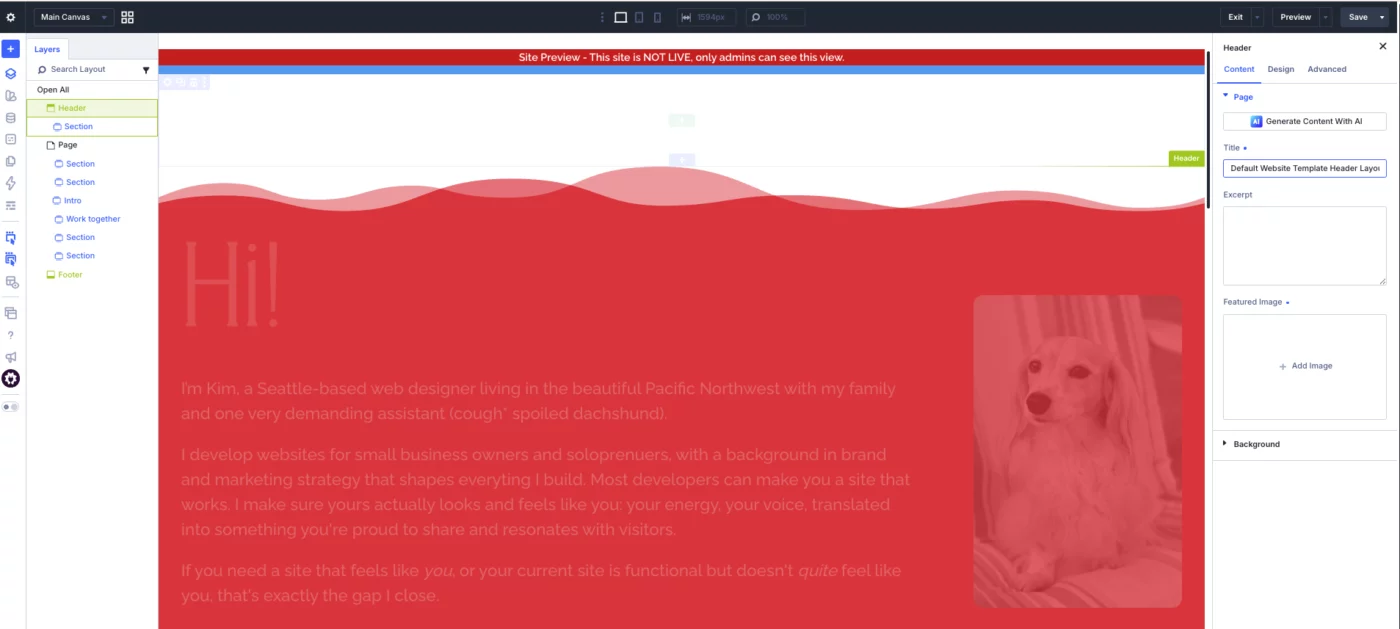

It looks like one of two things: the gradient over background image could be selected or the section or row or modules have visibility on. Did you check those items?
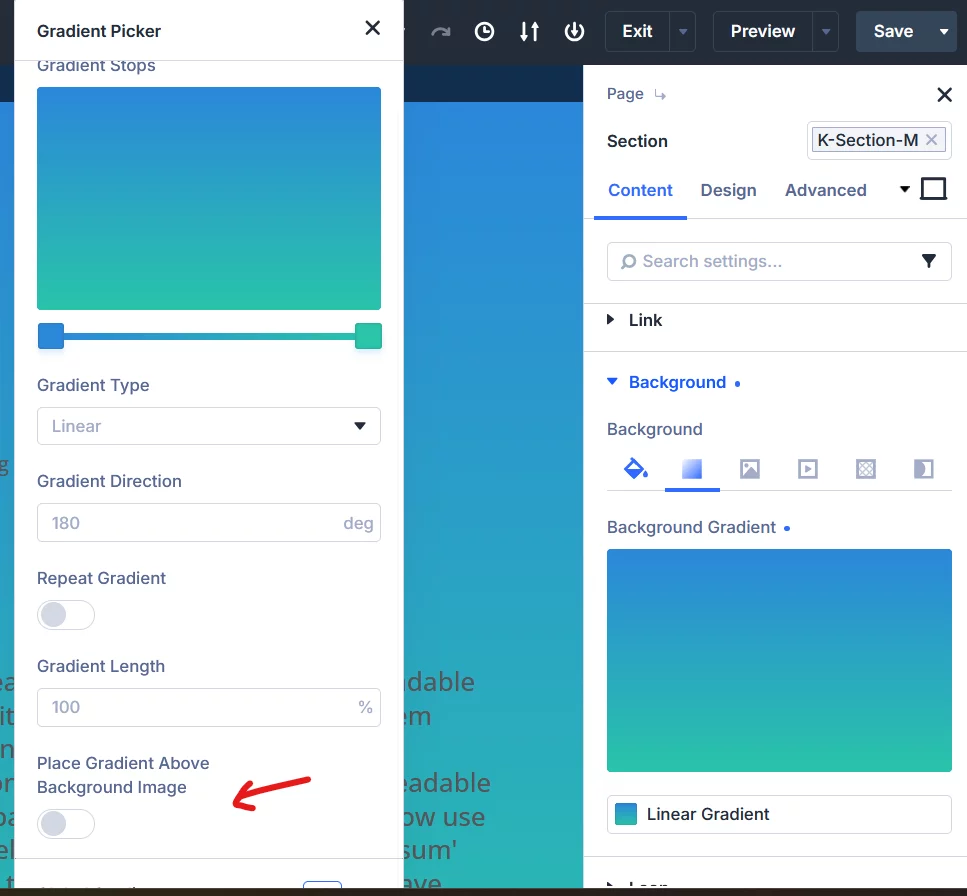
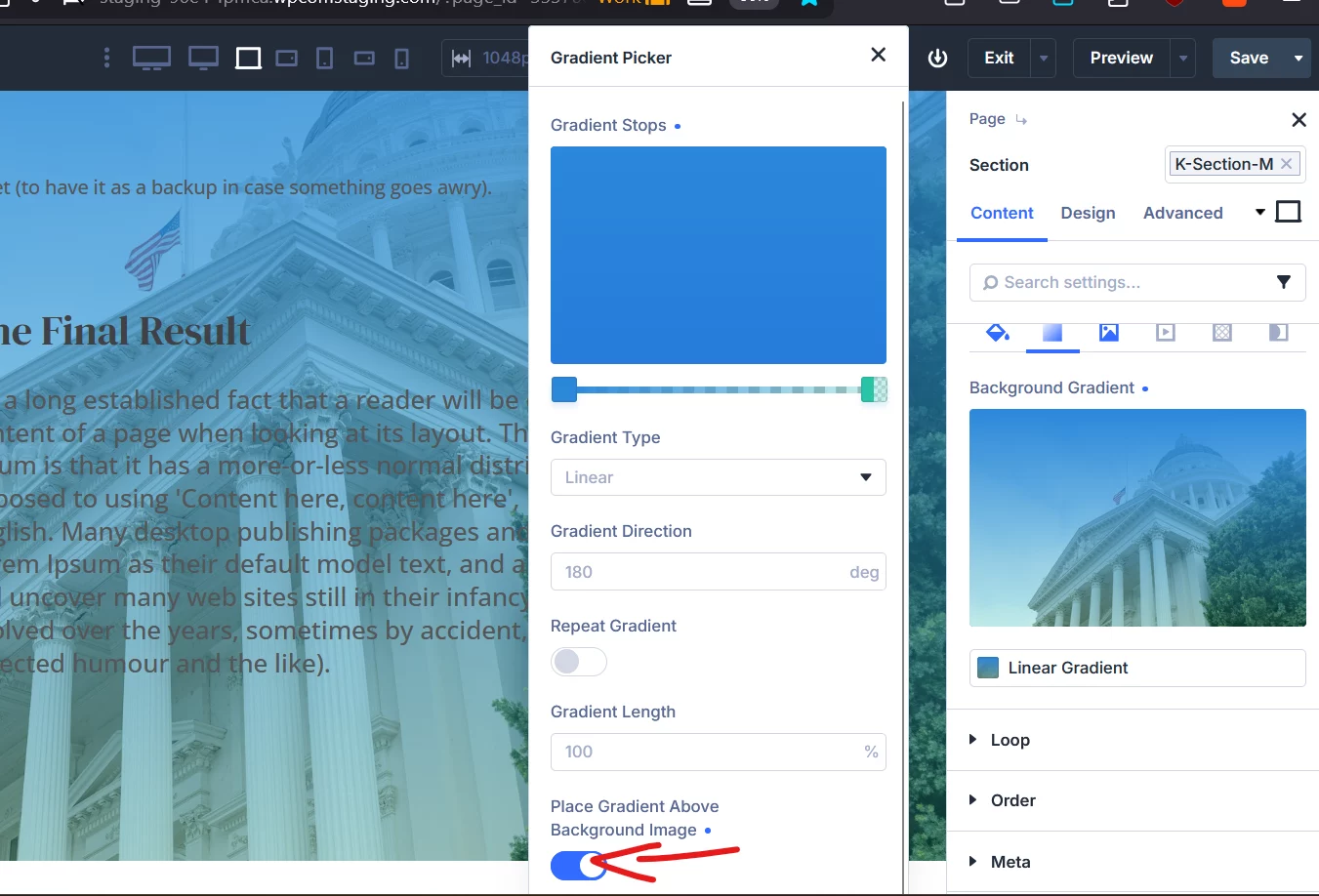
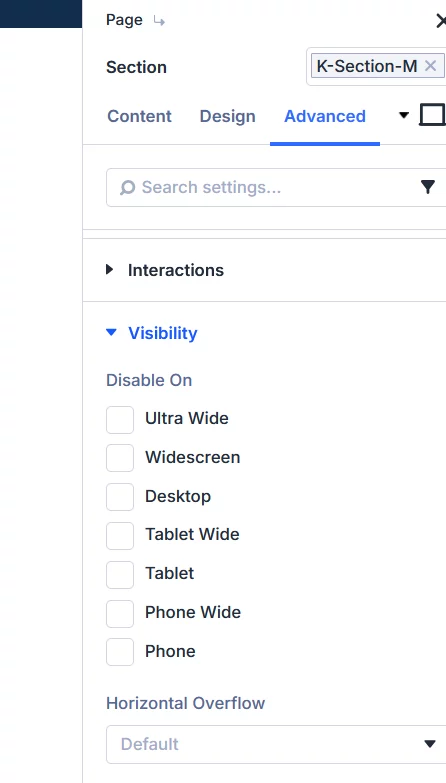

I don't have a gradient on any of my pages. What you see is the faded out effect that is happening. Visibility is set to the defaults on all pages. I'm truly stuck. I have a ticket in with Elegant Themes right now, but they haven't been able to help yet. It all started with trying to redo the global header.
UPDATE: I gave up and restored my site to a backup. I'll have to rebuild a days worth of work, but at least I have a copy to reference.
Kim Waag Sorry.

Maybe you were editing a page that was open before your global header, and when saved, overwritted your work...cause with Divi that happens, I learned it after erasing 2 times my global footer in one site, then I learned to save a "backup" for my global header and footer in the library after editing it :P