
Theme Builder
Hi Hope someone can help as not having much luck anywhere else.
I have set up a Posts template in the theme builder and it works great. but if I want to add a video to a particular post, I add a youtube embed block to the post, it looks great in the post. Yet when i view it live there is a huge gap between the Youtube embeded video and the start of the blog post.
I have tried adding the youtube embed further down the post but the same happens. I am sure there is a simple fix I just can't see it.
I don't want to add a video module as not every blog post will have a video.
Thanks in advance - please don't bombard me with code I am just a driving instructor building a website 🙂
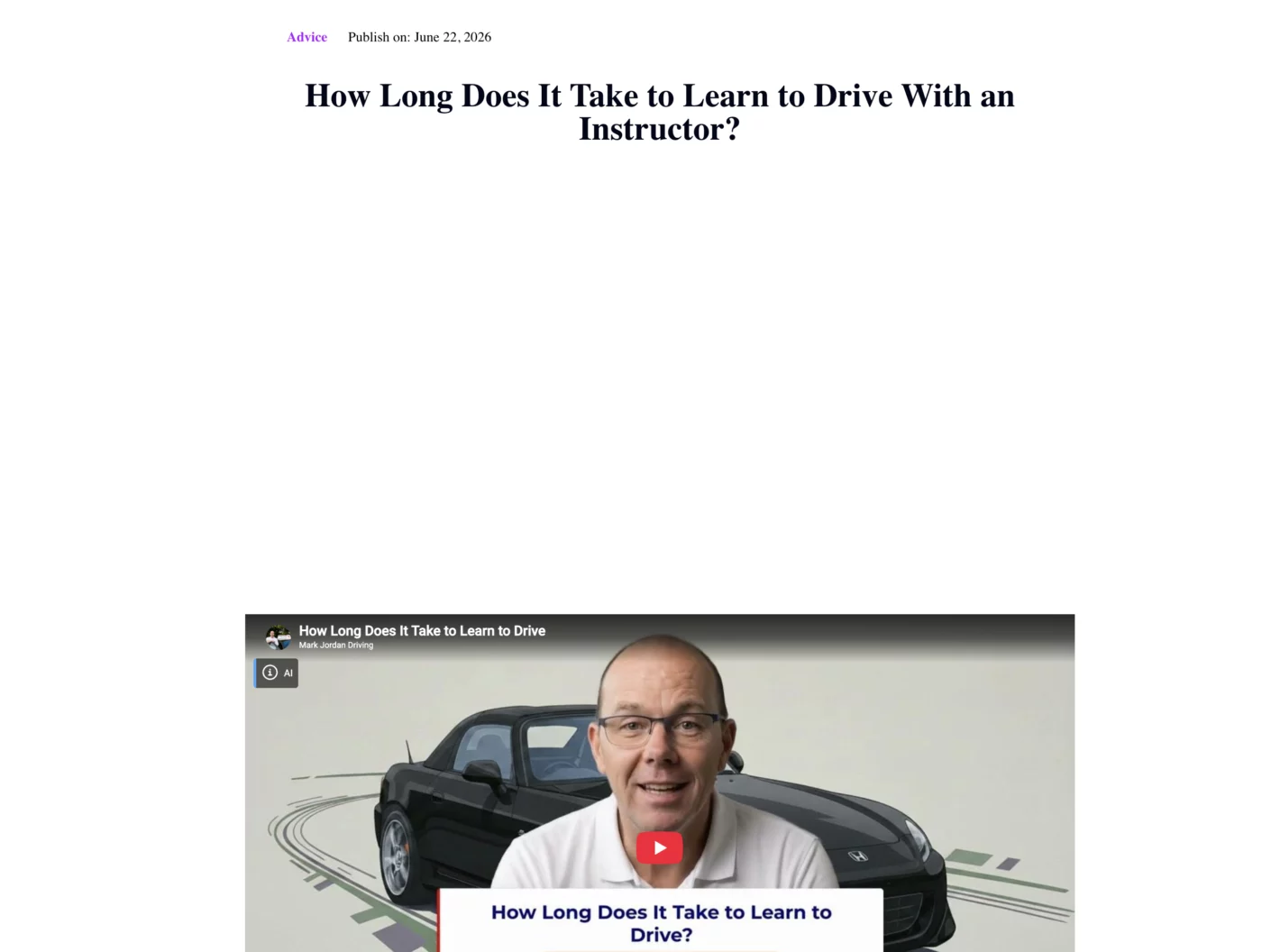
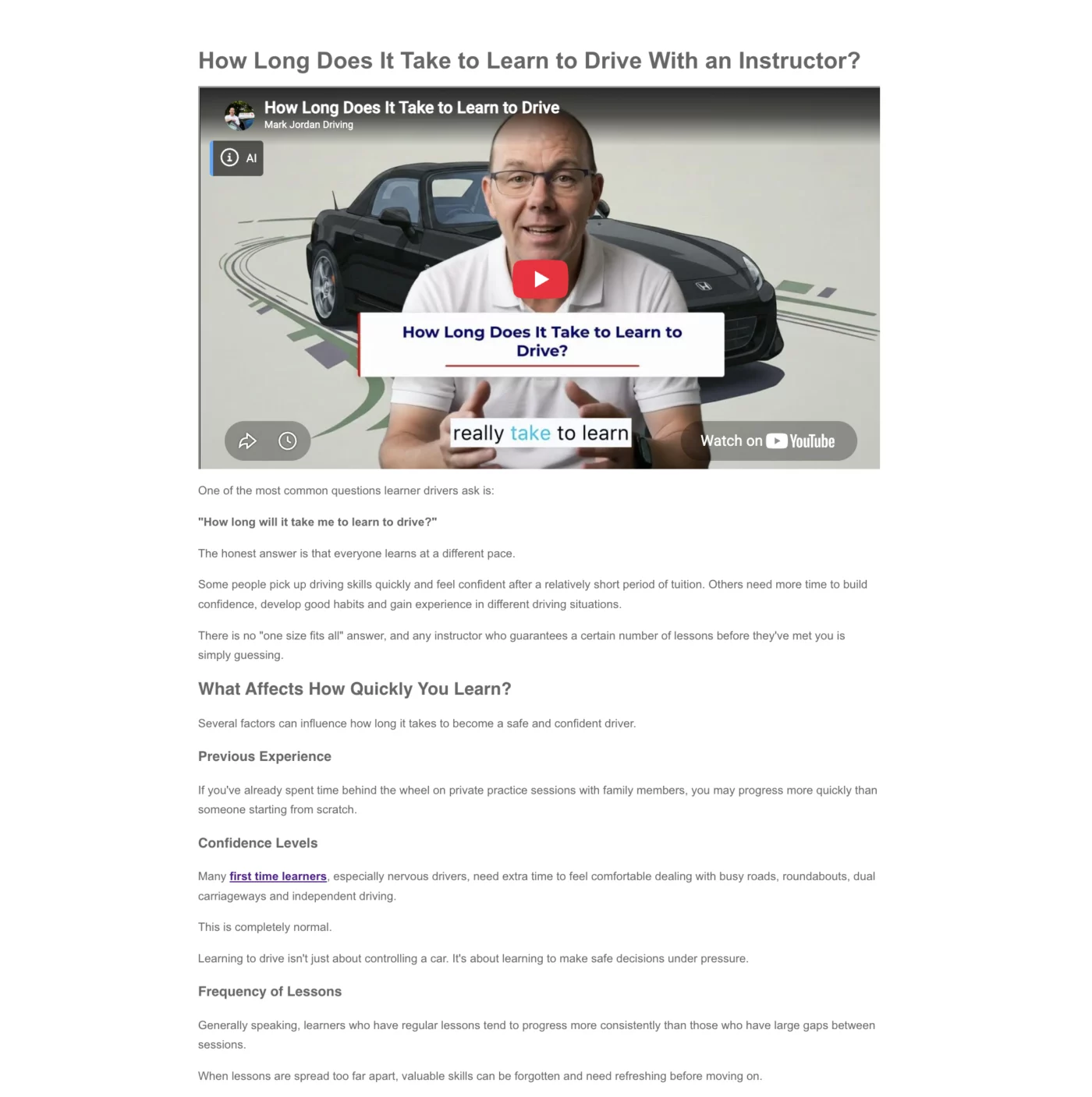

Mark, can you give us a link to view this live, and let us know if you're viewing it as a desktop, tablet, mobile, etc., and which browser are you using? Mark Jordan
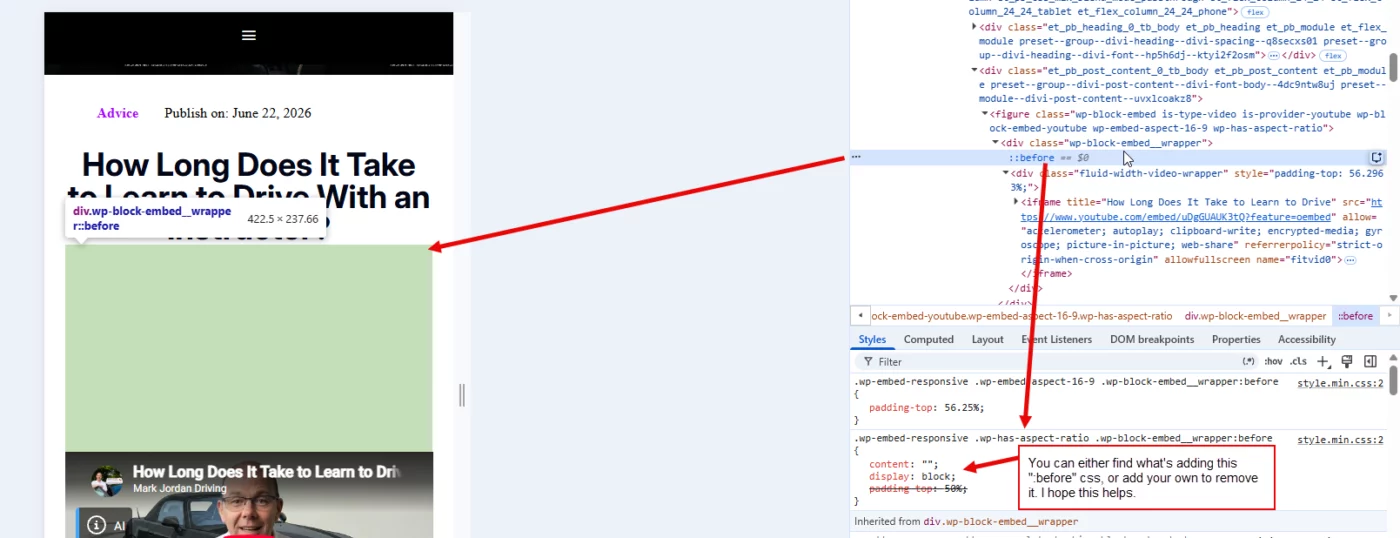
Please see if this helps and makes sense.

Hi Gary Thanks for that. I am not sure if I am doing the right thing here.
I have done a new blog today and posted via the 'add post' and used default editor which uses the Post Template in theme Builder. I add the youtube embed at the top of the post, but I then edit the post in Divi and adjust the padding. This seems to work but not sure it's actually the work around I should be doing.

Mark Jordan as Gary Gordon mentioned, its the embedded video which has top padding, check and if you can fix that. if you still need help let me know.
Mark Jordan Looks good now. There's always multiple ways to fix a problem. If what you did works (for Desktop, Tablet, Phone and in multiple browsers) then I'd say your good. Does that make sense? 🙂
Hi Gary yes totally. thanks for your help. 🙂