
Color Issues
Hi,
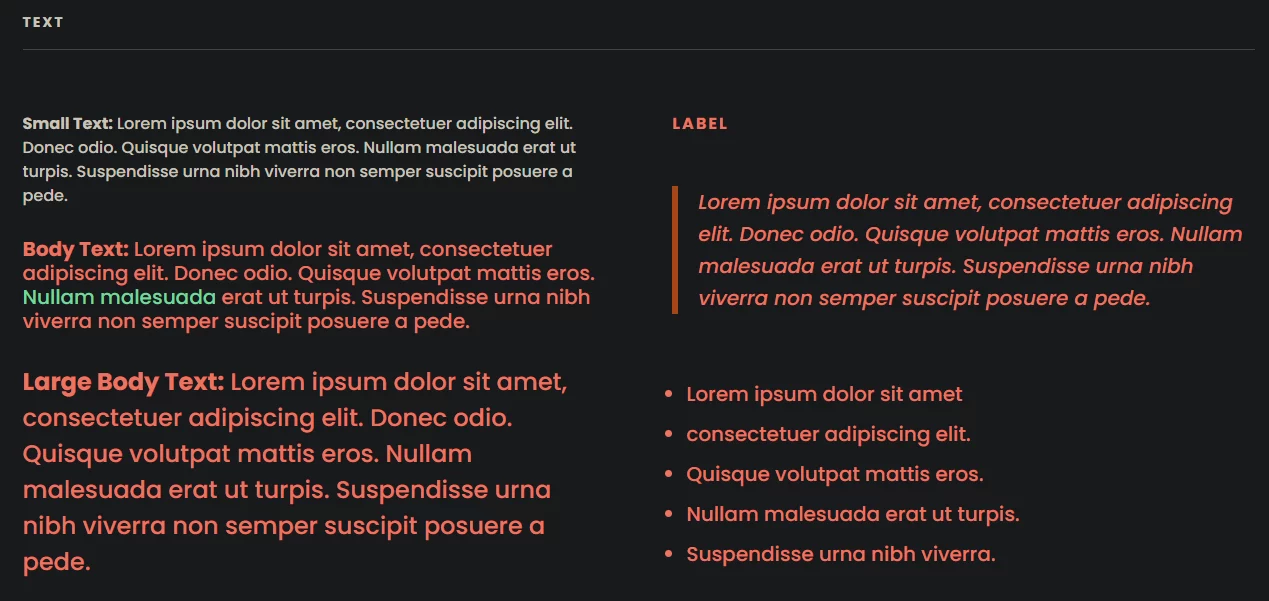
I just set up KrafterPRO on Divi 5 and while trying to fix up the colors I noticed that the Heading color is being used for the body text in the Design System page. The "K-Body Text Small" looks fine, but "K-Body Text" and "K-Body Text Large" are the wrong color. Anyone know how I can fix that?
Also, is there a plugin somewhere? I see some people mentioning that but the install file only came with 2 .json files and I got it from https://diviuniversity.com/download-krafterpro/ .

Amy Starr Hi there. Here is a quick Loom video I made to show you how to change Mak's body text and large body text presets.

Jennifer A. Thank you for the video. I'm going to try to locate the plugin first, then if I still need to make this change I'll do that. It's weird that he has the wrong color in there..
Amy Starr It's because he has it setup where it takes your primary and secondary colors and automatically pulls that into the presets. My secondary color wasn't set right either, but it's easy to correct.
Back in May, Mak delivered a plugin version of KrafterPro (KP). I use Wordpress, after I installed the plugin, my admin dashboard for KP looks like the screenshot I provided. FYI, I use another plugin to change my left-hand admin menu - irrelevant to KP.
I downloaded the folder from the link you provided and it is not the plugin version. Mak . I can't explain why the plugin version is not available.
In the first Q&A Mak held, he explained to one user that users can even uninstall the plugin and KP will remain on the system. Correct me if I'm wrong Mak .. Although, I am not inclined to try it.
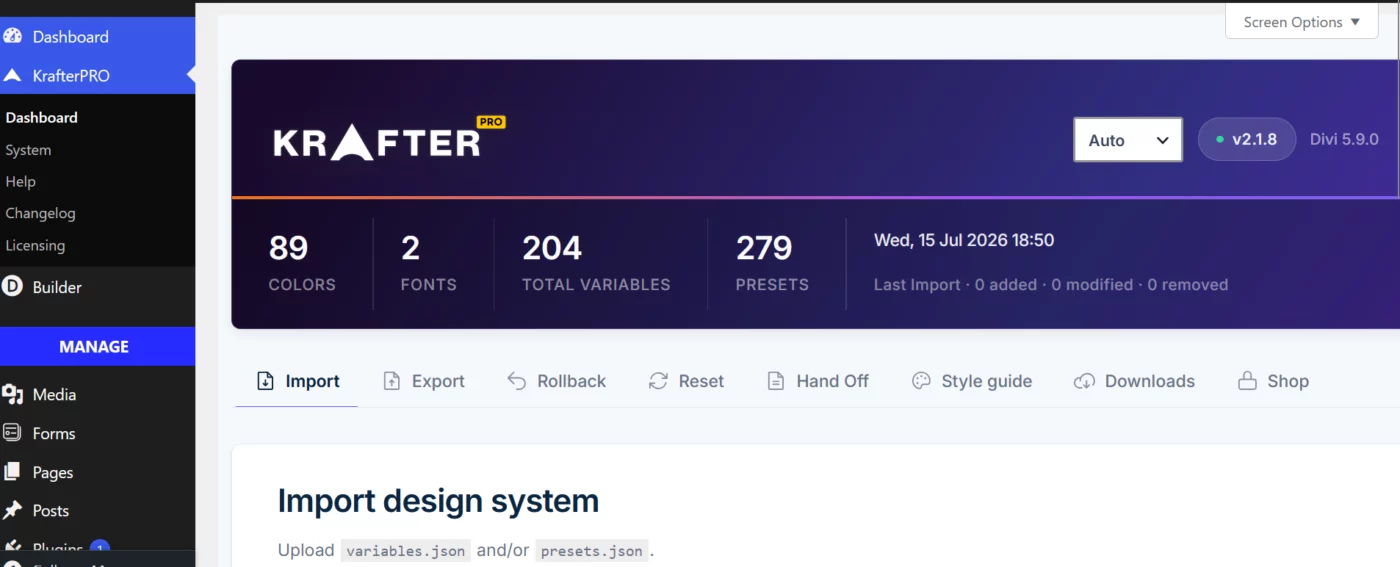

Update, just in case...
my mistake, if your looking for the plugin and went through the purchase process using the voucher you can find the download for the plugin here...
https://diviuniversity.com/account/purchase-history
then click the purchase to download the plugin.
:)
Hi Amy, i have been doing other things for a few months, but i remember videos about the plugin.
today i set up a new install and went to download the plugin, but i had to set it up according the the video on the same page, i didnt get a plugin file, just 2 json files?
so, i am a little confused as well :)
cheers
Carl
Carl Jason Hawkins Nothing shows there for me. It also doesn't show the KrafterPRO marker next to my name like it does other people. I purchased the plugin, then I got VIP for life when I bought a FluentCommunity plugin from his affiliate link. I might need him to look into it.
That’s odd, i appear to have access to the download, but i also don’t have the KrafterPro marker? Strange..
If I recall correctly Carl Jason Hawkins and Amy Starr , I think those of us who have the "KrafterPro" badge, originally purchased Sitekrafter Pro way before he released KrafterPro, which wasn't originally a plugin, but json files. Then he upgraded those of us to KrafterPro, etc.