
K-Accordion-Item Preset Edits
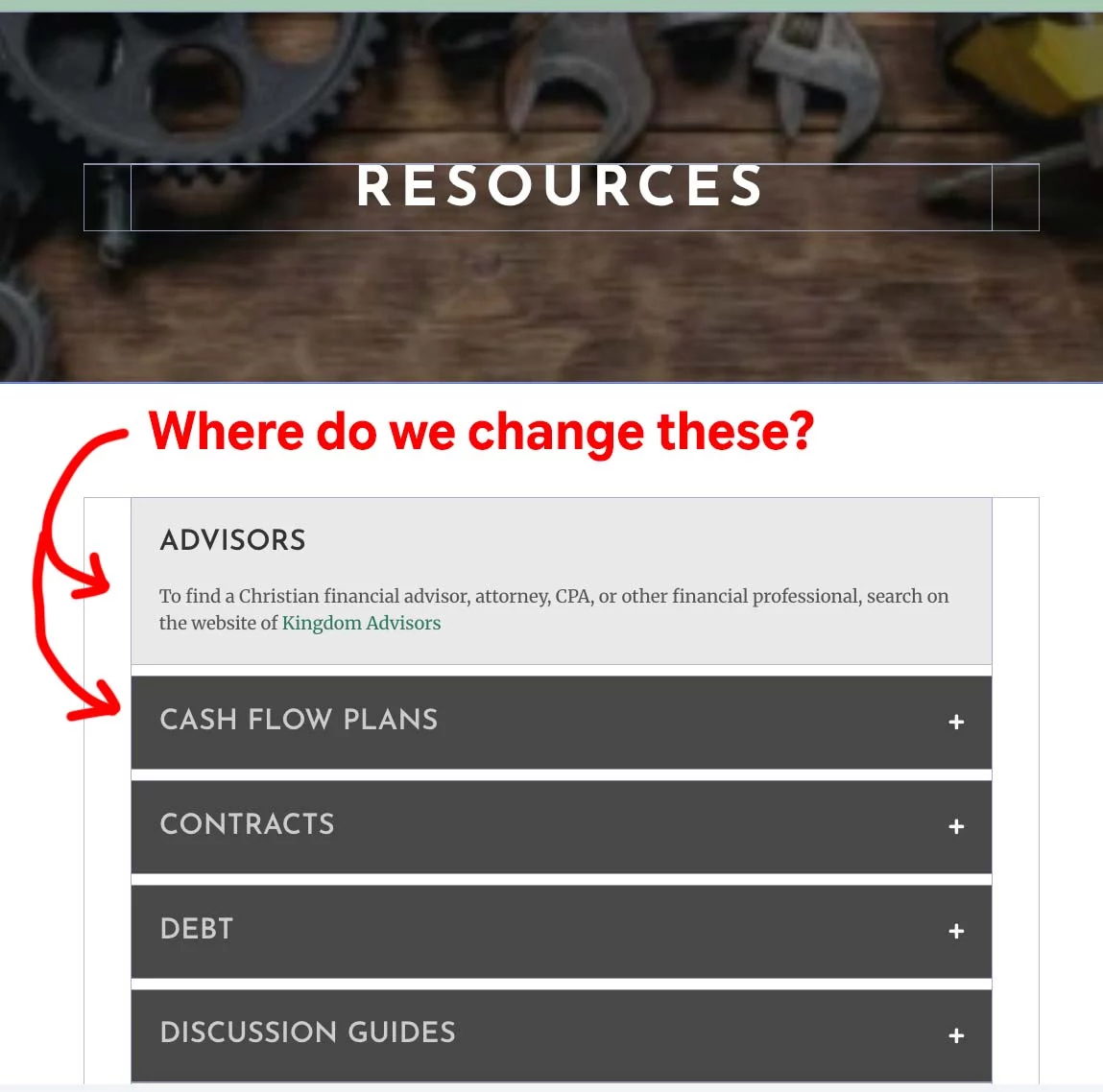
Does anyone know where and how to change the styles in this preset? I'd like to change the background colors and size of fonts... but have not been able to get anything to work.
Example page - https://mam.birkey.net/resources/

Randal Birkey you can handle this in two ways:
-
Duplicate the preset you want to modify, make the required changes, and rename it with a name you can easily identify. Then protect the preset in KrafterPro. This is the recommended approach because your custom preset will remain unaffected when the KrafterPro Design System is updated.
-
If you want to modify the existing KrafterPro preset directly, go to Presets, search for the required preset, and click the gear icon. You’ll then see the normal design options on the right-hand side, where you can make the required changes.
I would recommend the first approach if you want to keep your customizations safe during future Design System updates.

Kiran Kumar Thank you. I had not seen that there is a setting for "Toggle" within the module that sets those colors.