
One or two columns on a row?
What's the easiest way to build a layout with two columns where the left column contains an image that should have the same height as the two rows in the second column?
Should I just build it using a row with a two-column grid, the same way I normally would if I weren't using KrafterPRO?

Auto grid? -> copy the presets or export/import just the auto grid for your site without KrafterPRO

WPTierz Laurent If I use AutoGrid, I end up with more than two columns because I have several modules following one another. What's the best way to achieve a layout where the left column is a single image spanning the full height, while the right column contains two stacked rows?

Mathias G use autogrid with one row at the top in that add image & group >> now in the group do what ever you want, 2 rows etc
Kiran Kumar I wan't to have this layout
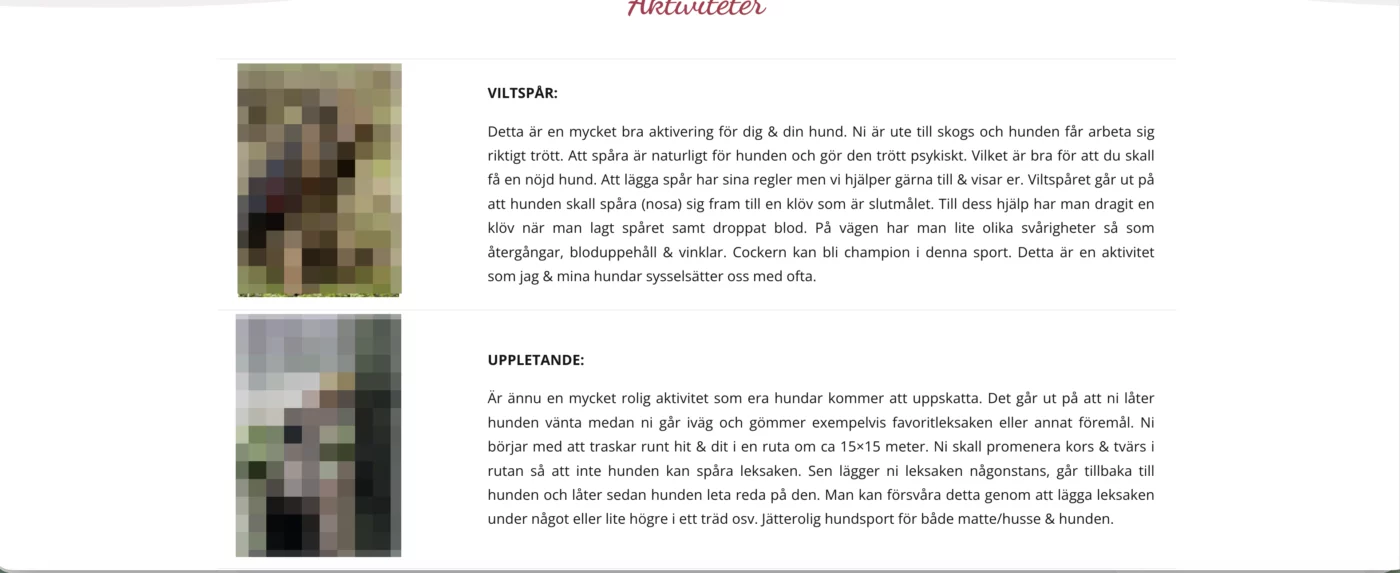
Mathias G try with this layout, if it fits your requirement https://drive.google.com/file/d/1fv96HYfkTGx9xAJAD6NSAPI6rPYkLy4F/view?usp=sharing
Kiran Kumar Thank you very much! Now I just need to reduce the space between the image and the text.
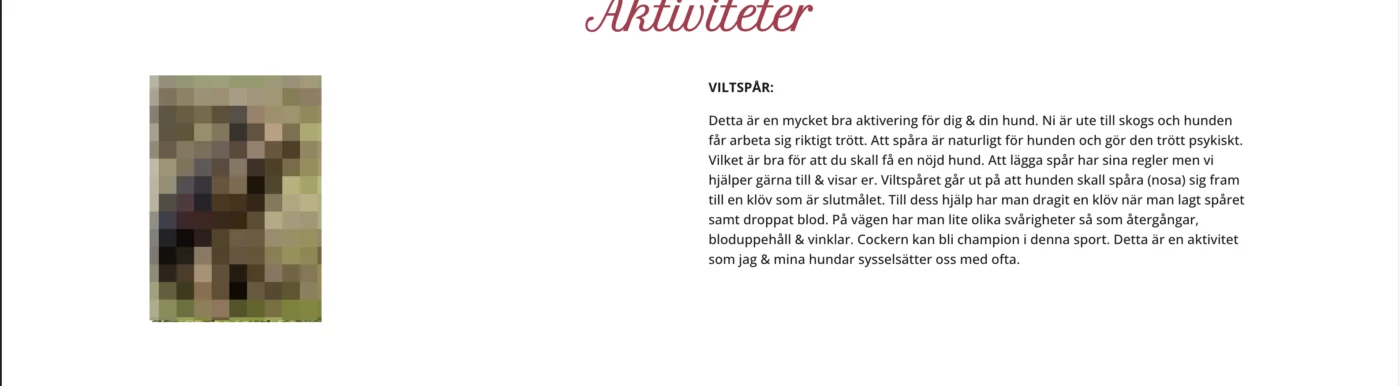
Mathias G have you installed KrafterPRO, if yes, then it should work as attached in the screenshot. if you still need help let me know.
Kiran Kumar Yes, I have KrafterPRO installed, and the row is using the k-Row Content preset.
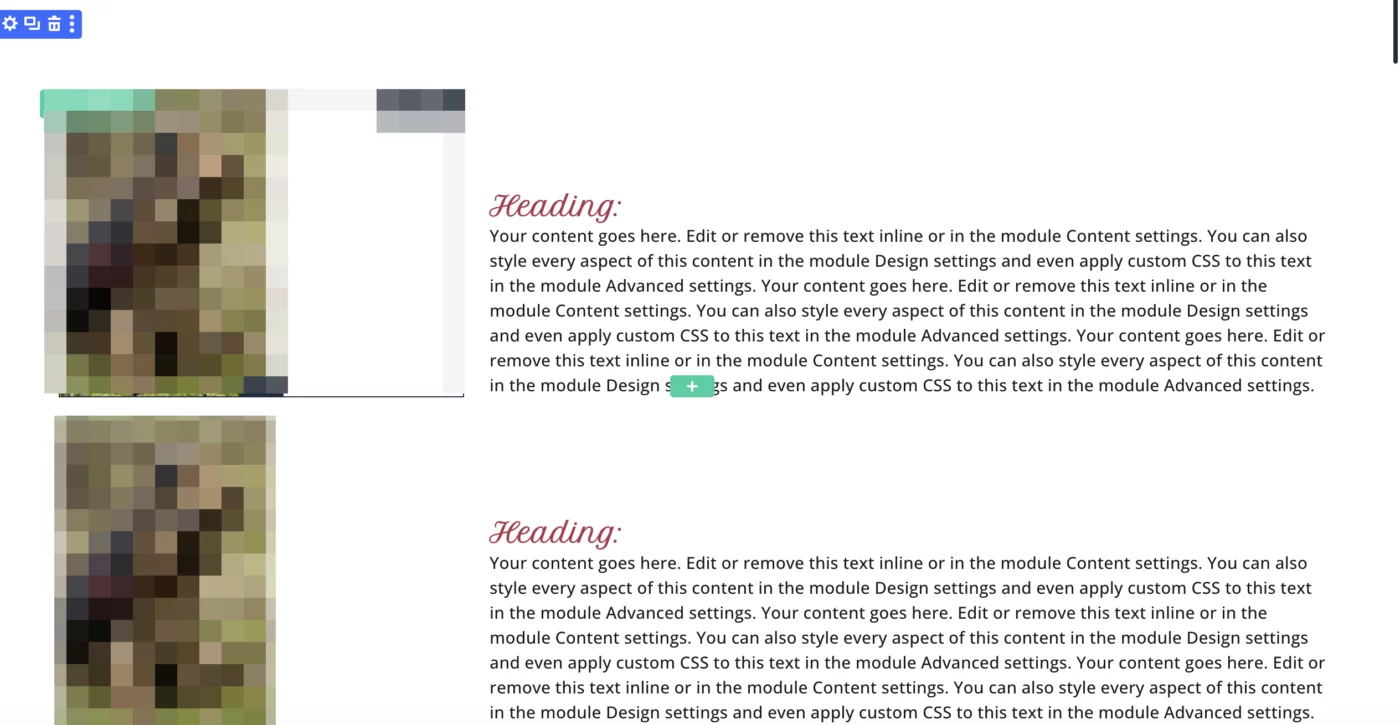

Were you able to get the design you wanted Mathias G ? It appears the image is set to square 1:1 and you want portrait. You can select the image module and just select one of Mak's preset portrait options and it should be the way you want it.
If not, try copying the steps in my video. I also show you different aspect ratios you can use to change the image height/width.
https://www.loom.com/share/dedb4e78bcc94e8ea44305502d398dde
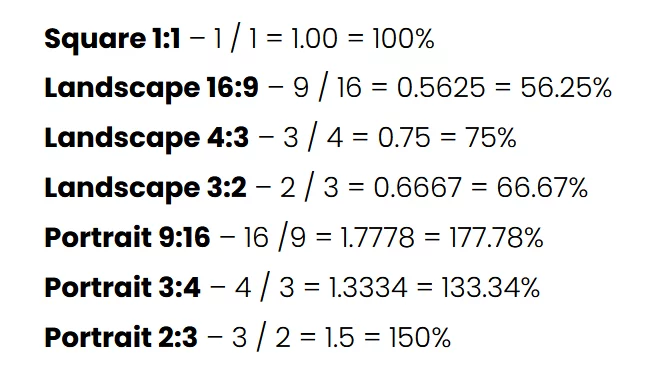
Here is a screenshot of various aspect rations that I obtained from Peeayecreative.com a couple years ago. Let me know if this help. :) Good luck.

Jennifer A. I just wanted to let you know that I appreciate your lovely video contribution! Thank you for the share!
Sam Crowe Hi there Sam. Thank you so very much for expressing your appreciation! You are so very welcome.
Jennifer A. I need a good tether like that because I get distracted by possibilities and I try to force things sometimes with cowboy coded, inline css that breaks on every other fallback. I just need to learn to trust the flexbox and grid.
Sam Crowe I get that. I am trying to avoid css and script as much as possible. I went waaaaay overboard in Divi 4 with my site and I hate it now and it runs slow. That's why I LOVE this product and have only added a handful of css. I run into hiccups too but I can usually figure it out.
Jennifer A. Thanks again, it works great. At least in the older version.🙂