

I have been attending to several business matters, so I have not checked in for about a week. When I logged in in yesterday, I noticed that my Status was changed to "member" from lifetime member and I cannot access any of the resources Ito which I usually have access.
Has anyone else noticed a sudden change in status? Mak, have you updated the site that inadvertently changed something in the membership area. I would appreciate it if you would look into this as a situation that might be affecting other members as well as myself. I await your reply.

I was thinking of finding a Branding Guide. Krafter is so close. Consider adding other elements, such as a logo area. Just a suggestion.

Hi Again
More advice needed.
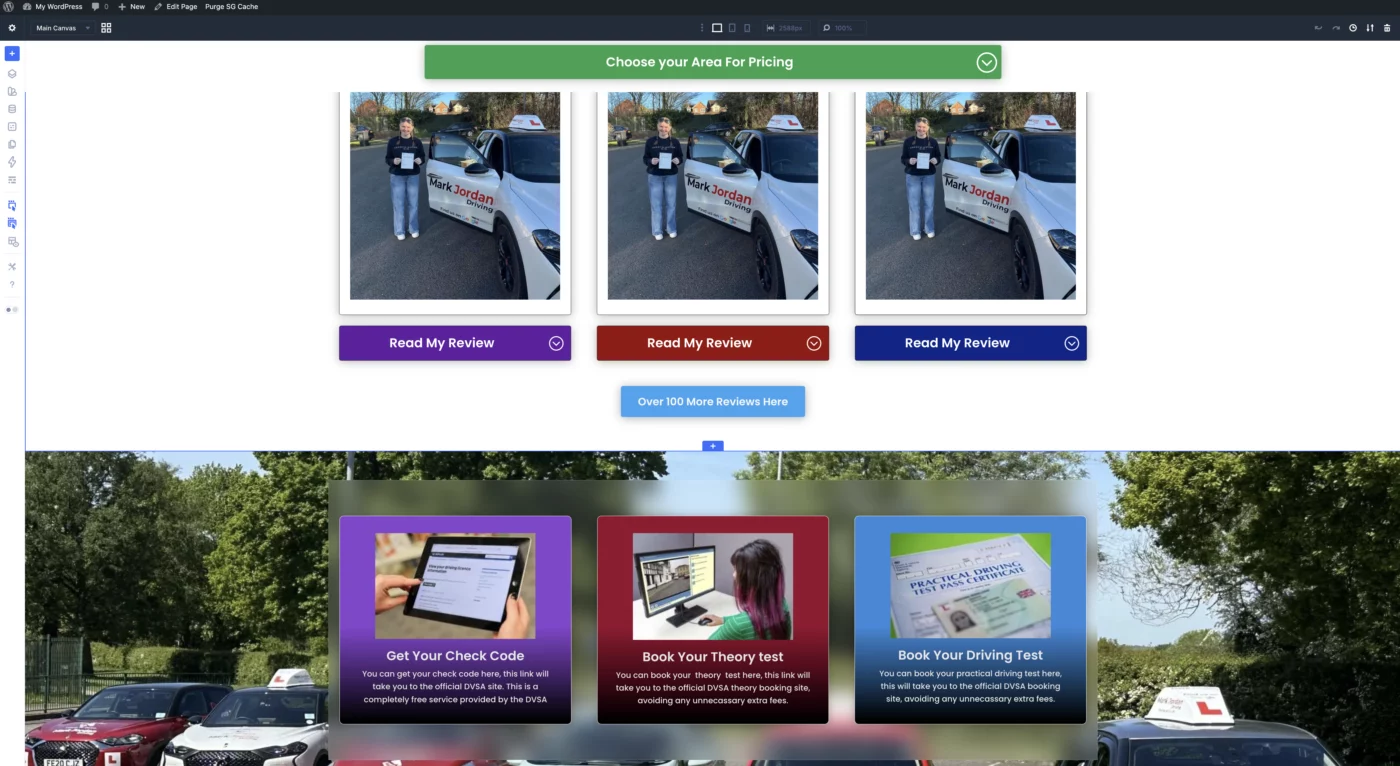
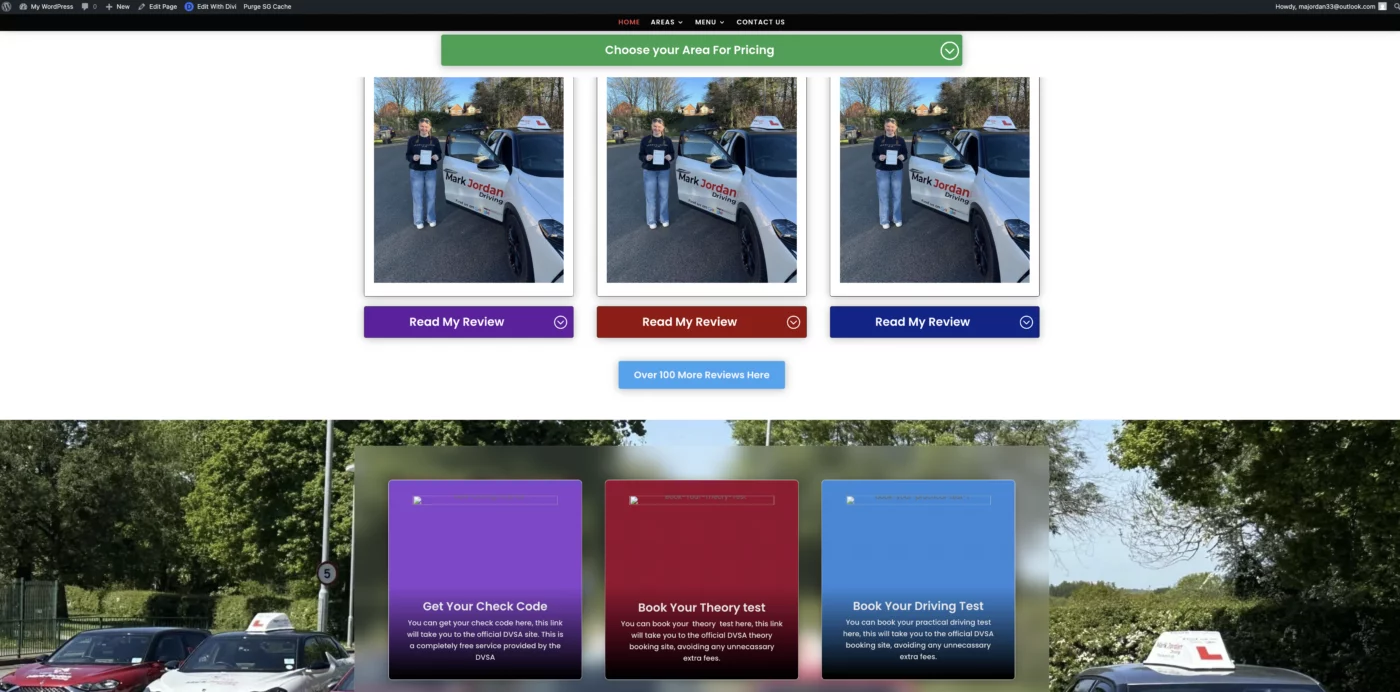
I notice on Mak's tutorial videos that when he switches to 'Preview on front end' that all his pictures show up. Yet when I try it a lot of my images don't show. Strangely it's the larger images that do 🤷♂️
The site is not live yet I and I have no image optimisation except for what Sitegrounds Speed Optimizer does. I have disabled this, cleared caches etc tried deleting the images and reinstating them, changing them from jpeg to webp and png but to no avail. And it's always the same pics that don't show. I have changed the image from a pupil next to the car with the one of the girl on a computer and again it doesn't show.
I'm going mad trying to work out why, if anyone can shed any light on it I would be most grateful.
Thanks.
Mark

A Post from Randal Birkey about the Social Media Mudul Link
https://diviuniversity.com/portal/space/divi-community/post/social-media-module-links
It really got me thinking, and to be honest, I almost couldn't believe that something which worked perfectly in Divi 4 is now missing. So, I did some research...
Thank you so much for this post! Personally, I usually handle social media links at the very end of a project when the website is nearly finished. That’s exactly when I would have searched everywhere for this setting, eventually doubting myself and wondering if I was just too blind to find it. It would have cost a massive amount of time only to realize: this setting was simply overlooked.
Let’s be honest: Divi 5 was completely rebuilt on React, which was absolutely necessary and something we’ve all been waiting for. In such a massive transition, it’s understandable that these "little things" might get missed. This makes it even more important for all of us who need this feature to reach out to Elegant Themes via their support channel or chat. The more people mention it, the faster it will be implemented!
Until then, I’ve summarized the technical background and a working solution for you:
Why doesn't this work with CSS or Presets?
- CSS: Is only for design (colors, spacing). CSS cannot technically control a link's behavior (opening in a new tab).
- Presets: In Divi 5, presets store design attributes. Since the "Link Target" option is currently missing from the module’s core code, a preset cannot "force" this property.
- The Solution: We use a small snippet of JavaScript (jQuery) to tell the browser to open a new tab after the page has loaded.
Solution 1: Global for the entire Website
Use this code if you want all social media icons across your site to always open in a new tab.
Where: Divi > Theme Options > Integration > Add code to the < head >
html
<script type="text/javascript">
jQuery(document).ready(function($) {
    // Adds the target="_blank" attribute to all Social Media Module links
    $(".et_pb_social_media_follow_network a").attr('target', '_blank');
});
</script>
Even though this code is easy to understand and not complicated, you know what I always preach: Always create a backup and test in a staging environment first.
Solution 2: For a specific Module only
If you want to maintain control over which specific module opens in a new tab:
- Assign a Class: Open the Module > Advanced > Attributes. Add an attribute: Name:
class| Value:custom-social-tab. - Insert Code: (Either in Global Theme Options or a Code Module on the page):
html
<script type="text/javascript">
jQuery(document).ready(function($) {
    // Only affects modules with the class "custom-social-tab"
    $(".custom-social-tab .et_pb_social_media_follow_network a").attr('target', '_blank');
});
</script>
Even though this code is easy to understand and not complicated, you know what I always preach: Always create a backup and test in a staging environment first.
What happens if a user has JavaScript disabled?
In this rare case (approx. 1-2% of users), the link will still function perfectly, but it will open in the same tab. To inform these users, you can use this notice tag (only visible when JS is off):
html
<noscript>
  <div style="background-color: #ffcccc; color: #cc0000; padding: 15px; text-align: center; border: 1px solid #cc0000;">
    <strong>Note:</strong> JavaScript is disabled. To open links in new tabs automatically, please enable JavaScript in your browser settings.
  </div>
</noscript>
Even though this code is easy to understand and not complicated, you know what I always preach: Always create a backup and test in a staging environment first.
I hope this helps a few people until Elegant Themes officially brings this feature back!

Most Divi websites look flat. Generic. Forgettable. This one scroll effect changes that instantly.
In this tutorial, I'll show you exactly how to build a stacking row/card scroll effect in Divi 5 — where each section layers on top of the last as you scroll, like a premium, high-end site.
Here's what we're covering:
→ How to set up stackable rows in Divi 5
→ The exact settings that make it work smoothly
→ How I built this using KrafterPRO (my Divi 5 design system)
This effect alone can transform how professional your site looks — without hiring a developer.
-- Get The Course For ONLY $37

Is it really the case that we can't direct the DIVI 5 social media network links in the Social Media Module to open in a new tab/window? That seems like a huge mistake and oversight. Am I missing something?
Hi Mak,
I wanted to take a moment to share some gratitude with you and everyone here.
The quality of any community, much like in life, starts at the top. When the leader is present and engaged, it sets the tone for everyone else. I experience this every day at Divi University through the friendly posts and supportive private messages. Your dedication to your products and your personal commitment truly rub off on all of us.
It’s the incredible members of this forum who encourage and inspire me to keep experimenting, pushing boundaries, and finding workarounds or solutions whenever I hit a wall.
Today, after a very long and intense workday, I sat down to check my final emails and saw two notifications. One pointed to a new video. Even though I had other priorities, I couldn't resist clicking the link. As I watched and listened, I honestly couldn't believe my eyes or ears—it truly moved me emotionally.
It felt like a wonderful gift of appreciation. Suddenly, any stress from the week or any negative tasks I had to deal with just vanished. No matter what the weather is like outside, my weekend is already off to a beautiful start because of this.
Thank you once again to everyone in this forum. Let’s stay active, keep supporting each other, and continue finding great solutions together.
Wishing you all a wonderful weekend!
Best regards,
Frank

Hi, I’v bought this Divi 5 Mastery course last night. What happened since then is:
- I do not have acess to it
- today it disappeared
- I got an access to Divi 5 Mastery II, so I looked inside to find out that it is very basic. So I’m figuring out that something got mixed. Nevermind.
- But the Divi II ends too soon.
I need a major help with Divi 5. It drives me crazy. NOTHING works as clearly as in Divi 4. That is why I desperately bought this course last night. In order to find out that it is only for total beginners?
Eg, I took me ages to find out how to create a blogpost in Divi 5. It redirects me to the final page, but that is defined in the Divi Builder. So it took me another pile of time to figure out, that this has changed completely as well. But I still stuggle a lot with it. And hoped to find some modules here about it. It is basic stuff, right?
Can you please help? Anynbody?
Thank you,
Petr
Quick question from a non developer / coder.
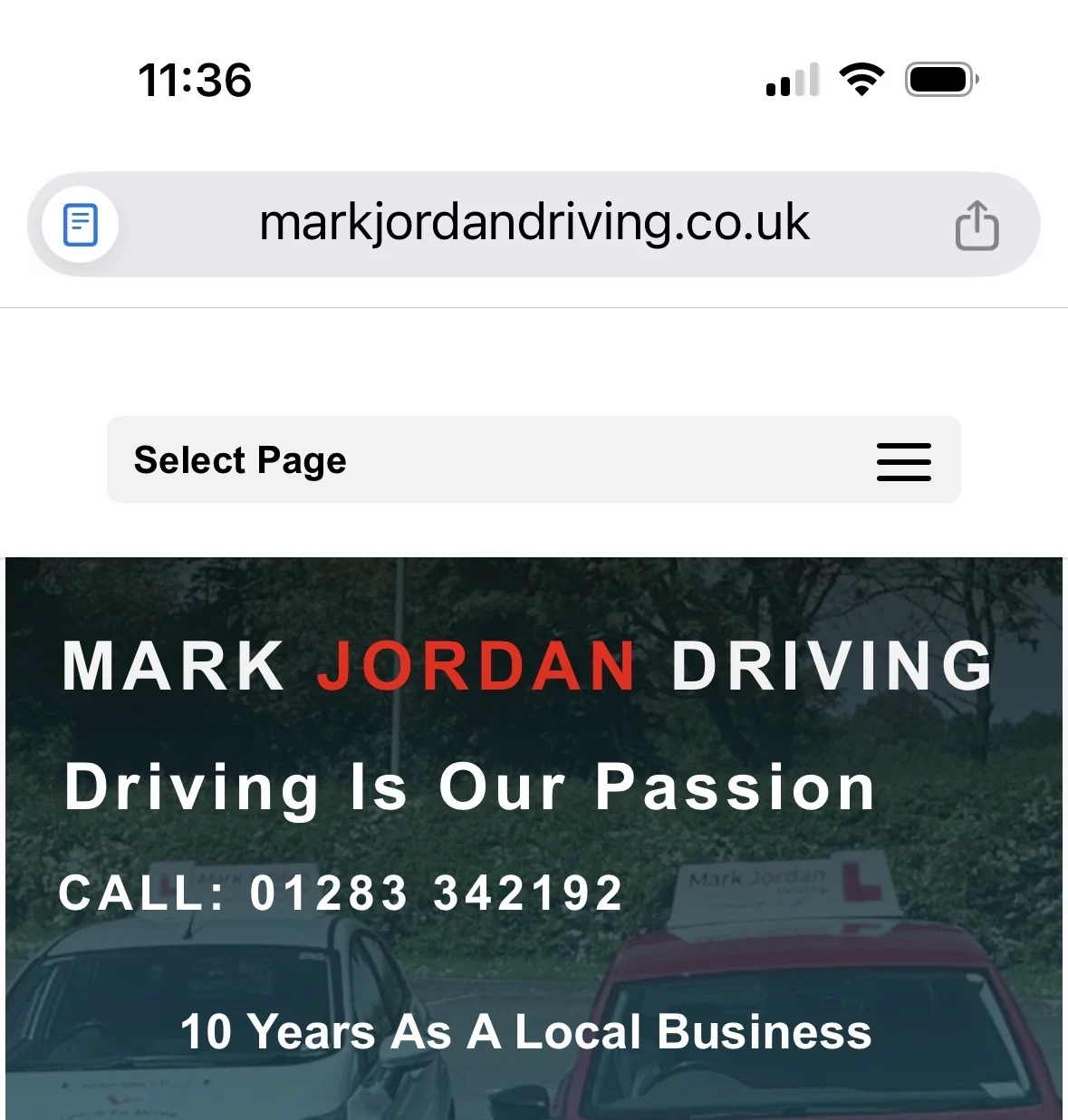
I am using Mak's Builder template and KrafterPro. On Divi 4 when in mobile view the top of the screen shows the hamburger button and also 'Select Page'
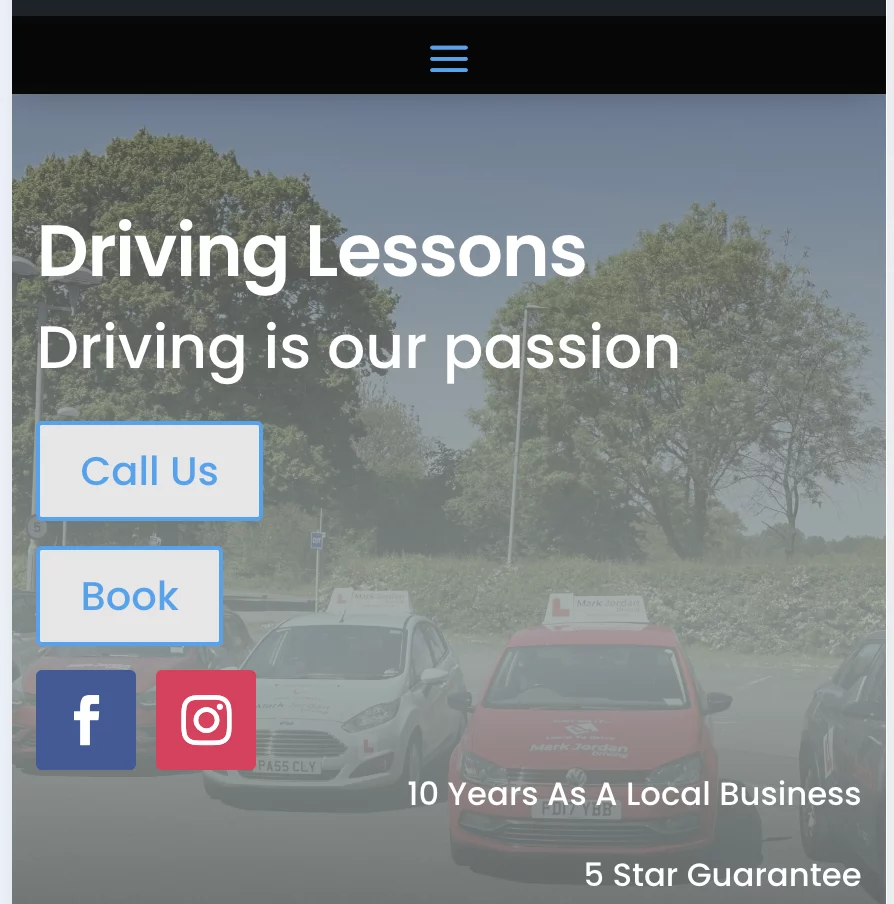
In Divi 5 and using Mak's Builder template all you get is the Hamburger icon, how can I add the wording 'Select Page' as in Divi 4. I have only done this by viewing on front end as the site isn't live and published yet.
Pics added for ref.
Thanks.

For those of you who've been asking whether importing the KrafterPro website template will overwrite your existing site, the answer is yes, partialy. It overwrote my custom header and footer and changed the typography size settings of several of my sections. Yes, I did do a backup and restored the old site, and I was just playing around with Divi 5 on this new site without much attention paid to the presets and variables, so I wasn't surprised. Just an FYI.