Mak . After updating to the latest version of KrafterPRO, I selected Merge and then updated the Design System to get the latest presets. However, the preset names don't seem to update. They are still named H1–H6, etc.
I tested this on a completely fresh installation, where I deleted the entire Design System and then installed the latest version from scratch. In that case, I got the new preset names.
So it seems that the new names are not being applied when updating an existing Design System using Merge. Is this expected, or am I missing a step?
Also, have the Theme Builder Templates been removed in the latest update?

I would like to suggest a few improvements to how KrafterPro handles Design Systems, Colors, Fonts, Variables, and Presets.
1. Save Colors & Fonts as Reusable Kits
Please add the ability to save custom Color Kits and Font Kits. This would allow users to create, save, and reuse different brand/design configurations without having to recreate them manually.
2. Protect Existing Font & Color Kits During Updates
When updating the KrafterPro Design System, existing Font and Color Kits should not be overwritten automatically.
They should only be replaced when the user explicitly selects an option such as "Overwrite Existing Kits."
This is particularly important for projects where the default KrafterPro values have already been customized.
3. Non-Destructive Design System Updates
Design System updates should work more like a smart merge rather than a replacement.
Ideally, KrafterPro should:
- Ignore values that are already identical.
- Add only new variables/presets that don't currently exist.
- Clearly show which values will be Added, Updated, Skipped, or Overwritten.
- Preserve all user-created variables and presets.
- Protect customized values from being overwritten without confirmation.
- Provide a preview or summary of changes before applying the update.
The goal should be to allow users to safely update to the latest KrafterPro Design System without worrying about losing project-specific customizations.
4. Clear & Consistent Naming Structure
The naming structure across the Design System should be more standardized and predictable.
This includes:
Colors, Typography, Variables, Presets, Sections, Containers, Spacing, and other design tokens.
A consistent naming convention would make the system easier to understand, maintain, search, and scale—especially on larger websites.
KrafterPro Design System updates should be safe, transparent, and non-destructive, while giving users full control over what gets updated or overwritten.
This would make it much easier to keep KrafterPro updated across production websites without affecting existing customizations.
Thanks,
Kiran

Hi Krafter community, I still would like to install Krafter Pro on a website that a want to start making but cant find the video how to install the plugin step by step. There is a lot going on with Krafter and updates and everything. But how to find just the beginning seems sort of difficult. I made ticket but got no answer so im getting a bit annoyed to be honest. Can someone help me out please? I would really appreciatie it 😅

Hi all. I tried to tuse divi ai in a cosmetic project, exactly how Mark is doing in his video (https://www.youtube.com/watch?v=sTK0RDl8fAA), i did copy all the rules and command but the result is only in pixels...It doersn't use the KPro design system.... Any suggestion?
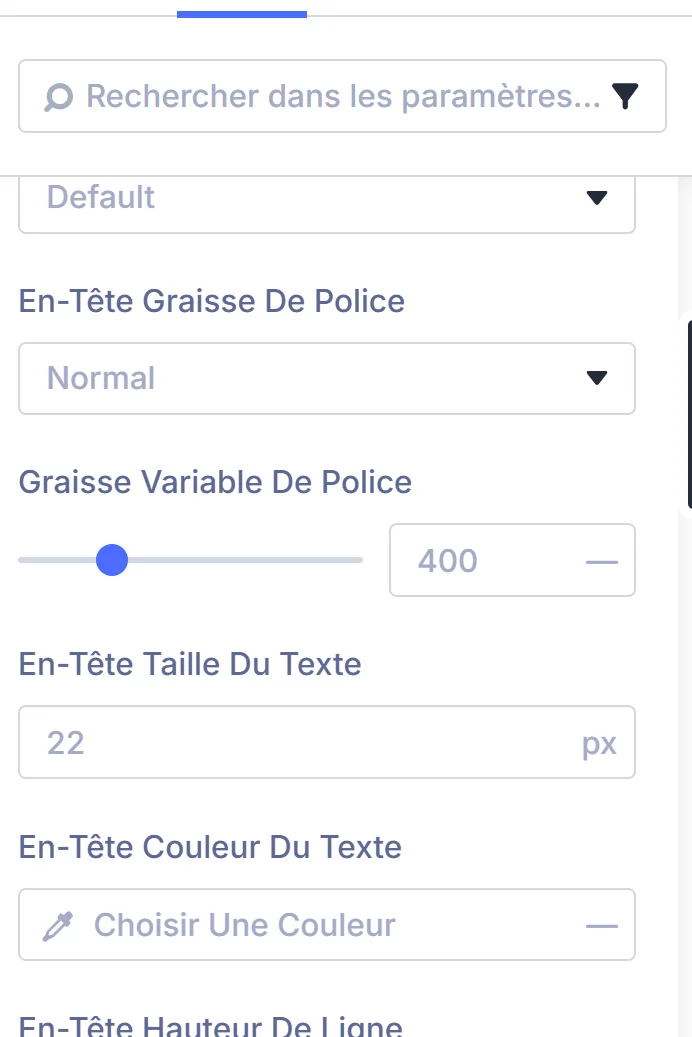

Is there a reason why every image, even the heater logo changes to 1:1 when selecting this? https://youtu.be/qaV8qDsjh_g

I am wondering if there is a way to use DIVI 5 AI and KrafterPro to look at an existing client website (like using an existing external URL for the AI to reference), and import or recreate it using DIVI 5 modules and KP presets and variables.
It seems this would be a huge time-saver for those of us with clients who need their websites updated and/or redesigned, but essentially have the same content, pages, features, etc.

I notice that when I use the Div AI build feature I am getting the following message related to KrafterPro "Afterward, run KrafterPRO → Apply design system in wp-admin so it can bind and clean whatever remains." How should I carry out this task?
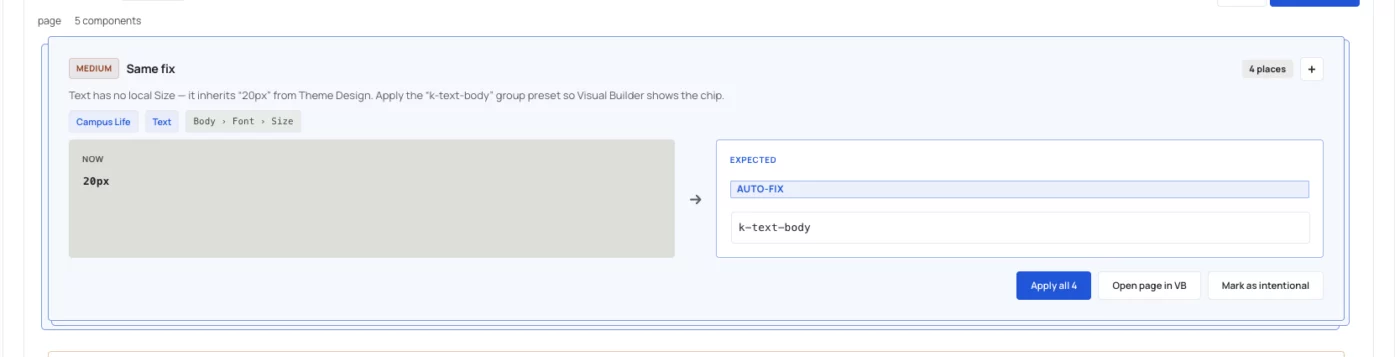
When KrafterPro presets are set as defaults for example, k-text-body for general body text and section-m for sections the audit still flags them as errors, as shown in the attached screenshot.
However, there doesn’t seem to be anything to fix because the appropriate presets are already applied as defaults. It appears that the audit is not recognizing the default preset settings correctly.
I am on the latest version of krafterpro-4.2.12 & Divi 5.12.1
Mak . how to fix the issue?
Thanks,
Kiran Kumar

I've read that the last Krafter PRO update has changes in Frames, but not sure what will happen if I've already edited them and saved them in my site, look:
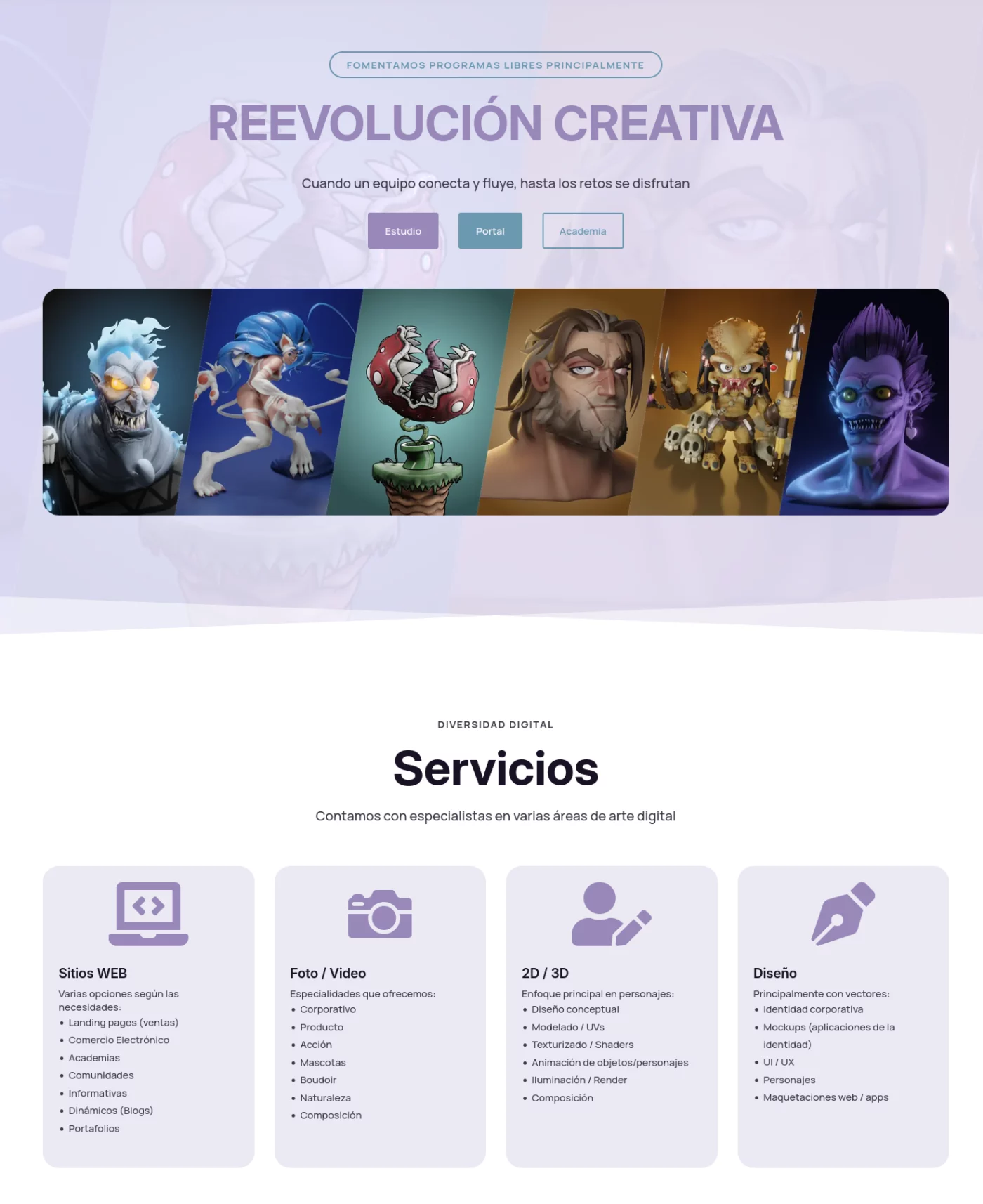
And also, I'm confused about what's the best pipe line to use krafter PRO and having updates without breaking or losing things. Here's an image on how the Frame Two (and why Hero 01 is with number and the second with letters? :P) changed and it's not the one I'm using nor the original I suppose.
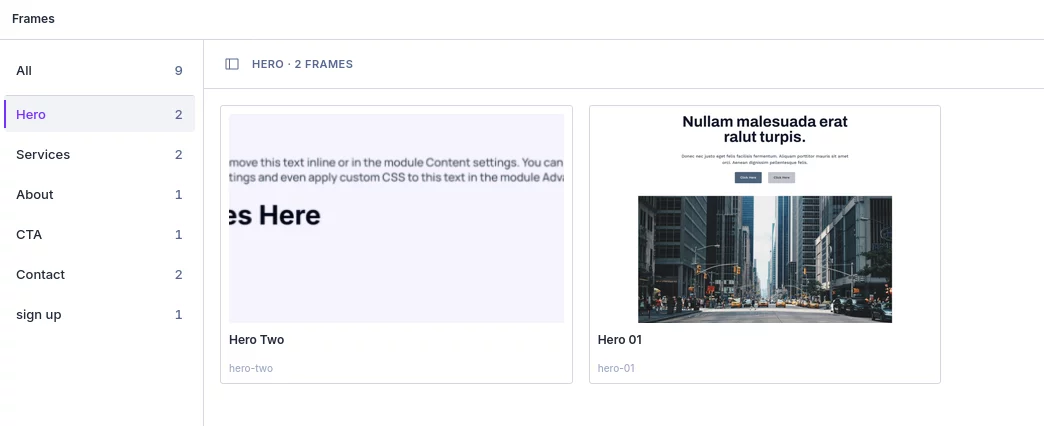
And here the Sign up, that I haven't used and still looks with my colors, but all the others don't.
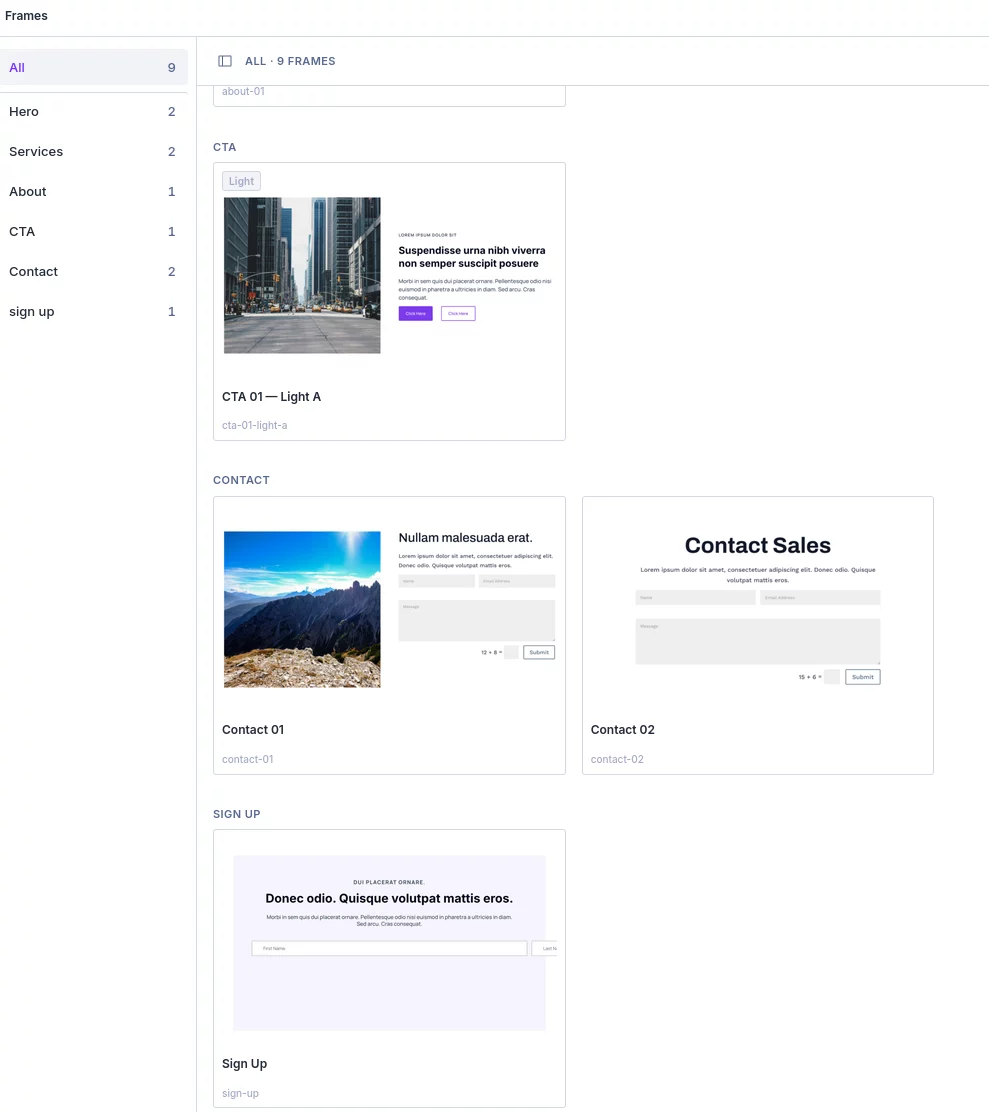
Anyway, hope Mak . or somebody can help, thanks.
PS: not sure also if here was the correct place to put this or in Fix my site :P maybe there could be only one space but with the tag Divi and other with KrafterPRO besides the bug, feature request and general, I've seen that it can be configured to be able to select more than one tag :)

Hello,
I’m experiencing an issue with Cloud Frames and presets after upgrading to the latest versions.
I upgraded Krafter to version 4.2.11 and also updated the Design System to version 3.1.5.
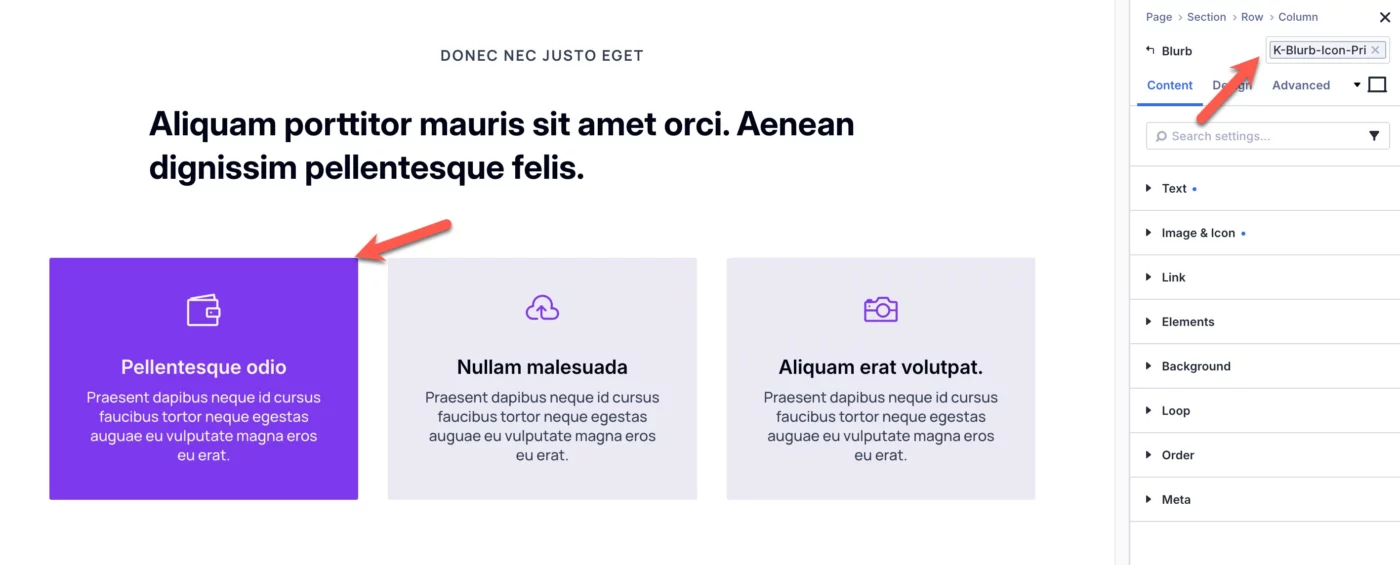
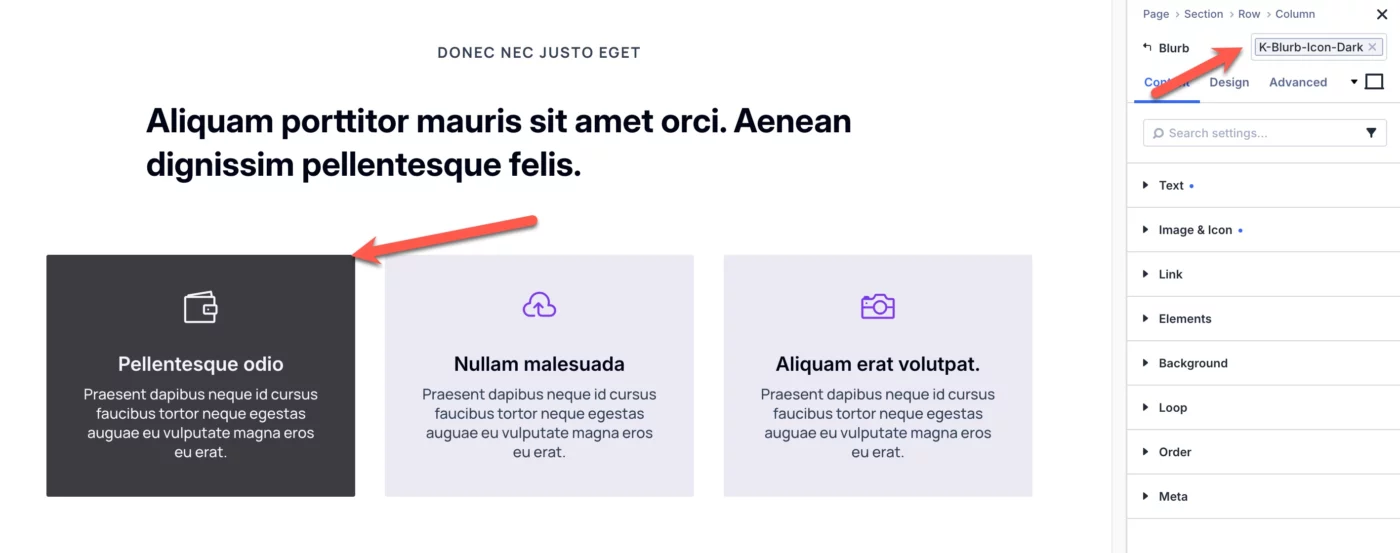
Before the upgrade, when I added the old frames, the modules and sections had predefined presets assigned, and I was able to change the theme as expected (see screenshots 1 and 2).
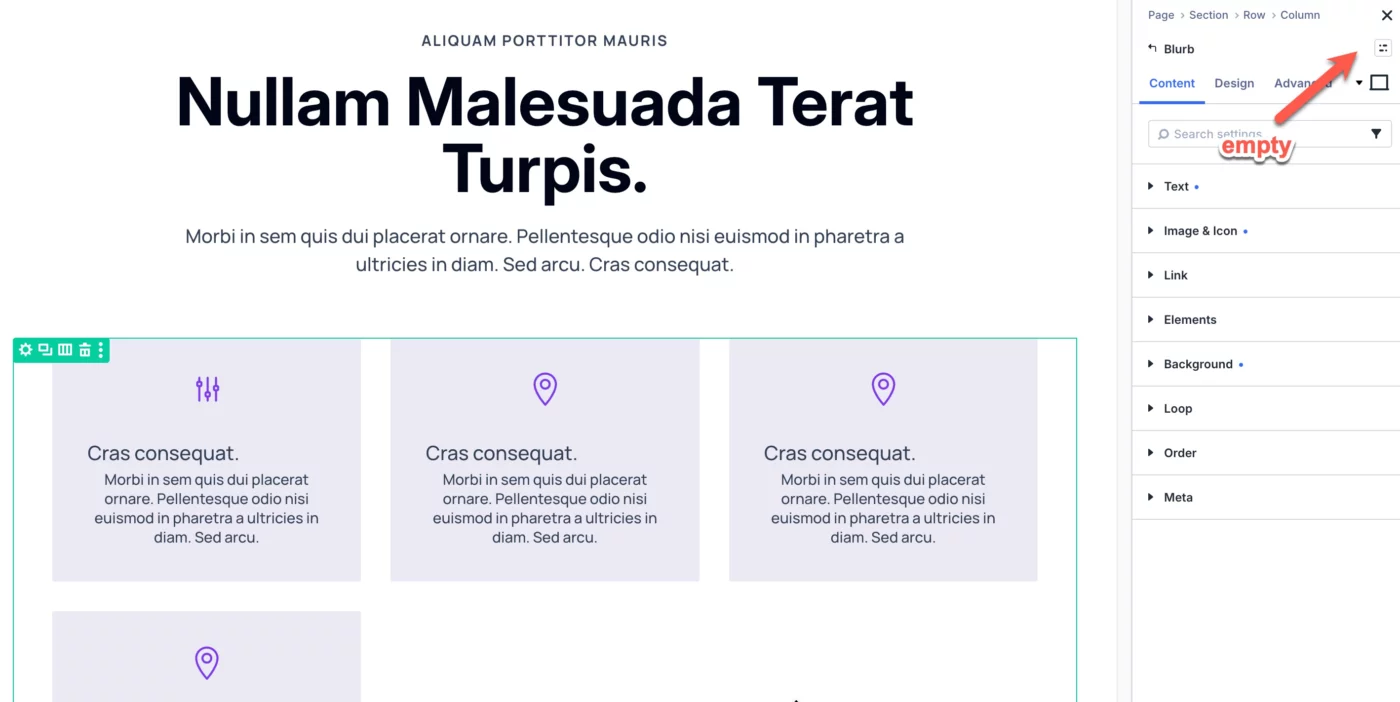
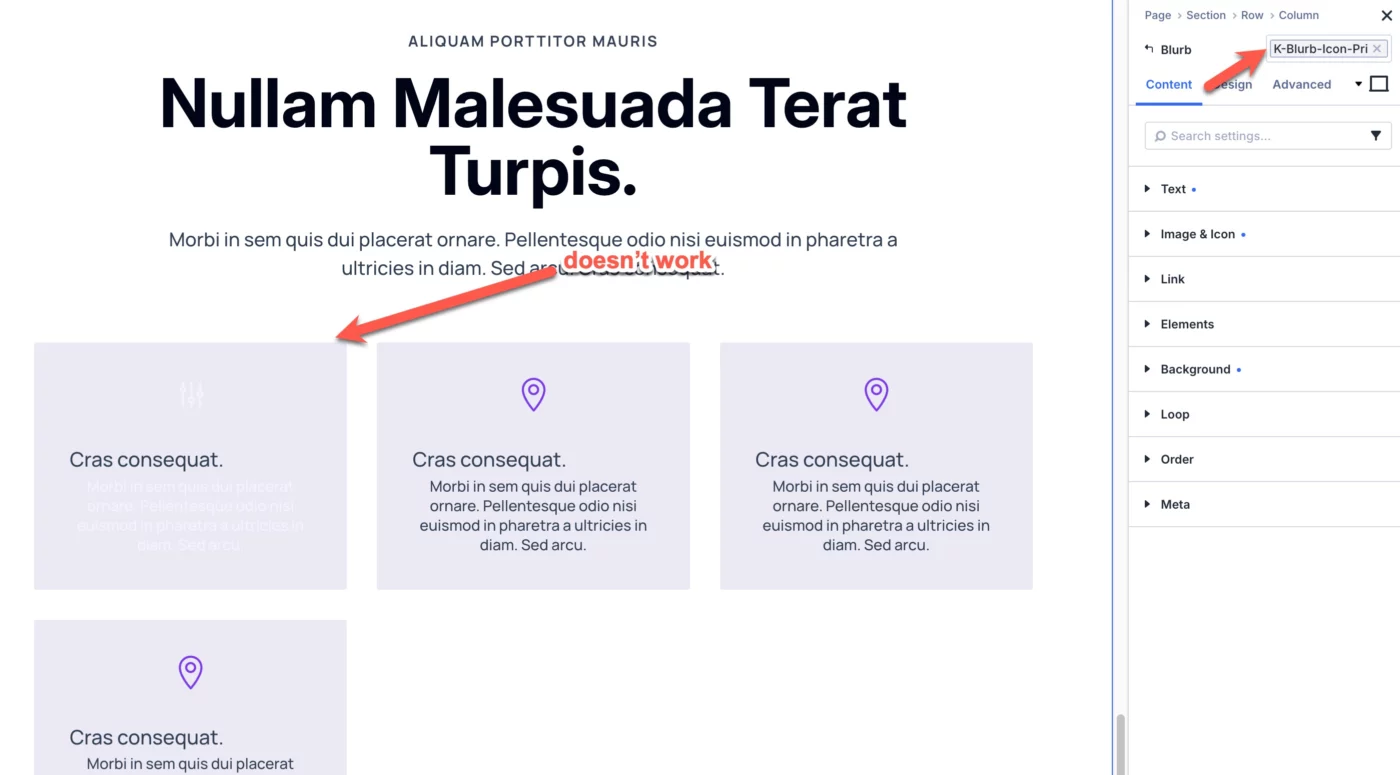
After upgrading, newly added frames no longer have any presets selected, even though the presets are available and the frames initially display the correct design. When I manually select a preset, however, the design does not update as expected (see screenshots 3 and 4).
Am I missing a step after the upgrade, or is there something I need to configure differently with the new versions?
Thanks in advance for your help!
Best regards,
Dominik