
Color brand 300,200 and 100 lose color
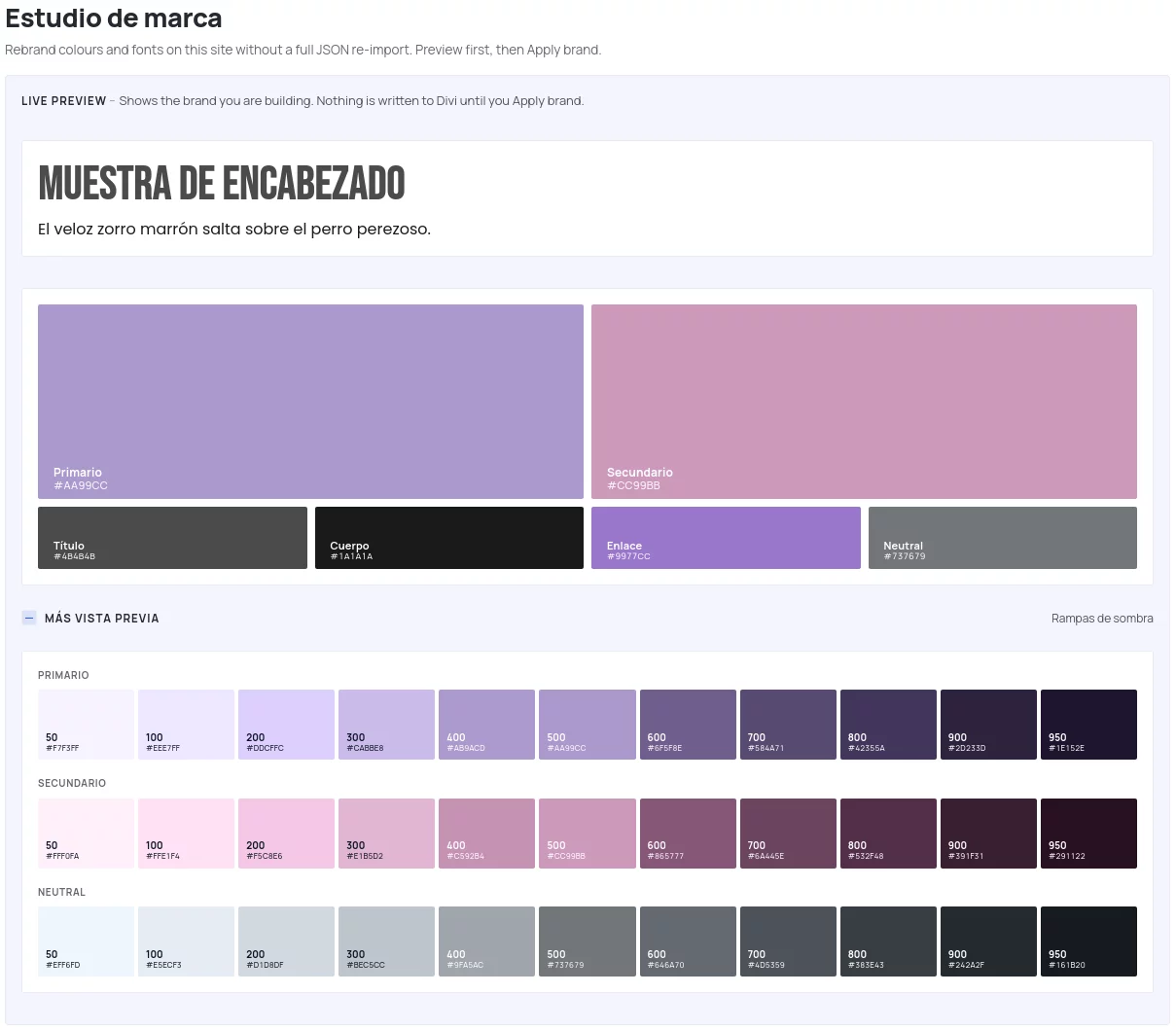
Not sure if it's a bug, but my primary color is #aa99cc and it looks fine in my Krafter Brand analysis, but when selecting the variables Color Brand 300,200 and 100, they lose color (saturation I suppose) and look grey and white, maybe it uses the neutral colors instead, not sure...look:
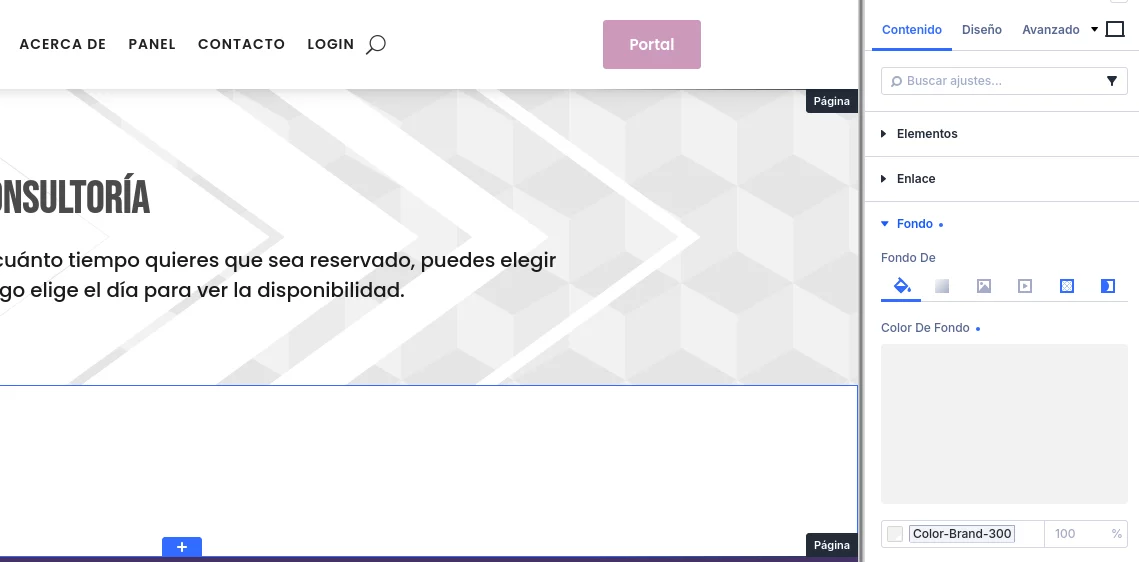
Here you can see that I've selected Color-brand-300 and its grey and also in the banner on the left...
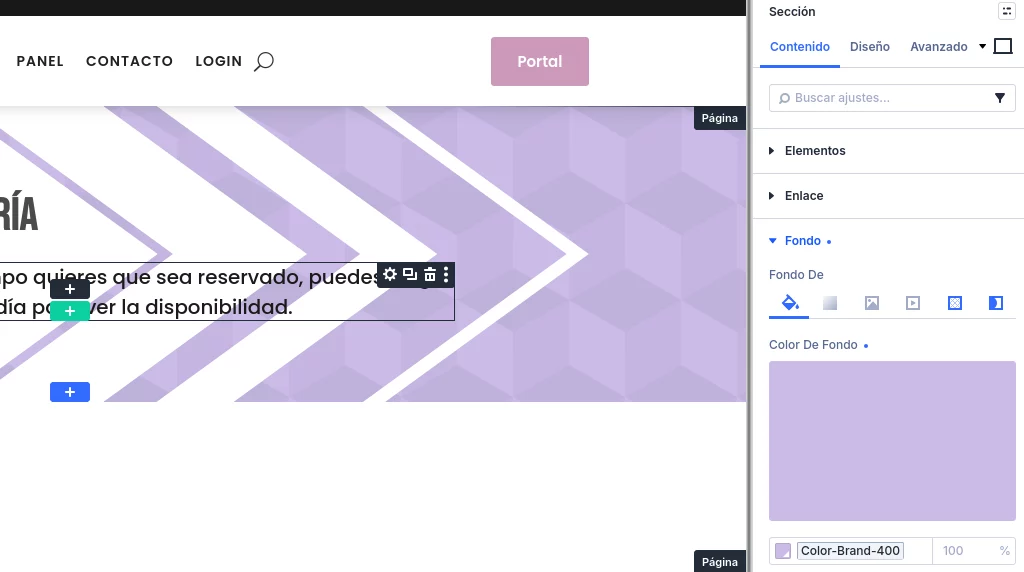

Yeap, just found that they have saturation below 0...that's why they're grey...and have to be corrected manually right? cause try to use the color palette from divi but create a whole new palette and don't like that I can't control the secondary color :S Also, tried to rearrange the colors, and can move them, but they go back to their original place :S
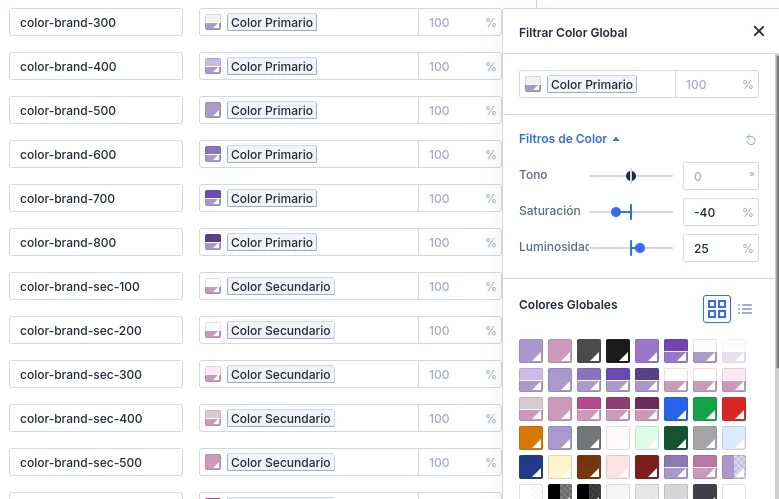
Ok, noup, it was not only saturation but the combination with luminosity...after 25 it is too much for my primary color :P anyway, now I think it might not be a bug but a problem for choosing that color as primary. Thanks anyway :P and not sure how to close this issue :P but it might help cause Krafter is for strong saturated colors no?
Argh! now I understand why...here is the design evaluation...but then, the website colors aren't necesarily the offical brand colors?
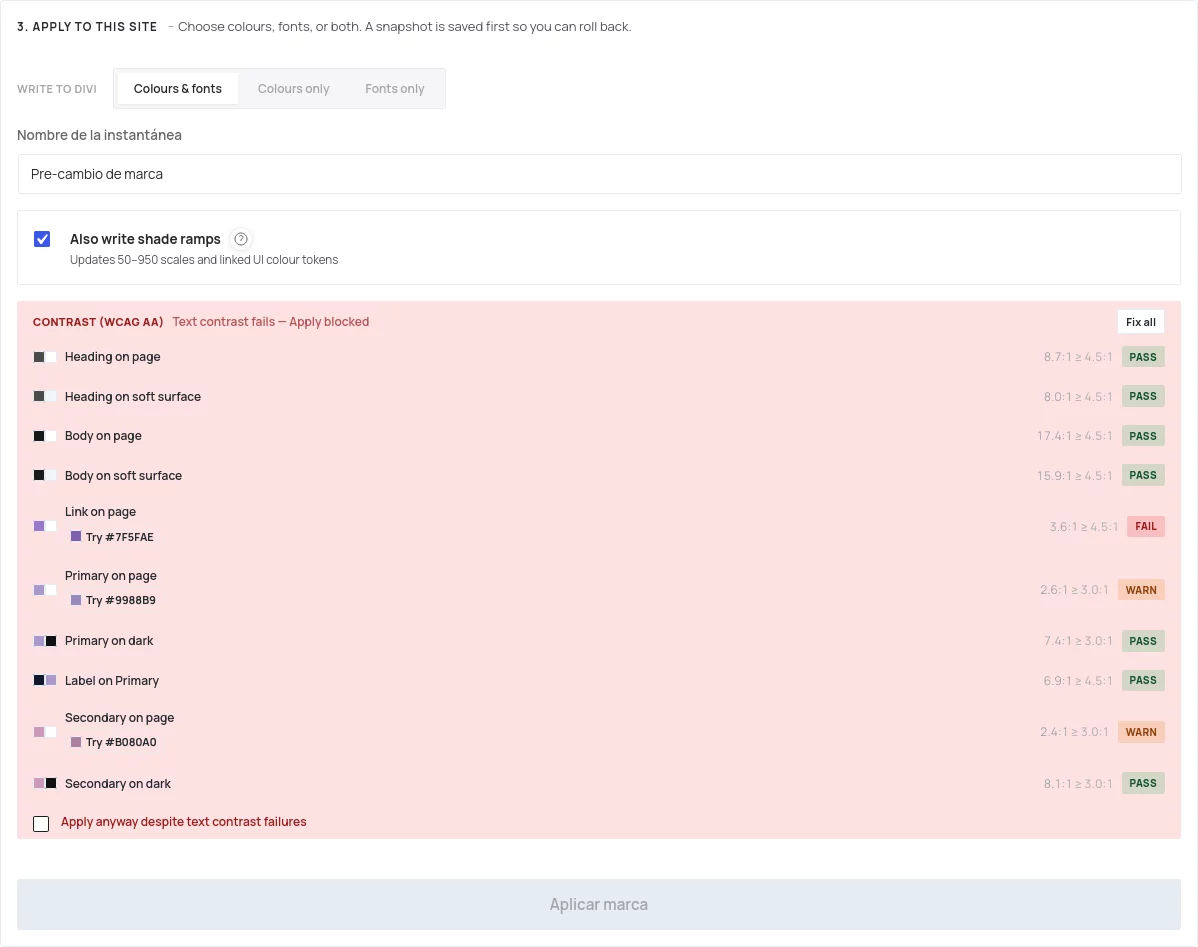

Colora have been updated in version 4.1.11
Mak . Awesome! that was fast! just saw that it appeared in that update! :D thanks! and Colora sounds amazing for everything related to colors by the way :P jaja
Just some doubts...will they change automatically? or have to delete all the variables and bring them again? if so, is there a way to delete only color variables (not all have k no them)? without having to delete also presets, gradients, etc...?
