

Divi has always given us total design freedom AND the most powerful visual builder on the market. BUT as sites get more complex, the "click-heavy" workflow has become a massive bottleneck that kills your hourly rate and drains your focus.
THEREFORE, the new Divi 5 Command Center isn’t just a "search bar"—it’s a keyboard-driven execution engine that allows you to "spawn" entire layouts without your hands ever leaving the home row.
I just dropped a video showing you how to move from a "Visual Hunter" to a "Strategic Architect" using Command Queuing.
Instead of 15 clicks to build a feature section, I’ll show you how to type a single string like: row > col*3 > blurb
If you want to cut your build time by 50% and stop wasting energy on "the labor" of web design, you need to see how these keyboard strings work.
What do you think of this feature?

How do I get a response from Mak. I purchased Krafter via an advertised offer on Feb. 2 to get the auto-upgrade to KrafterPro. I am not able to access it and submitted a support ticket a week ago with no response. I get that he is busy but I have 8 projects I have on hold while I try to get the KrafterPro I purchased. I need an answer or a path to request a refund. Thanks.

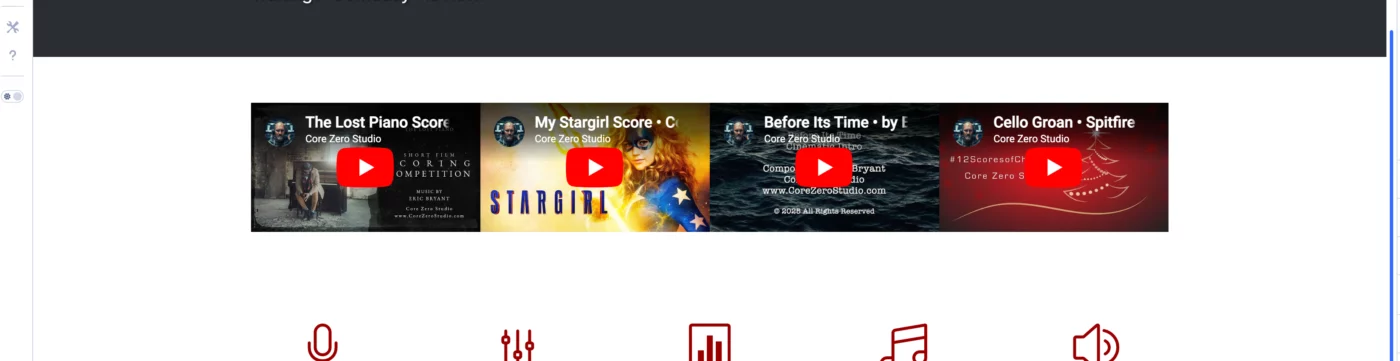
How can I make these videos take up the full vertical space from the sections above and below so they are bigger? This is a section with 1 row and 4 columns. Divi 5 beta 9. Thanks!

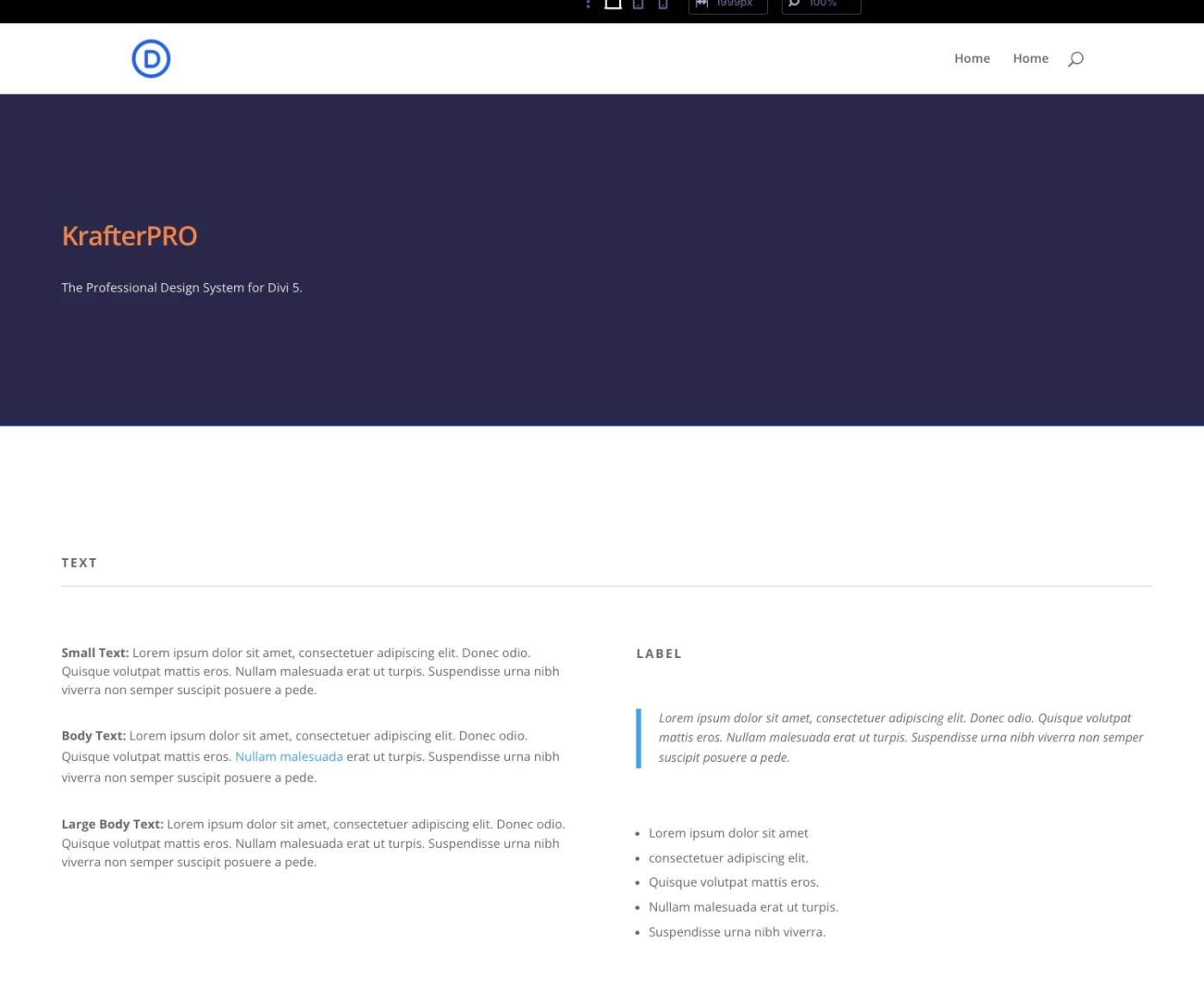
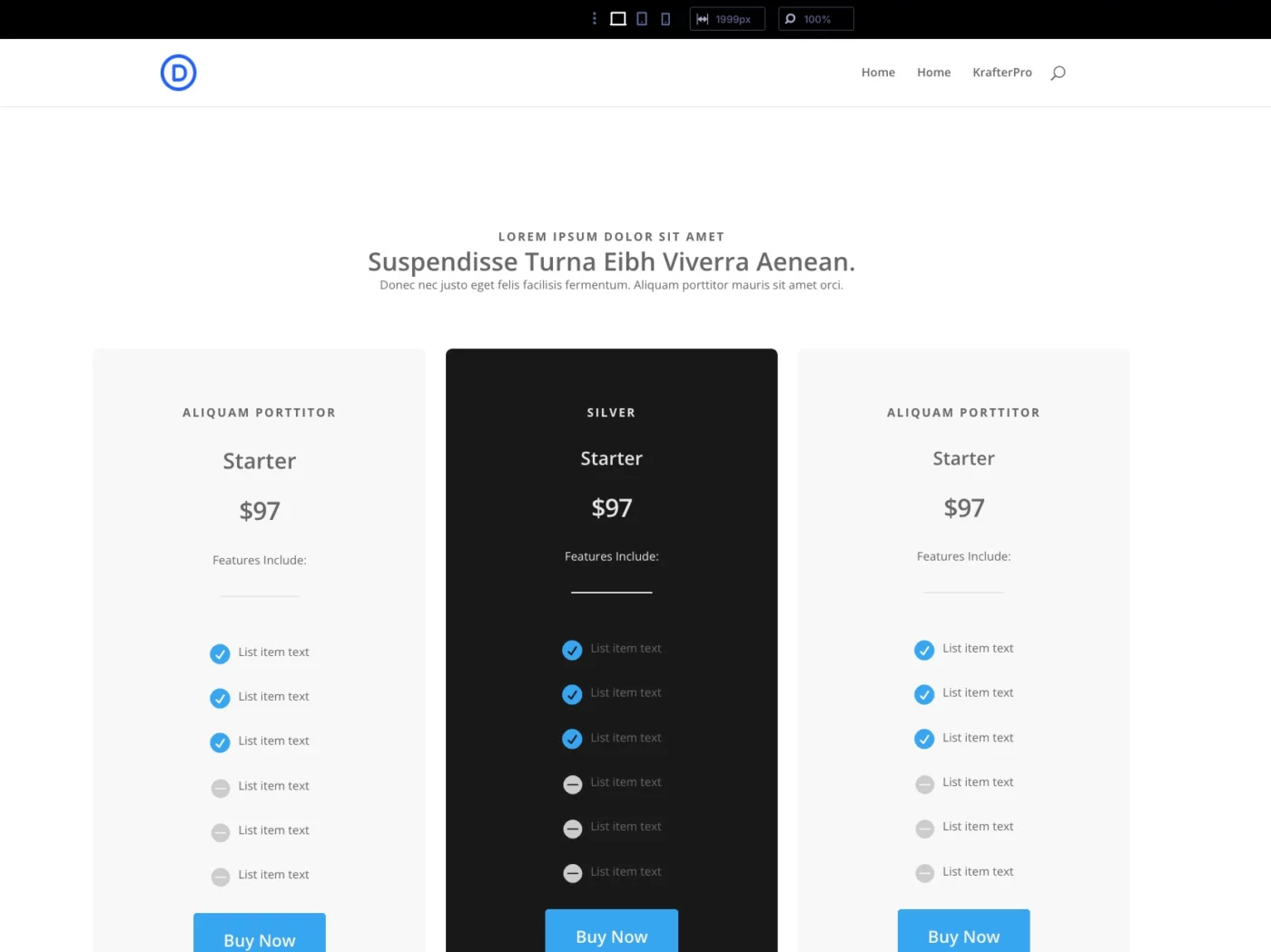
Has anyone else noticed that KrafterPro no longer displays properly in the latest DIVI 5 release? The styles are all off.... even in the pricing tables too. Does anyone know the cause and/or have a fix?
Most Divi designers make the same mistake.
They let paragraph text stretch across the entire width of the screen. It looks fine at first… But it kills readability, weakens hierarchy, and makes your design feel amateur.
In this video, I show you:
• Why paragraph text should stay between 70–90ch
• How to structure content properly using a 12-column grid
• When to use full-width sections (video, images, hero areas)
• Why spacing between columns matters more than you think
• How Auto Grid makes layouts responsive automatically
• How this workflow is built directly into KrafterPRO
This isn’t about “making it look nice.” It’s about using real UI/UX standards that professional designers follow.
I've just done a new video exploring the new Divi 5 menu modules. Take a look and share your thoughts 😅

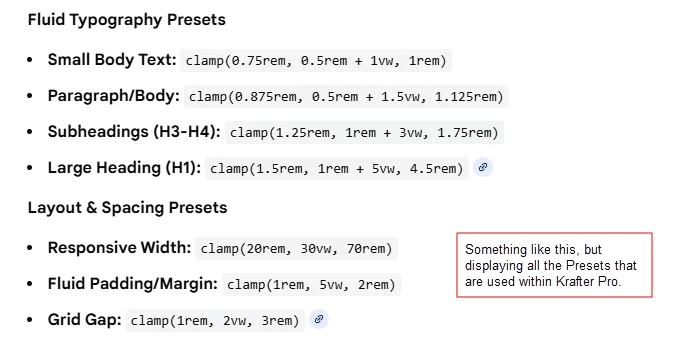
Mak Can you provide us with a complete list of all the Presets that are included in Krafter Pro?
I'm hoping you can provide us with an excel spreadsheet, or Google sheet, etc., that would provide us with a "LIST" of all of the Presets and the Clamp Values, that (if needed) we could copy and paste (and make changes to - if needed). I often find I want to change the Clamp value that you entered for text, or a heading, or a list, or for spacing, etc. And if I could just have a complete list of all of the Clamp values, and what the values are used for, would help me find what I'm looking for (quickly) and be able to create "new" Presets or change existing presets. Do you think you could provide us with a complete list of the Presets (and Clamp values) that we could use as a reference and guide? Please let me know.
If this is already available, since I'm a plus member in the community and have purchased all of your tools, please let me know where I can find this and download it.
Thanks,
Gary

Thanks for creating some great, really helpful content. Have you done anything for best practice of migrating an existing Divi 4 site to Divi 5? If not would you consider doing so? Things such as setting up variables.

Is the support working? I have posted a ticket for over 3 weeks now. SiteKrafter PRO is NOT working. It crasches. What to do?
https://drive.google.com/file/d/1zLWDWZ-KUyBrtpAYoyqdxBSRB3RvH8at/view?usp=sharing
Best, Tim
Typography in Divi 5 is completely different from Divi 4 — and if you’re still using px, em, or rem, your designs are already outdated.
In this video, I break down the professional typography workflow that modern UI/UX designers use inside Divi 5.
You’ll learn:
• Why clamp() is the only typography unit that scales correctly
• How Divi 5’s Variable Manager replaces manual font settings
• Why setting fonts in the builder creates long-term inconsistency
• How to build typography systems using tokens, presets, and fluid rules
• The exact workflow I use to create accessible, responsive, professional type across every page
If you want to skip the manual setup and use a fully engineered preset-based design system built for Divi 5, you can learn more here: 👉 KrafterPRO