Can anyone help me to get in contact with Mak. I have send support tickets emails etc.. But no reply. Signed up for Hostinger via the affiliate link, in return for having access to the design system and Divi 5. Can’t seem to get a reply to know how to access these products Thank you

The old Divi workflow is dead. If you are still styling modules one by one, you aren't just wasting time—you’re building technical debt into every client site.
Divi 5 isn't just a performance update; it’s a fundamental shift in how we build on WordPress.

I installed the SiteKrafterPRO and it is working more or less but when trying to apply Heading L, XL, and XXL it does not change. I took a look to the variable manager and noticed that there is no change either. Can someone help me cause it seems this is a one man show and Mak takes too long to answer. I selected tis topic cause it is a required field and there is no KrafterPRO topic. Besides this; is there a link to download the latest version? because I cannot find it.
Creating a polished, responsive pricing section in Divi 5 is easier when you follow a modern, preset-driven workflow.
In this tutorial, I’ll show you how I designed a complete pricing table section using the Krafter Design System — a fluid, responsive design framework built for Divi 5.
And to help you speed up your workflow, I’m giving you the entire pricing section layout for free.
In this video, you’ll learn:
• How to structure a clean, modern pricing section in Divi 5
• How fluid spacing and responsive typography improve design quality
• How the Krafter presets keep your design consistent across breakpoints
• How to apply this workflow to any page or niche
• How to make your pricing layout truly scalable and future-proof
Download the layout here - don't forget to unzip.

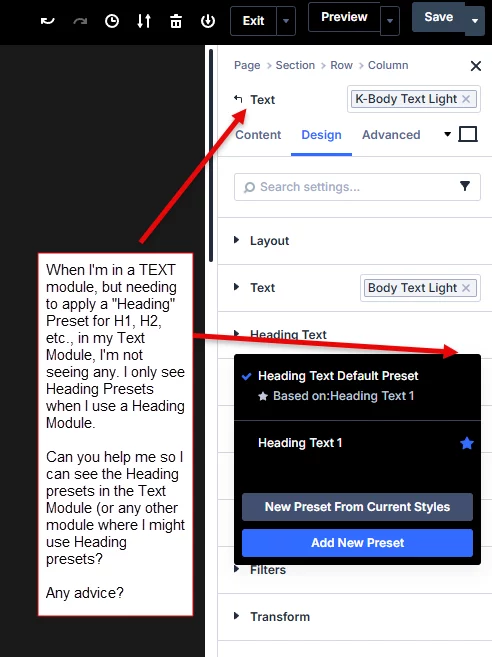
Mak I'm not seeing any Heading Presets (from Krafter Pro, or SiteKrafter Pro, etc.) when I'm in a Text module.
Any advice as to what I can do to get Header Presets to show up within a Text Module, etc., meaning not just in the Heading Module??
I also tried using SiteKrafter Pro.

Mak,
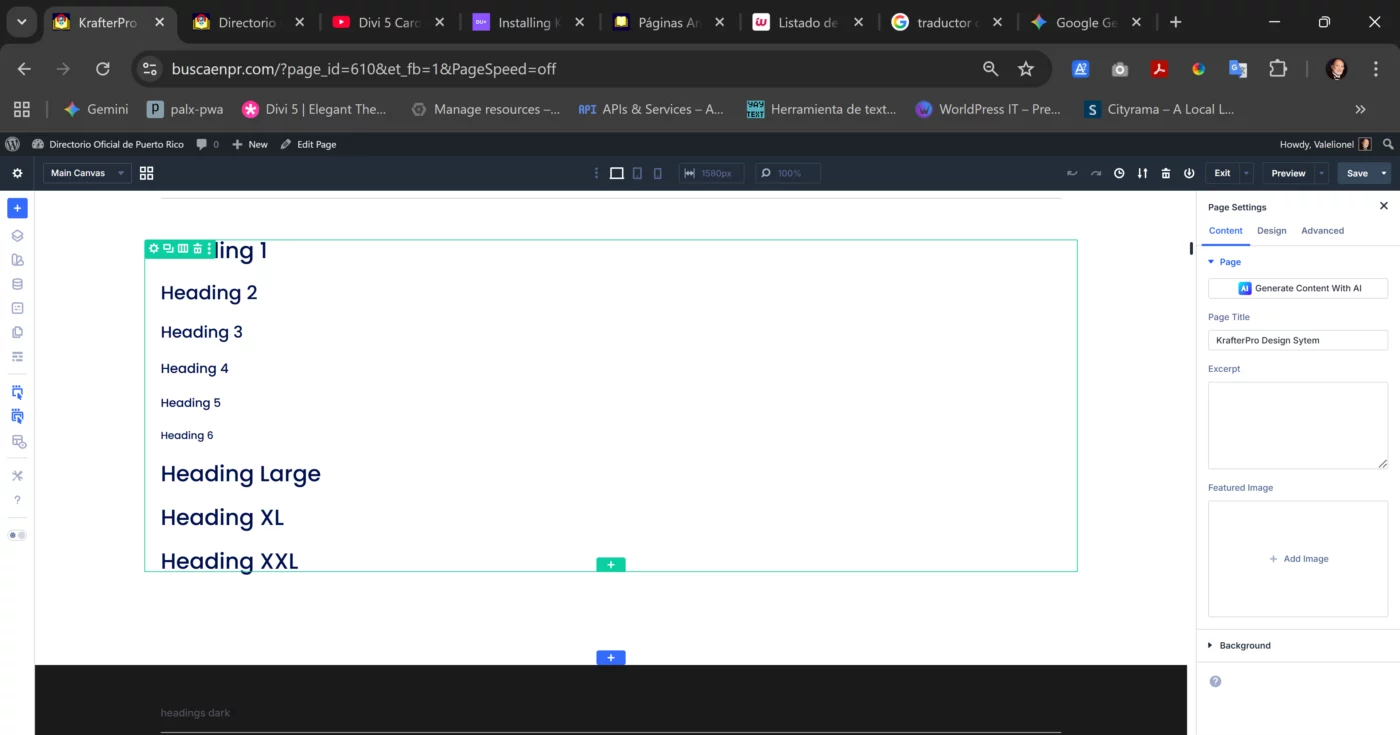
It appears that KrafterPro places the Heading presets in Title Text and Text presets in Body Text. Is this by design? It seems to introduce additional categories that are somewhat contradictory to the terminology I see in the Column Design area.
Divi 5 is not Divi 4 — and if you’re still designing the old way, your layouts will always feel inconsistent, unbalanced, and impossible to maintain.
In this video, I break down why Divi 5 requires a completely different design workflow and why “eyeballing” your spacing, typography, and layout is one of the quickest ways to create websites that fall apart the moment you revisit them.
Here’s what you’ll learn:
• Why Divi 5 introduces professional features that demand a system
• The hidden danger of relying on memory or “what looks good”
• Why inconsistent values destroy UI, UX, and future scalability
• The professional workflow modern designers use
• How a proper design system eliminates guesswork entirely
• The real reason your Divi 5 designs feel inconsistent
• The solution I use to maintain consistency across every project
Most designers haven’t made the shift yet — and that’s why their Divi 5 builds still look like Divi 4 sites with extra steps.
In this video, I reveal the exact system I use to keep everything fluid, responsive, consistent, and accessible… and yes, that system is KrafterPRO.
If you want your Divi 5 workflow to feel structured instead of chaotic, this video will change the way you design forever.
-
Buy the Divi Mastery Course for ONLY $27
-
Buy the Design System here - Save $40

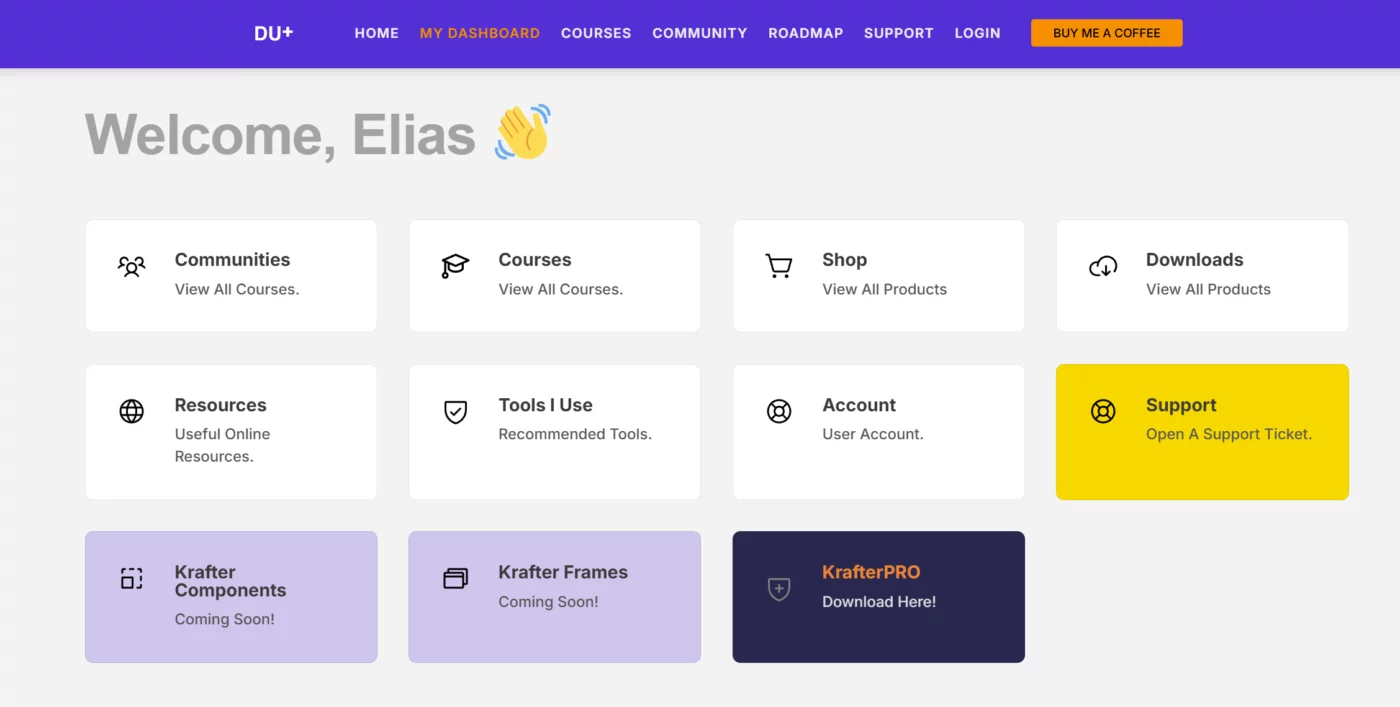
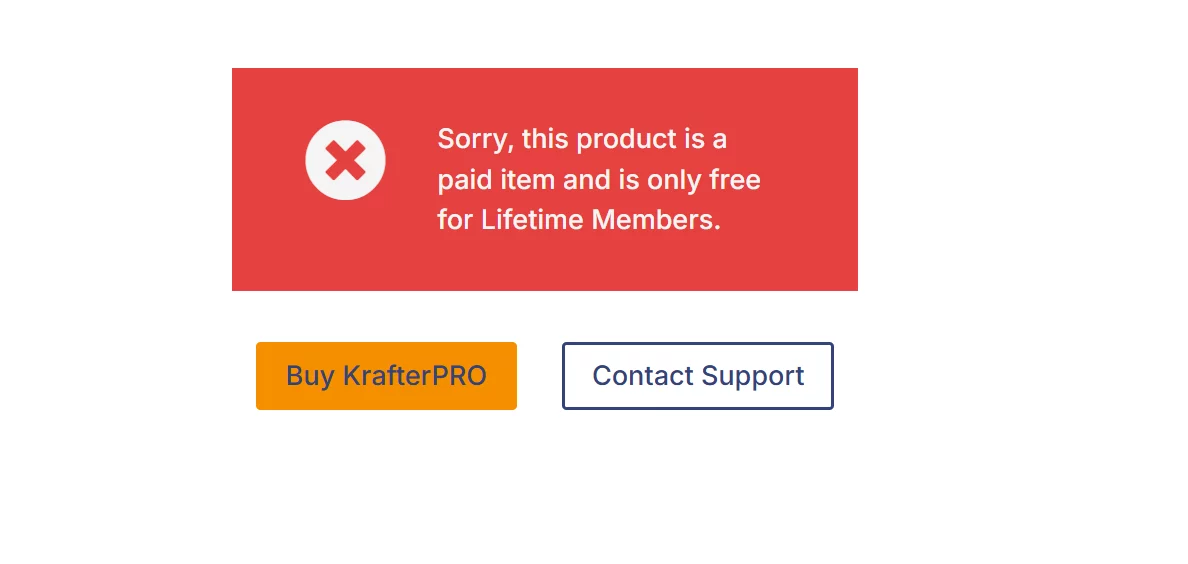
Hello Mak. At my dashboard when i press KrafterPRO Download here! i see the message

Will there be any layouts for KrafterPro? If I understand correctly, KrafterPro comes with variables, presets and some templates. My experience has only ever been Divi + Layouts and whatever poor decisions I made about values (px, rem, etc). Mak - are you planning on making layouts or can I use whatever layouts come out when Divi 5 is officially released, import them and apply KrafterPro settings?
*disclaimer: I am a noob and often don't know what I am talking about. Please forgive dumb questions.
Thank you all for your support and patience.
This community has grown quickly, and I truly appreciate every one of you.
If you purchased Krafter, you’ve been upgraded to KrafterPRO
- This upgrade was promised, and I’m pleased to deliver it.
Lifetime Members and SiteKrafter buyers also have full KrafterPRO access
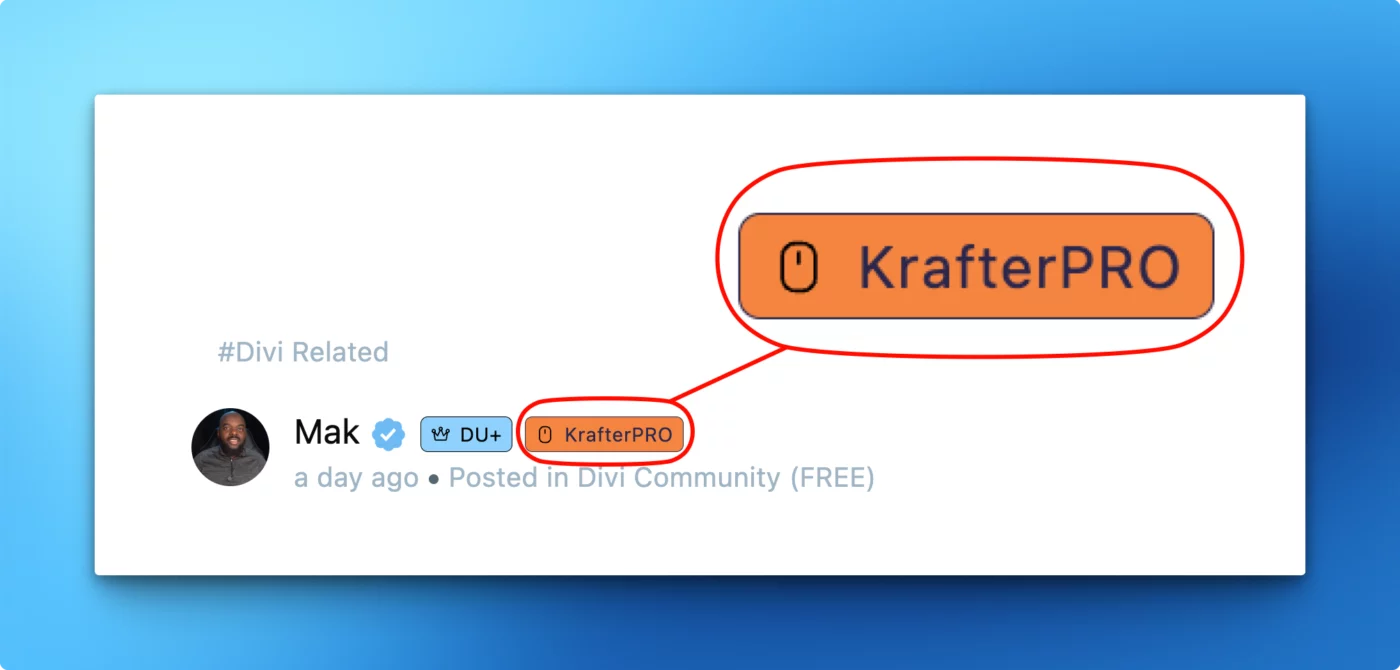
- To make your status clear inside the community, you will now see a PRO tag next to your name.
The Badge of Authority
You will notice a “PRO” tag beside your name (see image below). This is not just visual decoration. It signals:
- Priority support status
- Access to deeper resources
- Membership in the Pro tier
- Commitment to professional Divi 5 design standards
This badge indicates that you are building at a higher level.
Welcome to the KrafterPRO Private Community
As a PRO member, you now have access to:
- Priority support
- Design inspiration and workflow discussions
- Website critiques and guided improvement
- Early insights as Divi 5 evolves
- A community focused on professional design systems
This is your central space for mastering Divi 5 confidently and consistently.
Why KrafterPRO matters for Divi 5
Divi 5 is a complete rebuild with new behavior, new variables, and a new workflow.
Without a structured design system, users often experience:
- Inconsistent spacing
- Broken responsiveness
- Unpredictable module behavior
- Accessibility issues
- Disorganized presets
KrafterPRO solves these problems with:
- Fully redesigned modules (fluid and consistent)
- Light and dark versions for every module
- A complete semantic color system
- Fluid typography across all headings and text
- A spacing scale based on real UI design principles
- Presets that eliminate most manual adjustments
This gives you the structure Divi 5 should have shipped with.
Limited Opportunity — $40 Launch Discount
If you have not upgraded to PRO yet, the discount window is closing soon.
To celebrate the launch, there is a $40 discount available for a limited time.
Claim your $40 Discount KrafterPRO $197$157
If you have questions or need feedback, feel free to post in the community.
Thank you once again for being part of this journey.