In my tutorial, I want to do a full migration video showing how to migrate a website from Divi 4 to Divi 5 and then using a design system. Please submit a website to be used as a demo.
Divi University is entering a new phase. I want to make this community more useful, more practical, and more focused on helping you build better websites, get clients, and use Divi/KrafterPro with confidence.
But I don’t want to guess what you need — I want us to shape it together.
WooCommerce has been the default eCommerce plugin for WordPress for years, but FluentCart is quickly becoming a serious alternative.
In this video, I compare WooCommerce and FluentCart side by side. I look at setup, product creation, checkout, digital products, subscriptions, coupons, variations, reports, speed, and overall ease of use.
WooCommerce is powerful and mature, but FluentCart feels faster, cleaner, and much easier to use, especially for smaller stores, digital products, and creators who want to sell online without dealing with lots of extra plugins.

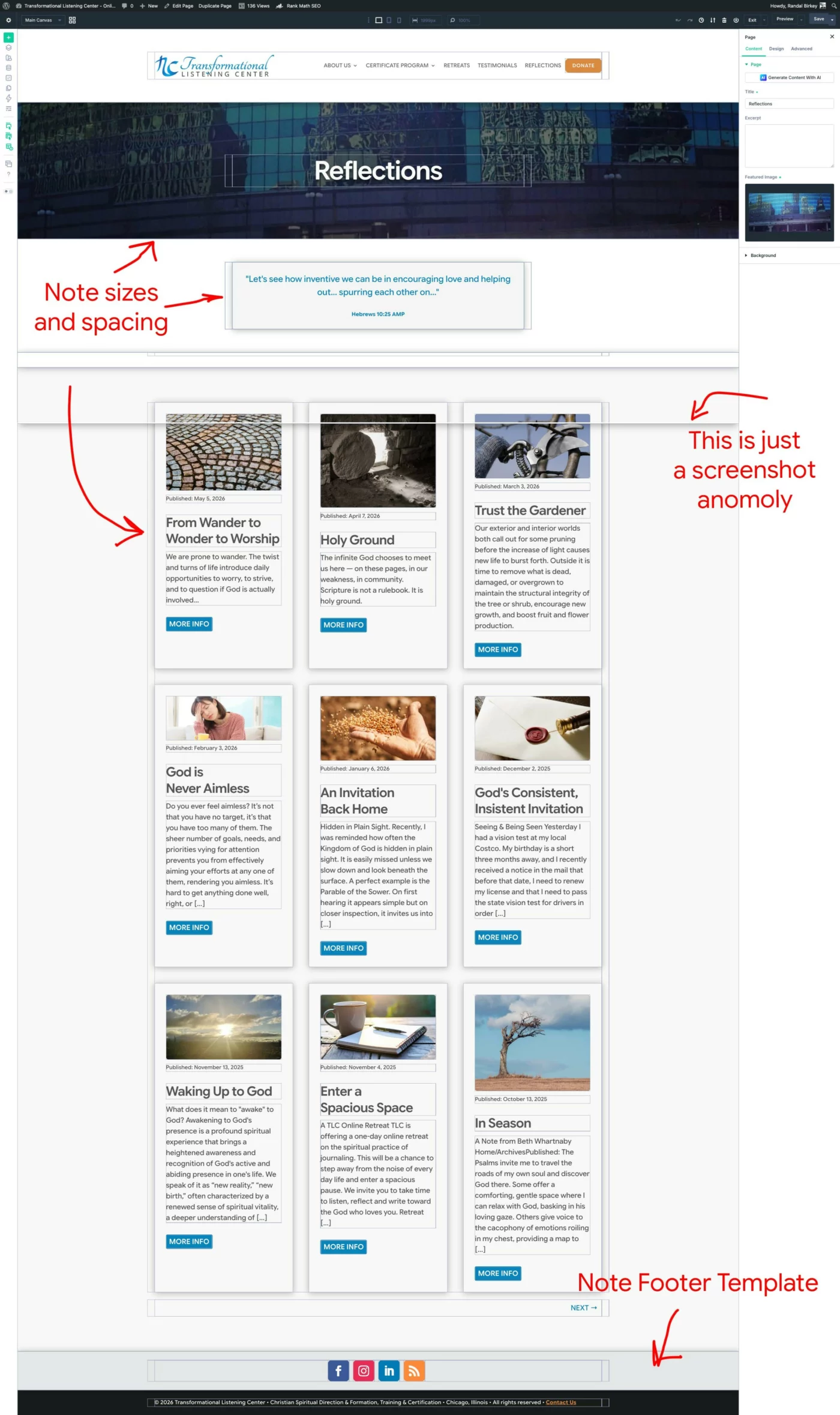
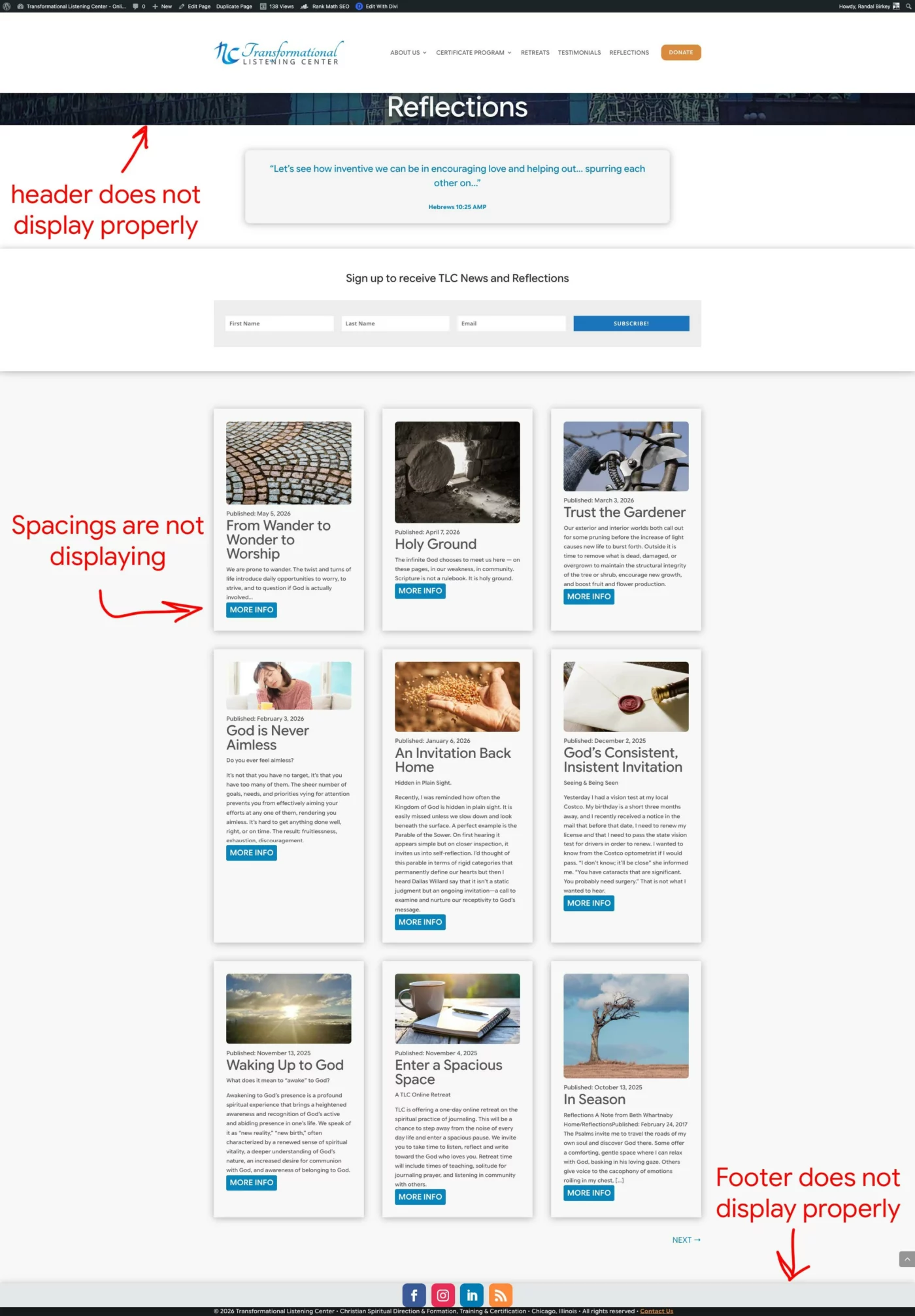
I can't figure out why one page of my site refuses to display correctly. You can see from the DIVI 5 KrafterPro Builder how it is spaced and sized. But, the published version is all wrong. Here is the page location: https://tlc.birkey.net/reflections/
I've cleared every cache I can find or think of... browser, DIVI, server, Cloudflare, etc. The rest of the site displays fine... it's just this one page. So weird.

@funnelstoincome Can you add the ability for us to delete Version History items that we no longer need to keep? Reason: Once we have many versions that are showing up, it would be nice if we could clean this up by removing older items that we know that we no longer need. Can you just add this functionality so we can delete these prior versions as we may feel appropriate to remove them? Thanks. Just let me know when and if this can be done.
Are web designers focusing on the wrong thing?
A lot of people spend their time arguing about Divi, Bricks, Elementor, Gutenberg, and which page builder has the best features.
But features do not pay you. Clients do.
In this video, I explain why making money with web design is not really about having more features. It is about solving real business problems like leads, sales, bookings, and conversions.
If you want to make money as a freelancer or agency owner, you need to master your platform, build faster, use a repeatable design system, and focus on helping clients get results.
Let me know in the comments: are web designers too obsessed with features?
Watch how I design a card using the looper in Divi 5. This method gives you more flexibility in design.
@funnelstoincome I prefer not to have to install a starter site on a brand new and empty site. I'd rather install the starter sites as a child theme with Divi Builder sections. I also don't think including plugins, etc., are useful in most situations. I think providing a full site from a backup is fine, but I'd prefer to see "starter sites" that could be implemented on existing sites, without having to restore "everything" from a backup file. That's my preference. Anyone else have any thoughts? PS: Didn't Krafter Pro have a simple starter site a while back that acted like a child theme or a series of Divi Builder Templates?? If so, do you have this still available that we can use? Please let us know. Thanks Gary
In this video, I explain exactly how KrafterPro works, what is included, and why you do not need to panic every time a new update is released.
If you are using Divi 5 and you are building websites for clients, KrafterPro gives you a complete design system and workflow toolkit so you are not starting from scratch every time.
You’ll learn:
- What KrafterPro actually includes
- The difference between the design system and the workflow toolkit
- How updates work
- Why your existing client websites will not break
- When to use merge vs replace
- How to back up and export your design system
- How starter sites, frames, style guides, handoff documents and theme builder templates fit into the workflow
- Why you can start building now instead of waiting for version 3.0
KrafterPro is designed to help freelancers and agencies build Divi 5 websites faster, keep projects organised, and hand off websites to clients more professionally.
If you have been confused about KrafterPro updates, starter sites, design systems, or whether you should wait before starting your next project, this video should clear things up.

Thank you for your good work (excuse my poor English, I'm only French...)
I made a Ecommerce website (www.lafermedupetitsud.fr) for my niece some weeks ago and I will adopt and readjust it with KrafterPro :
- what is the priority for making it well and maybe the different steps...?
Also I have a problem with the Checkout page :
- I can't have a background image in the section...
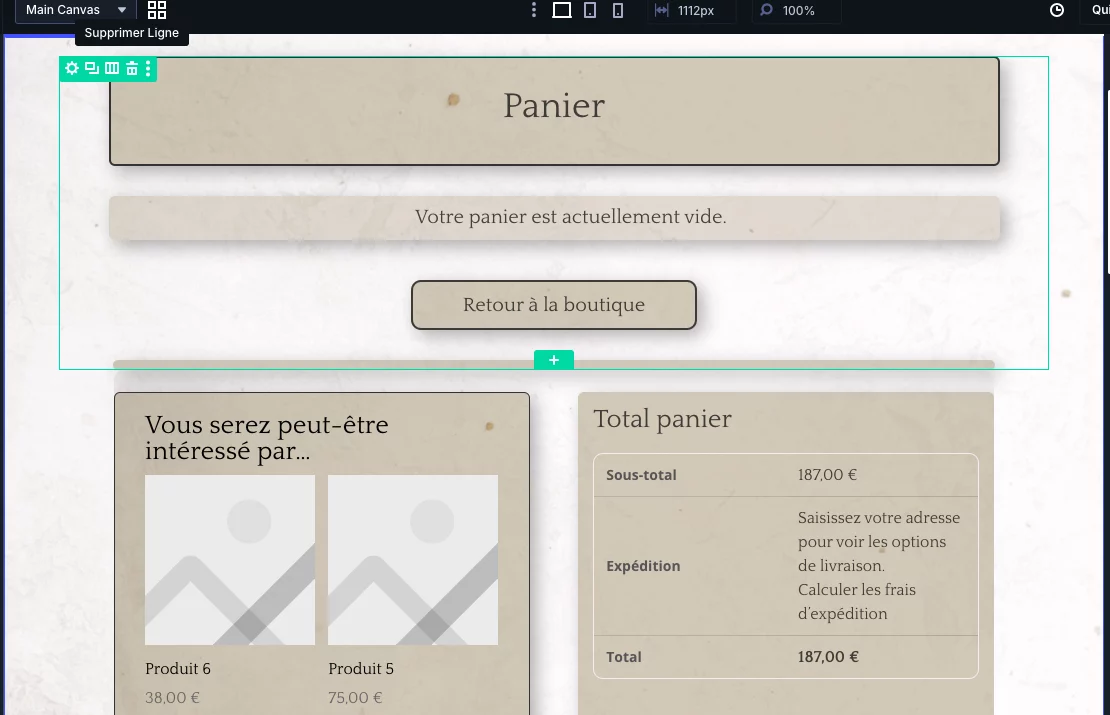
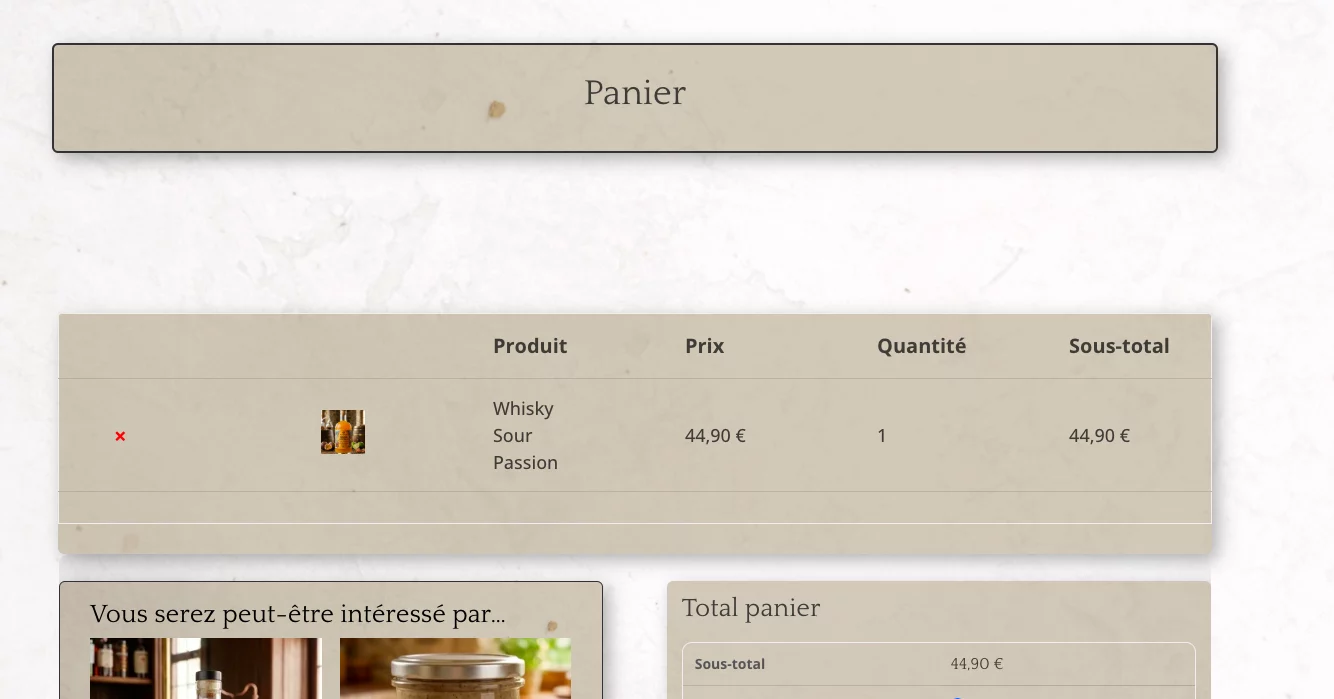
- I have different view in the backend and the frontend because of itms in the cart in frontend I've not in the backend, witch is difficult to adjust it, specially withe gap between the title and the rest.
Could you advice me to solve it?
And maybe advices with the site?
Best regards,
Ramón