

In this video, I talk about the upcoming Divi 5 Design System being built from the ground up!

Hi everyone,
I'm seeing a brief flash of an unstyled header on page load. For a split second, the logo appears oversized and the menu looks unstyled, then everything snaps into its proper design.
I'm not using any caching plugin at the moment, and I've already regenerated Divi's CSS.
My current Divi Performance settings are:
- Dynamic Module Framework: OFF
- Dynamic CSS: OFF
- Dynamic Icons: OFF
- Critical CSS: OFF
- Improved Google Fonts Loading: OFF
- Defer jQuery and jQuery Migrate: OFF
Has anyone experienced something similar or found the root cause?
Thanks!

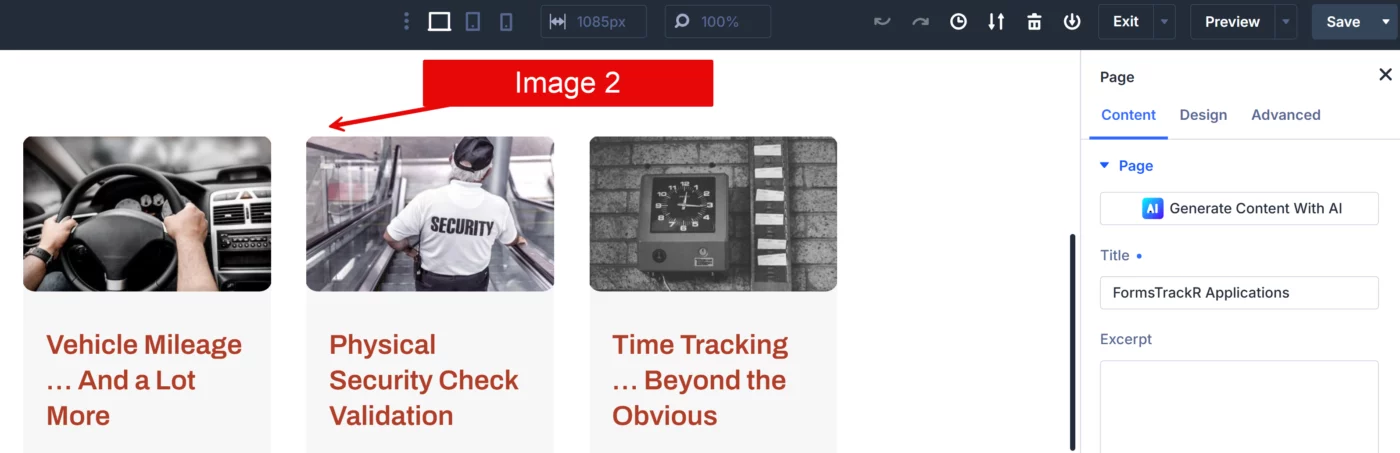
I am out of ammo trying to resolve a weird issue with radius on post images. In the Theme Builder blog post layout, the radius is displayed correctly (see image 1). The radius is also displayed correctly when I am in page edit mode (see image 2). However, when viewing the actual post page, the radius is missing on the images (see image 3).
The page layout uses the k-blog preset for the blog module and an autogrid column layout. If anyone has an idea why this is happening, I will appreciate your thoughts.


Divi 5 is not just “Divi 4 with updates”.
The entire workflow has changed.
In this video, I break down why so many people are struggling with Divi 5, what changed behind the scenes, and why the old “design as you go” workflow no longer works properly.
We’ll cover:
• Why Divi 5 feels more complex
• The new workflow using variables and presets
• Why clamp values matter
• The difference between styling modules vs elements
• Why consistency is becoming critical
• How Divi 5 is moving towards real design system workflows
I also explain the exact process I now use when designing websites in Divi 5:
- Create variables
- Generate scales
- Map typography + spacing
- Build presets
- THEN start designing
If you skip that process, Divi 5 can quickly become frustrating.

I purchased Divi 5 Mastery, but I still don't have access to the course because it shows as locked. Could someone please look into this? Thanks.
I've got something waiting for you inside your membership.
The Divi 5 Workflow course is now live — and as a lifetime member, you get full access at no extra cost.
Here's why this course matters:
Most Divi 5 users dive straight into building — and then wonder why their projects feel chaotic, slow, or hard to hand off. The truth is, Divi 5 requires a specific workflow to unlock its full potential. Without it, you're working harder than you need to.
This course walks you through that exact workflow — step by step — so every website you build is structured, efficient, and built the right way from the start.
What you'll learn:
→ The correct order of operations before you touch a single layout
→ How to set up your Divi 5 environment for maximum speed
→ The workflow principles that separate professional builds from amateur ones
→ How to avoid the most common workflow mistakes that slow projects down
This is included in your lifetime membership — no upsell, no extra login. Just head inside and you'll find it waiting.
This is one of those courses that quietly changes how you work — and once you build this way, you won't go back.
Enjoy it.

Despite having a lifetime membership, I still don't have access to the latest KrafterPRO version (still on 2.1.8). I also don't have access to the new Workflow course.
I appreciate you are busy, but I am getting a bit tired of all the broken promises.

Hallo Mak, ik heb toch recht op toegang met mijn lifetime DIVI Mastery II? Ik snap niet waarom ik dan nu eerst moet betalen om toegang te krijgen? Ik hoor graag wat hier mis gaat

It's easy to understand the frustration of those who, accustomed for years to working in a certain way (Divi 4), find themselves having to unlearn their habits. Mak is very empathetic in acknowledging this difficulty: manually editing every single pixel or color is alienating work. Changing workflows is scary. Mak reassures us in the video by showing that the initial learning curve will lead to enormous relief in the future.
The Intelligence of the "Design System" is the key message of the video: abandoning visual micromanagement. Switching to variables, clamp values* (which automatically adapt to screens), and global presets, Mak says, means stopping being "bricklayers" (who lay one brick at a time) and becoming "architects," where we design the rule, not the single exception.
This ensures scalability, consistency, and professionalism.
The authenticity of the message doesn't undermine the commercial purpose, but for us at KrafterPro, we're taking a leap beyond the well-structured sales funnel for a $47 course. However, this doesn't invalidate the validity of the message at all. The urgency Mak is trying to convey ("if you use old methods, you'll fail and get frustrated") is real. Today's web design market is unforgiving of inefficiency.

Will I have access to Krafter pro?
Bit lost.