

Thank you all for your support and patience.
This community has grown quickly, and I truly appreciate every one of you.
If you purchased Krafter, you’ve been upgraded to KrafterPRO
- This upgrade was promised, and I’m pleased to deliver it.
Lifetime Members and SiteKrafter buyers also have full KrafterPRO access
- To make your status clear inside the community, you will now see a PRO tag next to your name.
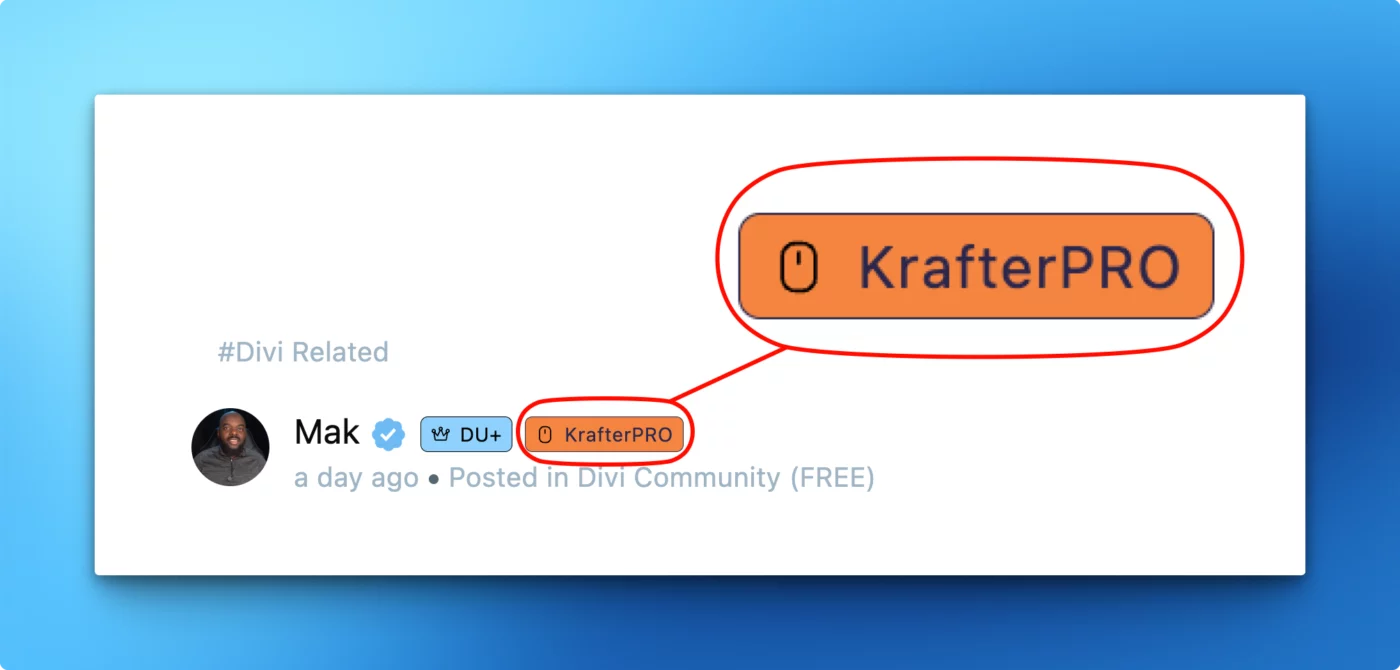
The Badge of Authority
You will notice a “PRO” tag beside your name (see image below). This is not just visual decoration. It signals:
- Priority support status
- Access to deeper resources
- Membership in the Pro tier
- Commitment to professional Divi 5 design standards
This badge indicates that you are building at a higher level.
Welcome to the KrafterPRO Private Community
As a PRO member, you now have access to:
- Priority support
- Design inspiration and workflow discussions
- Website critiques and guided improvement
- Early insights as Divi 5 evolves
- A community focused on professional design systems
This is your central space for mastering Divi 5 confidently and consistently.
Why KrafterPRO matters for Divi 5
Divi 5 is a complete rebuild with new behavior, new variables, and a new workflow.
Without a structured design system, users often experience:
- Inconsistent spacing
- Broken responsiveness
- Unpredictable module behavior
- Accessibility issues
- Disorganized presets
KrafterPRO solves these problems with:
- Fully redesigned modules (fluid and consistent)
- Light and dark versions for every module
- A complete semantic color system
- Fluid typography across all headings and text
- A spacing scale based on real UI design principles
- Presets that eliminate most manual adjustments
This gives you the structure Divi 5 should have shipped with.
Limited Opportunity — $40 Launch Discount
If you have not upgraded to PRO yet, the discount window is closing soon.
To celebrate the launch, there is a $40 discount available for a limited time.
Claim your $40 Discount KrafterPRO $197$157
If you have questions or need feedback, feel free to post in the community.
Thank you once again for being part of this journey.

I do have one important question regarding the installation over the previous Krafter 2.4.
After updating Divi 5 to the latest version, do we delete the previous version of Krafter in the the Divi Library by simply trashing it, emptying the trash and then install Krafter Pro? Will it mess up the presents library in the new install or cause any other problems?
Do we also delete the old templates in the theme builder with the Trash icon (reset templates) first, then install the Krafter Pro templates? I think that one is a yes. Thanks all!

Just launched this site using Sitekrafter and Divi5: https://cocopalmsresort.us/
Loved using the premade variables, though had to create my own color variables as the design didn't follow a primary/secondary color on the pages. 🤷♀️ but love, absolutely love using clamp on everything. Thanks Mak!
Sorry about the error on the download link, download KrafterPRO here!
Finally KrafterPRO is now LIVE. Thank you for your patience. Please watch the video on how to install and get started.
What happens next:
- I am going to send out an onboarding email soon.
- I will be inviting everyone to the new KrafterPRO Community and the course.
- I will also update the the dashboard
If you missed the offer, here is the link to KrafterPRO.

I've purchased Krafter-2.4.zip and the invoice shows "Krafter - Lifetime"
Yet there seems to be
Krafter - Divi 5 Design System Course
(Learn how to design professional websites using the Divi 5 Design System.)
and
SiteKrafter Pro - Divi 5 Utility First Design Framework.
The email says: Buy Krafter you are automatically upgraded to Krafter Pro
Is SiteKrafter Pro the same as Krafter Pro? One seems to be a framework and one seems to be a system - and there's also a child theme . . .
So what do I download and which "course"/ instructions should I use
-
Buy the Design System here for ONLY $77 and get upgraded to Krafter PRO worth $197
-
[Buy the Divi Mastery Course](<$27 https://diviuniversity.com/Divi5-Mastery >) for ONLY $27
*NOTE:
- If you're a Lifetime Member, you get KrafterPro for FREE 😀
- If you already purchased Krafter, you will upgraded for FREE 😀

I'll admint I am not the smartest monkey in the room and I am pretty new to Wordpress, Divi, and now variables, presets, clamp etc. But I feel like I have a basic enough understanding and while I have built a few websites, I think maybe my lack of experience is part of the problem
I'm trying to figure out the best product to purchase for my needs and it seems like there is some hierarchy to the products but its not clear and I can't tell what the relationships are between products. I can't see what some of the products look like or what's in them. I am making what I think are obvious assumptions about my questions but I'm not comfortable making purchasing decisions in a vacuum of information. That being said... the products do seem very helpful and I can see the time saving value.
What is the difference between the Divi Starter Template and the Krafter Starter Template?
What is in the Super Modules?
Krafter Presets says it uses modules. Is this just presets or is it modules with the presets? Are those modules coming with the settings unique to each module or do presets and variables get imported with them?
Are the Krafter presets included in Super Modules?
I can only see most products from the Shop link in my dashboard but not on sitekrafter.com - why
Krafter vs SiteKrafter Pro - Does Pro have what Krafter has + more? What is the more? I assume it is just a marketing wording mismatch (at least for me it seems so)
I think that if the marketing was clearer and there was more documentation I might have a better handle on what is what.
In this sneak peek, I show you why Divi 5 defaults break your designs — and how I rebuilt every single module using an engineering-grade design system: Krafter Pro. Inside this video, you’ll see:
✅ Why Divi 5 defaults fail accessibility tests
✅ How Krafter Pro gives every module fully fluid spacing + typography
✅ Normal + dark mode versions pre-wired for real-world design
✅ A complete color-token system that updates globally
✅ Proper responsive behavior across ALL breakpoints
✅ The exact workflow I use to build production-ready sites in minutes
And the course that will show you how to use this entire system If you want to build consistent, scalable, responsive Divi 5 websites without manually fixing every module… this is the system Divi 5 should have shipped with.
-
Buy the Divi Mastery Course for ONLY $27
-
Buy the Design System here ONLY $77

Once I have installed Krafter Pro 2.4 what is the best practice to handle updates? Will an update overwrite any changes I have made to any settings?
Is there any actual documentation for Krafter Pro?