
Will it be possible to add additional frames ? Or will additional frames be added to krafterpro ? Would be interesting to have more variations of frames ?

Hi Krafters, Does anyone for me have a video link how to install krafter plugin to Divi? It does not pop-up in the plugin area in DIVI. Thanks in advanced!

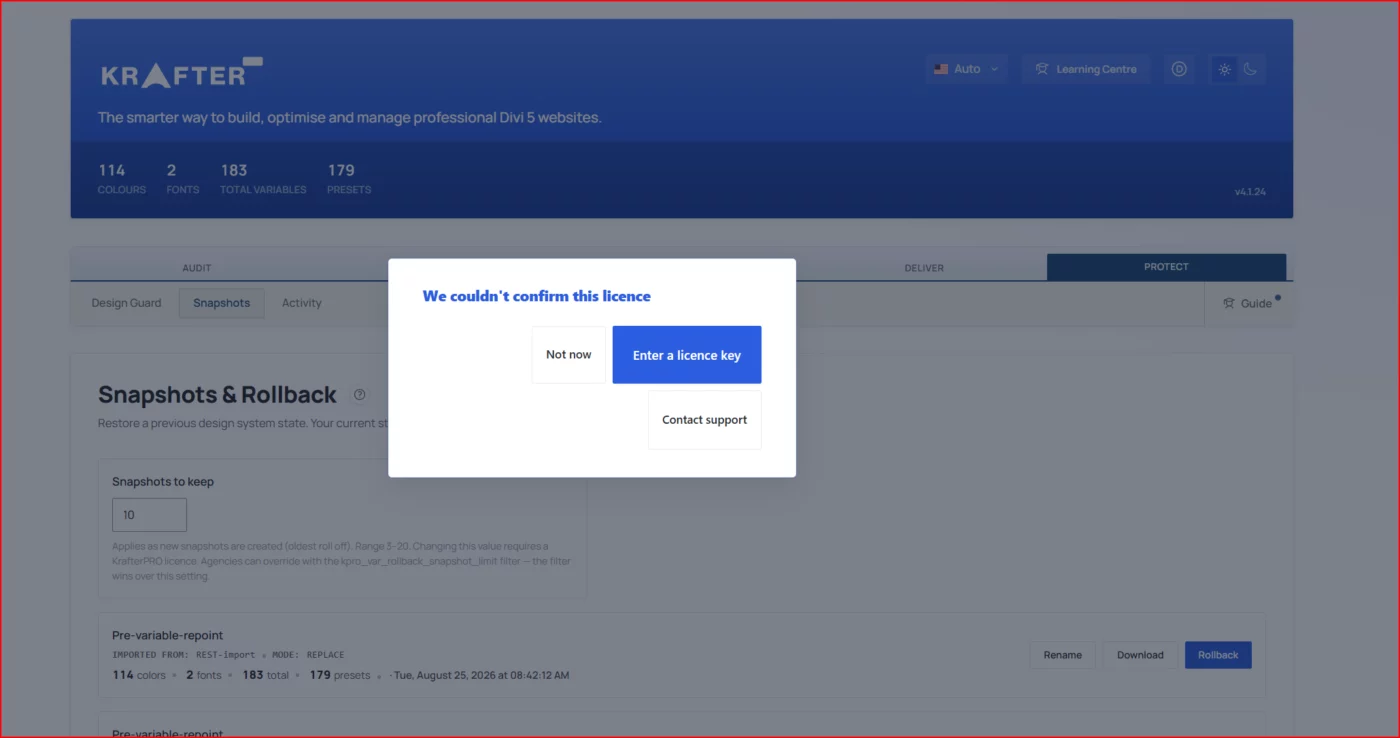
I am unable to download or export my design files. Whenever I attempt to do so, a blue error message appears stating that I need to activate my license. I've tried deactivating and reinstalling twice. I've tried rebooting and clearing caches, but it still won't let me export my design site.Although I have successfully activated the license and it appears as active in my settings, the error persists, preventing me from downloading or backing up my files. Please assist me in resolving this recurring issue.

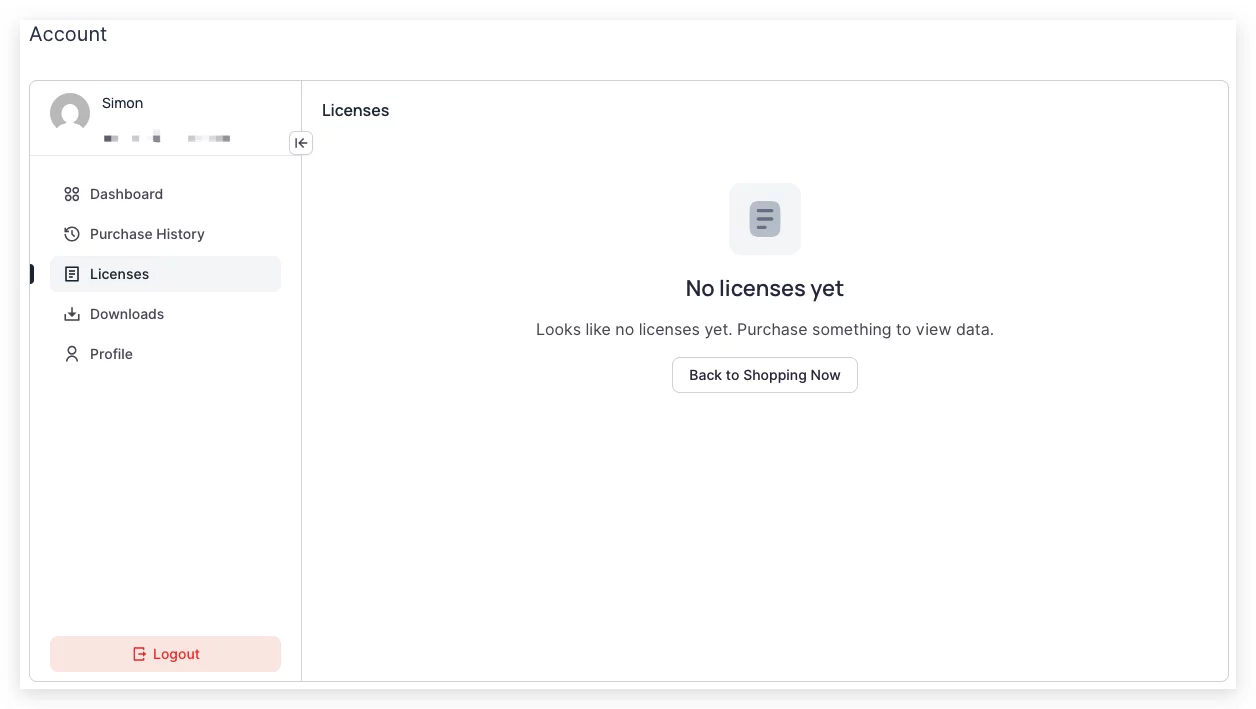
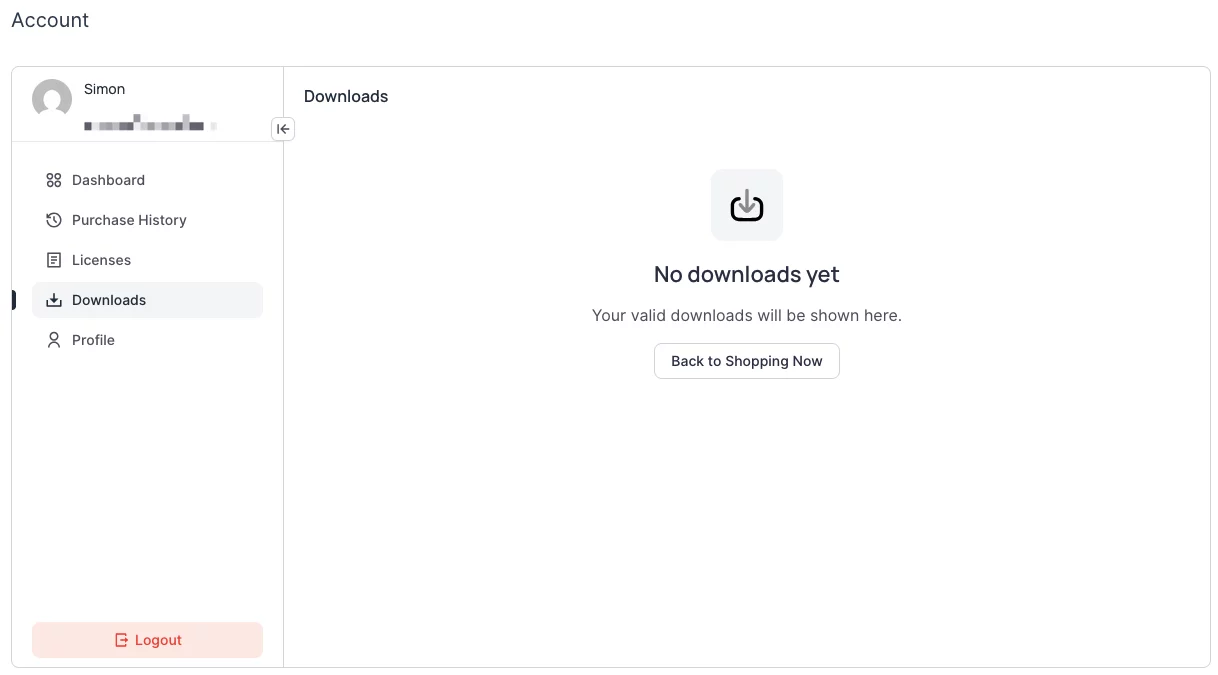
Hi, I am a lifetime member and bought KrafterPro long time ago. I was not in this group for some time for personal reasons. I do not have any Downloads in my Account or Dashboard. Where are the actual Downloads now? How to download KrafterPro as a lifetime member?
Regards Manfred

Design the layout below using KrafterPRO and Divi 5. Use any image for background. Send a link to the final design here, good luck 😀


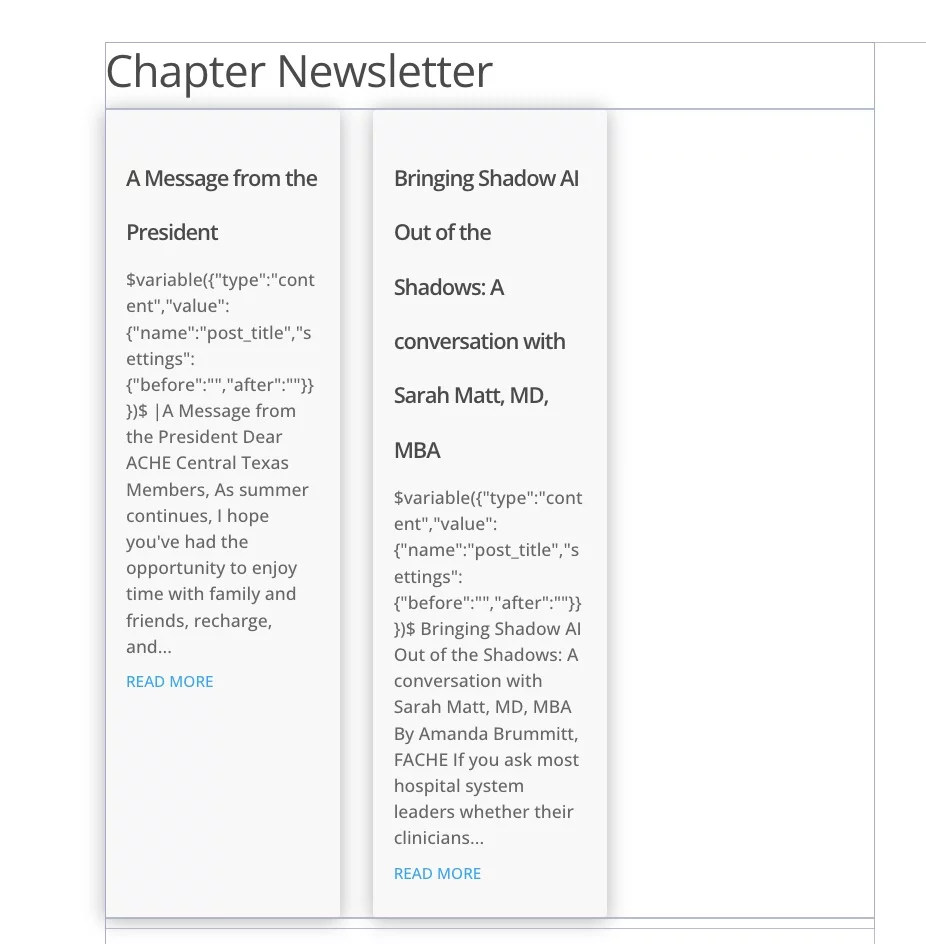
Is anyone else experiencing display issues with the Blog Module after the most recent updates? Is there a cause and/or a fix?
Is anyone else experiencing the failure of the KrafterPro plugin to auto-update in WP? I have maybe 40-50 sites using KrafterPro, and probably 1/2 to 3/4 did not auto-update this latest version. I've checked with my hosting provider at Cloudways, and they claim it is a plugin issue.



Hi Mak,
Thank you for continuing to improve KrafterPRO. I would like to raise an important migration issue for users who built websites with the older KrafterPRO Design System before the new plugin and the updated Design System were introduced.
Many existing users may already have complete websites using the old presets, variables, and internal preset IDs. The difficulty appears when importing the new Design System using either Merge or Replace.
With Merge:
- The old and new presets appear together because their names and internal IDs are different.
- For example, an old preset such as
k-section mediumand the newk-section-mare treated as separate presets. - This creates duplicate systems, and existing pages continue using the old presets rather than automatically adopting the new ones.
- Users who already used Merge may now have both generations of presets in the same website.
With Replace:
- Existing pages still reference the old internal preset IDs.
- If an old referenced preset is removed, the page design can change because Divi cannot find that ID.
- The new Replace protection in 4.1.24 is helpful because it keeps protected presets and presets still used on pages or in Theme Builder.
- However, retaining those old presets prevents the design from breaking but does not migrate them to the new v3.1.2 presets.
- The result may still be a mixture of old referenced presets and new presets.
The main issue is that matching preset names is not enough because Divi connects page elements through internal preset IDs.
What existing users need is an official migration process that can:
- Detect websites using the older KrafterPRO Design System.
- Recognize sites where Merge was previously used and both systems now exist.
- Map old presets to their correct v3.1.2 equivalents.
- Preserve or safely update the old internal IDs so existing page references remain connected.
- Apply the new preset structure and settings without changing the current design unexpectedly.
- Map old variables and colors to the new token structure.
- Show ambiguous or unavailable mappings before applying the migration.
- Provide a backup, preview, or rollback option.
For example, the desired result would be:
k-section medium with its existing old ID
→ receives the correct v3.1.2 structure/settings
→ existing pages remain connected automatically
→ no duplicate old/new presets are required.
We attempted to solve this by creating a custom migration JSON that preserves old IDs while inserting the new preset settings. However, this is delicate because the old and new systems have different preset inventories, names, IDs, variables, and structures.
Is there already an official upgrade or migration tool for websites built with the old KrafterPRO system? If not, would it be possible to add one to the plugin?
I believe this would be very valuable because many existing KrafterPRO users likely created websites before the plugin and the current Design System were available. They need a safe upgrade path, not only a fresh installation workflow.
Thank you, Mak. I would appreciate your advice on the recommended migration procedure for existing production websites.

Mak . I've been trying to get this resolved for a number of days but no responses to my community comments or the support ticket I raised.
I'm a lifetime member but have no access to KrafterPro in downloads or licenses on my Dashboard. Can you please fix my account?
Thank you.