

I am in the Row, Layout is flex. Sizing: there is no slider, or any reference at all, to gutter spacing. Where is this option?


After we install any of these products, and make changes to the presets, variables, etc., I would greatly appreciate a step by step guide as to how we can upgrade to a newer version, so it won't override any customizations (changes) that we may have made on our website to presets, default presets, variables (colors, etc.). I'm very concerned to use Krafter, the Starter Template, as well as SiteKrafter Pro, unless I know exactly how we should be updating our websites when you release new versions. Since you do provide updates quite regularly, which is great, it's just extremely important for us to know that we won't lose any modifications that we may have made on our websites (when using a prior version of Krafter, the Site Template, etc.) after we upgrade to a newer version.
All I'm looking for is clear instructions and a guide that will show us what to do before we upgrade to a newer version (of each of your products), any steps that we need to complete before upgrading to a newer version, if we need to delete anything before upgrading, etc., etc. I'd greatly appreciate it if you could provide us with a video (for each of your products) showing us 1. how to initially install each product and then 2. what we need to do in order to upgrade to a newer version (so we won't lose any customizations that we might make to our websites. (e.g., the presets, variables, default presets, etc.)
Do you think you can help us by providing this? And if you can, how long do you think it will take you? Because until I have these instructions, I'm too nervous to start using Krafter, the Site Template, and Site Krafter Pro. Let us know.
PS: When you update Krafter, is Site Krafter Pro also updated since Site Krafter Pro and the Site Template also uses the same presets, etc., that are used in Krafter??

I hope this saves someone some time. I just updated the site I am rebuilding in Divi 5 to Beta 7 to check out the new Preset Manager. When I viewed the existing presets, I didn't see any of Krafter 2.2's presets. Nick's video noted that you can import presets, so I attempted to import the Krafter 2.2.json file and I received a message that this file should not be imported in this context.
I also checked to make sure Krafter's presets were still working, and they seemed to work well with body text size, heading text, spacing and padding. With limited testing, it appears that Krafter 2.2 is functioning well with Beta 7 independently of the new Preset Manager.
Obviously, Mak needs to provide specific instructions on how Krafter will (or will not) work with the new Preset Manager. I think the manager will be a very useful tool to speed up production, so I am looking forward to what he has to say about it.
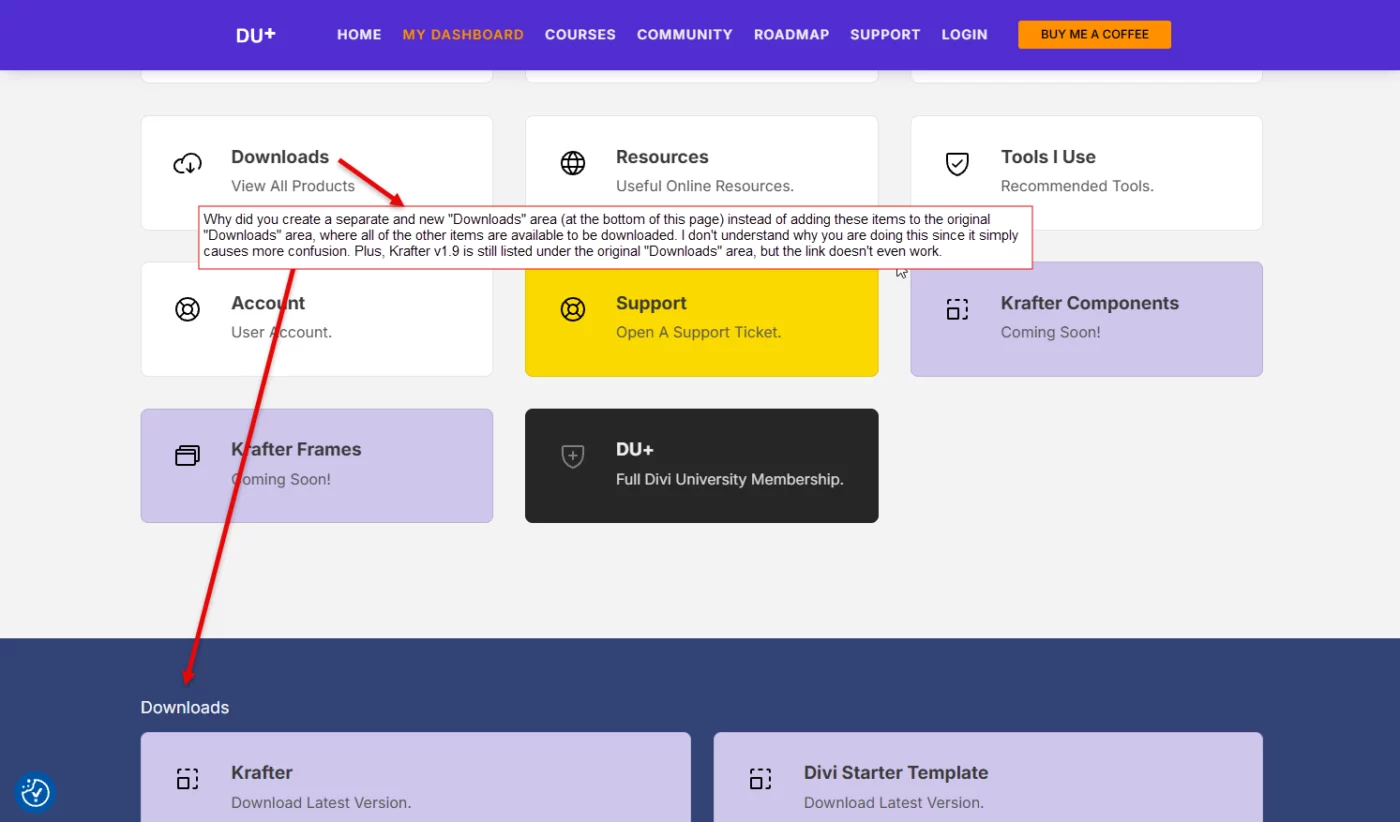
Please let me know why this has been implemented like this. Thanks. Gary

Hello,
At this point, I need a precise technical clarification rather than general rollout explanations. The Preset Manager / Main Canvas feature is clearly available in production, as evidenced by multiple third-party Divi 5 videos published after its announcement, showing real installations actively using this interface. Given that my system is fully functional, up to date, and correctly configured, the key question is no longer whether the feature exists, but to whom and under which conditions it is enabled. Specifically: is access determined by account type, site creation date, Divi 5 installation date, upgrade path from earlier builds, database flags, or another entitlement mechanism? A clear explanation of the actual activation criteria would resolve this immediately.


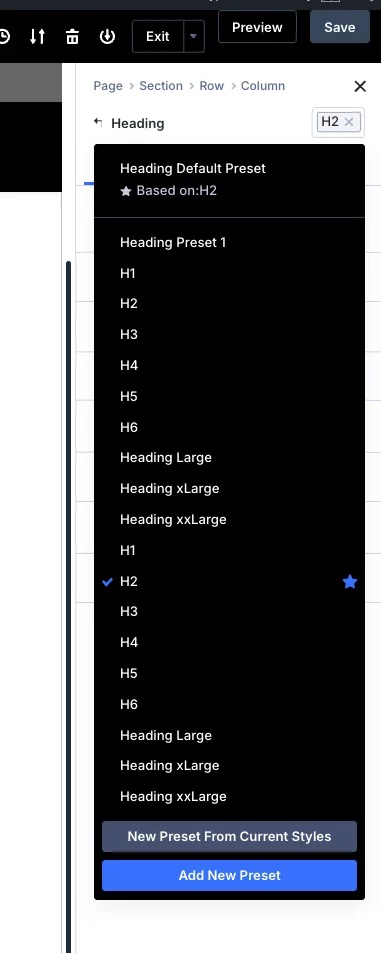
I've imported the Krafter 2.2 layout and created presets from it. After doing so, I realized Mak had used semi-bold for the headings, and I need to use Medium. So, I went back to the Krafter 2.2 page, made the changes, and then added the Headings back in as presets. Now I have two sets of H1-H6 presets. Why didn't the new ones replace the old ones? How do I get rid of the duplicates?
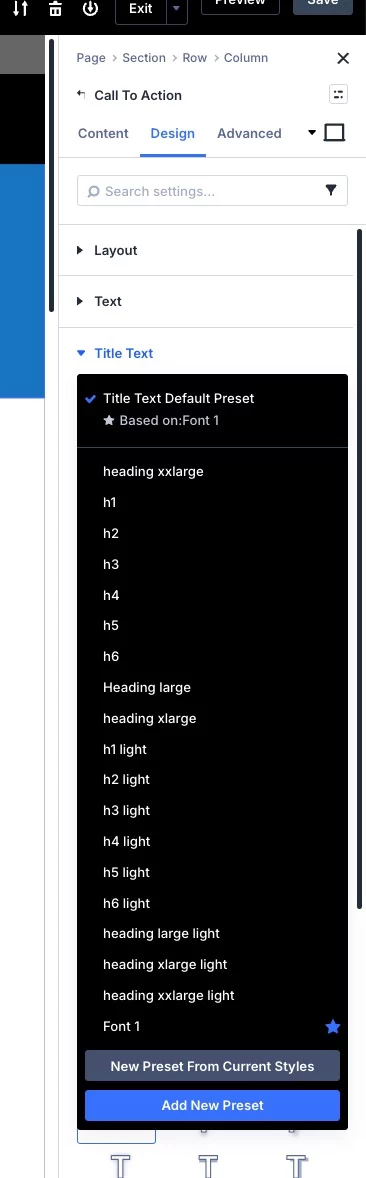
Also, why do my imported Krafter 2.2 Heading presets not show up inside of modules, like the CTA? I just don't get how this is supposed to work.

Hy everyone:)
Im exited too be a member of the community. I all new in designing websites, but found Divi5 realy good, but also a lot too learn. I have trouble finding anything about have you use pluig ins and how you activate them. i dont know anything about that a i tryed many things but im stuck. Can anyone maby link something that tell how plugin in wordpress divi5 works and hov to activate them. Im working on a blog that need a chat function so people can talk togeahter.
Thks , and have a very nice weekend.

Learn how to design a features section using a design system.
Very frustrated. Mak , I'm not getting any responses to support tickets that I'm submitting, nor follow up comments.
I've submitted numerous tickets over the past 4 weeks and not one of them got a reply. I've also commented in the community, tagging you in the comments, but still no reply. I've also emailed you directly with questions, but I haven't received a reply.
This is very discouraging since there are some fundamental questions I (and others) have about how to use Krafter, the Template, etc., when new versions keep coming out.
Can you please either hold a weekly webinar during which we can all ask questions and get answers or ... reply to the support tickets and comments / and posts we add here in the community.
Can you help us?
Gary