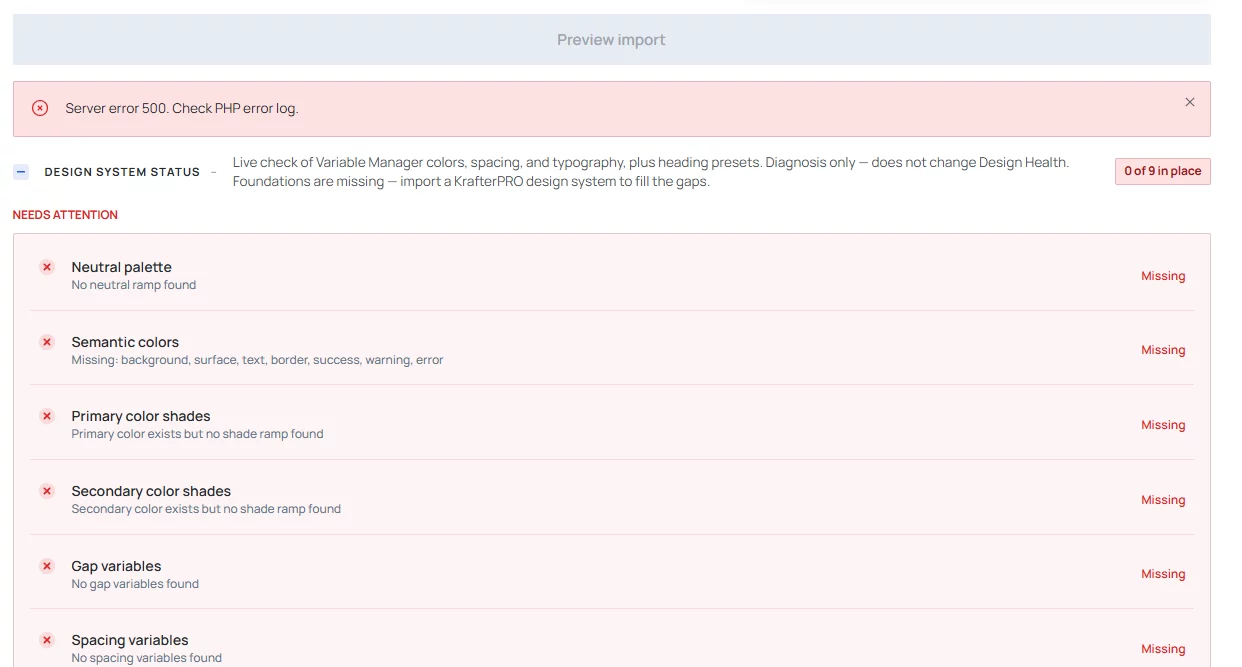

It would be useful if you could use the Fix>Cleanup>Find & delete and have an "all" option to see exactly what variables and presets are installed and in use. Selecting the "Used in ... "is really helpful.
Such as below where I used "a":
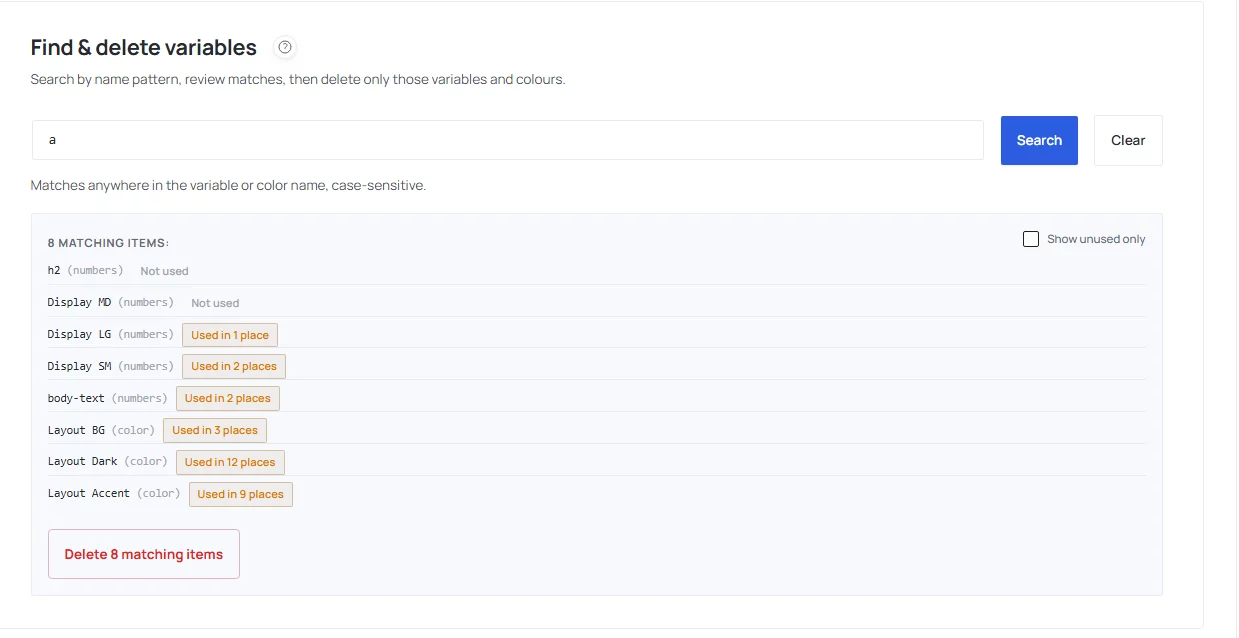
and e:
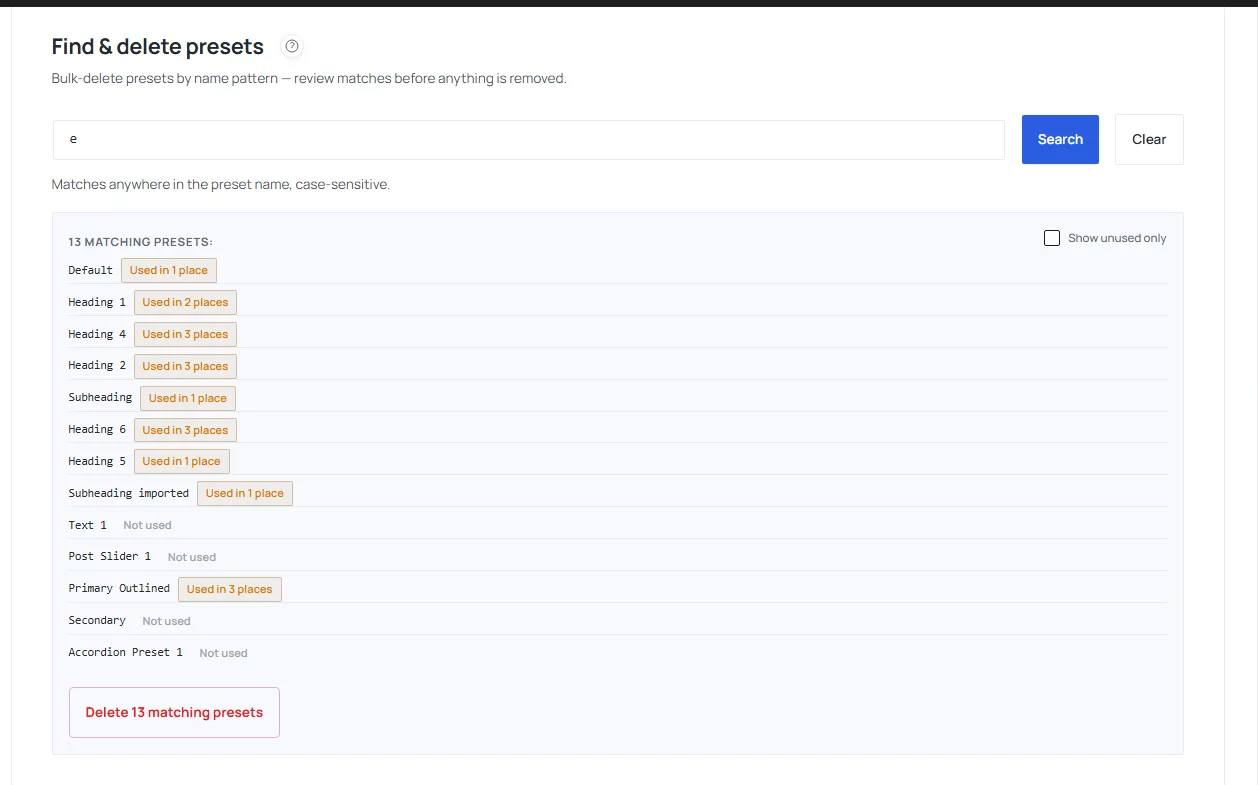
Also able to only delete those that are not used.

Hello,
When you deliver a website to a client, do you leave all unused variables in place?
Is there a way to identify and remove unused variables before delivery to keep the site lean?
Thanks in advance for your feedback!

Does anyone know where and how to change the styles in this preset? I'd like to change the background colors and size of fonts... but have not been able to get anything to work.
Example page - https://mam.birkey.net/resources/

Looking at the list of variables in the "Export design system" page the title of "spacing" should read "numbers" to be constant with the titles of the variables

Mak . Is anyone else having issues with the Navigation module, for example when using it for a blog?
I've set the link color to Secondary, which is the color I want to use. In the Divi Builder/editor, the links are displayed correctly using the Secondary color.
However, when I view the page on the frontend, the links are gray instead, which is the Primary color. So the selected Secondary color works correctly in the editor, but on the frontend it seems to fall back to Primary.

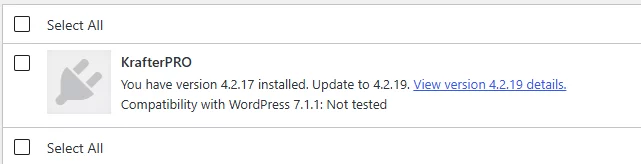
Is it safe to update with Wordpress 7.1.1?

Hi Mak .
I know you are working crazy hard, but please have a look at this problem.
When trying to update to the latest design system I'm getting this error message. I contacted my hosting provider and they have set MySQL max_allowed_packet setting to 16MB as recommended. Unfortunately this has not resolved the problem.
Any tips or suggestions?
Thanks.


Hi everyone!
I’m planning a complete redesign of two of my existing websites using Divi 5 and KrafterPro, and I’d like to make sure I start with the cleanest possible workflow.
Both websites have been running for years and contain quite a lot more than just pages and posts: plugins, plugin data and settings, users, forms, CRM data, LMS/e-learning content, ecommerce data, automations, SEO settings, etc.
So starting with a fresh WordPress installation and simply rebuilding/importing the content isn’t really an option for me.
I’m absolutely fine with rebuilding all the pages from scratch — actually, that’s what I’m planning to do.
What I need to preserve is the existing WordPress installation and its data/ecosystem.
My question is therefore:
What would be the recommended workflow to introduce KrafterPro into an existing, established website and completely rebuild its design system with it?
For example, would you recommend:
- cloning the existing production site to a staging/local environment;
- removing the old Divi layouts/presets/design system while keeping the site data;
- installing/configuring KrafterPro there;
- importing a KrafterPro base system and adapting its variables/presets to the brand;
- rebuilding the Theme Builder templates and pages;
- then migrating the redesigned site back to production?
Or is there a better/safer workflow specifically recommended for KrafterPro when you cannot start from a clean WordPress installation?
I’d especially like to avoid bringing years of obsolete Divi styles/presets into the new design system while, at the same time, making absolutely sure I don’t lose any plugin data or configuration.
Basically: keep the engine and all its data, rebuild the entire body around it. 😄
Thanks for any advice on the cleanest way to approach this!
KP v4.2.17: When I define my own brand colors with "create custom Color kit" and for example use #941100 for my Primary Color, I get this not properly sorted shade range (above under "More Preview"):

I am not sure, if this is a bug.
But how can I fix that? I think it should gradually get darker from 50 to 950 and not break in the middle.
Thank you!

Hi Mak,
I'm trying to set up a fresh Design System with KrafterPRO but I'm stuck on two related points:
- According to the documentation/video, a "full-featured" example Design System file should be available for download in the Divi University account area, but I can't locate it anywhere.
- In the current plugin version there's a button to create a new, empty Design System — but clicking it doesn't do anything on my end.
Steps to reproduce:
- Go to KrafterPRO → Dashboard
- Click "Replace" and then "Install Design System" to create a new empty Design System
- A new Design System should be created/opened.
- The page page just reloads and shows a lot of errors, starting with "Server error 500. Check PHP error log."
Environment:
- KrafterPRO version: 4.2.17
- Divi version: 5.13
- WordPress version: 7.1
- Site URL: local site, test server
- Browser + version: Brave 1.95.101 (64-Bit)
Chromium: 153.0.8010.37 - Same on Firefox 156.0 (64-Bit)
Already tried:
- Cleared page cache and browser cache
- No plugin conflict test, just WP Divi and KrafterPro installed
Could you confirm whether this is a known issue in this version, and also point me to where the example Design System file is actually hosted? Happy to send a screenshot if useful.
Thanks!